Private software, built for one municipality
Readings Manager is not a product for sale. XTREME SOFTWARE SOLUTIONS built it as a custom internal tool for a government municipality, for the people of its water utility who run the meter-reading cycle. It works with that utility's own files, its own readings server and its own billing process, and nothing else.
Licences are issued only to that municipality, for its own office computers. There is no public download, no trial and no price. This page exists so the utility's staff can find the documentation, the release notes and the updates in one place.
Licensed to one municipality only. No other organisation can buy or license Readings Manager.
Custom apps by request
XTREME SOFTWARE SOLUTIONS builds custom apps, internal tools and data-processing tools by request, for municipalities, public bodies and businesses, made around your own files, systems and process, like this one. Contact us and tell us what you need.
Licence and terms of use
Readings Manager is licensed, not sold, to that municipality only, for internal use on its own computers. The software and its source code are the exclusive property of XTREME SOFTWARE SOLUTIONS; the source code is never shared with any person or entity. Reverse engineering, decompiling, copying or redistributing the app is not allowed, and XTREME SOFTWARE SOLUTIONS is not responsible for data loss or for misuse of the app. The full text is in the licence and terms of use.
The whole reading cycle in one window
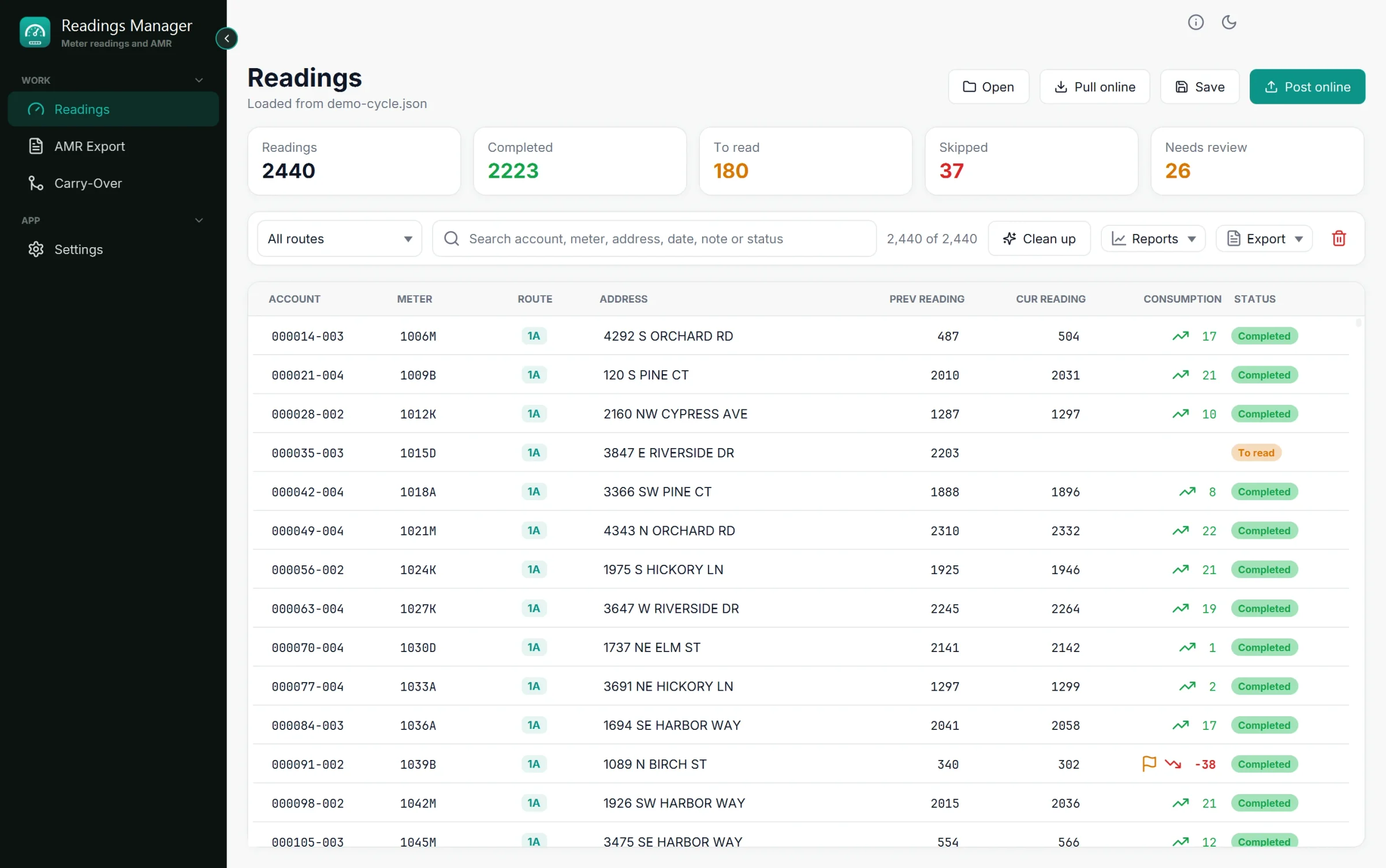
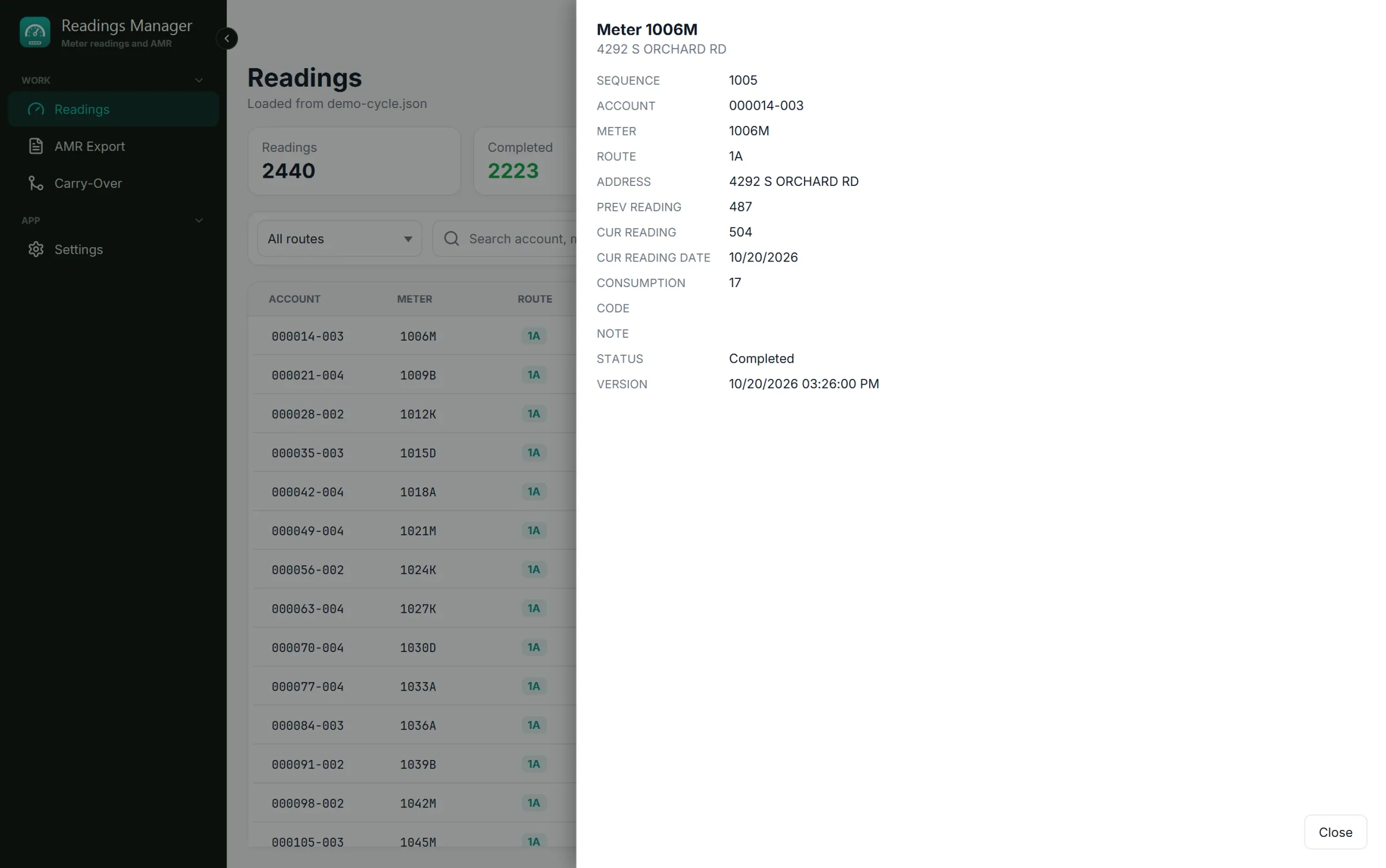
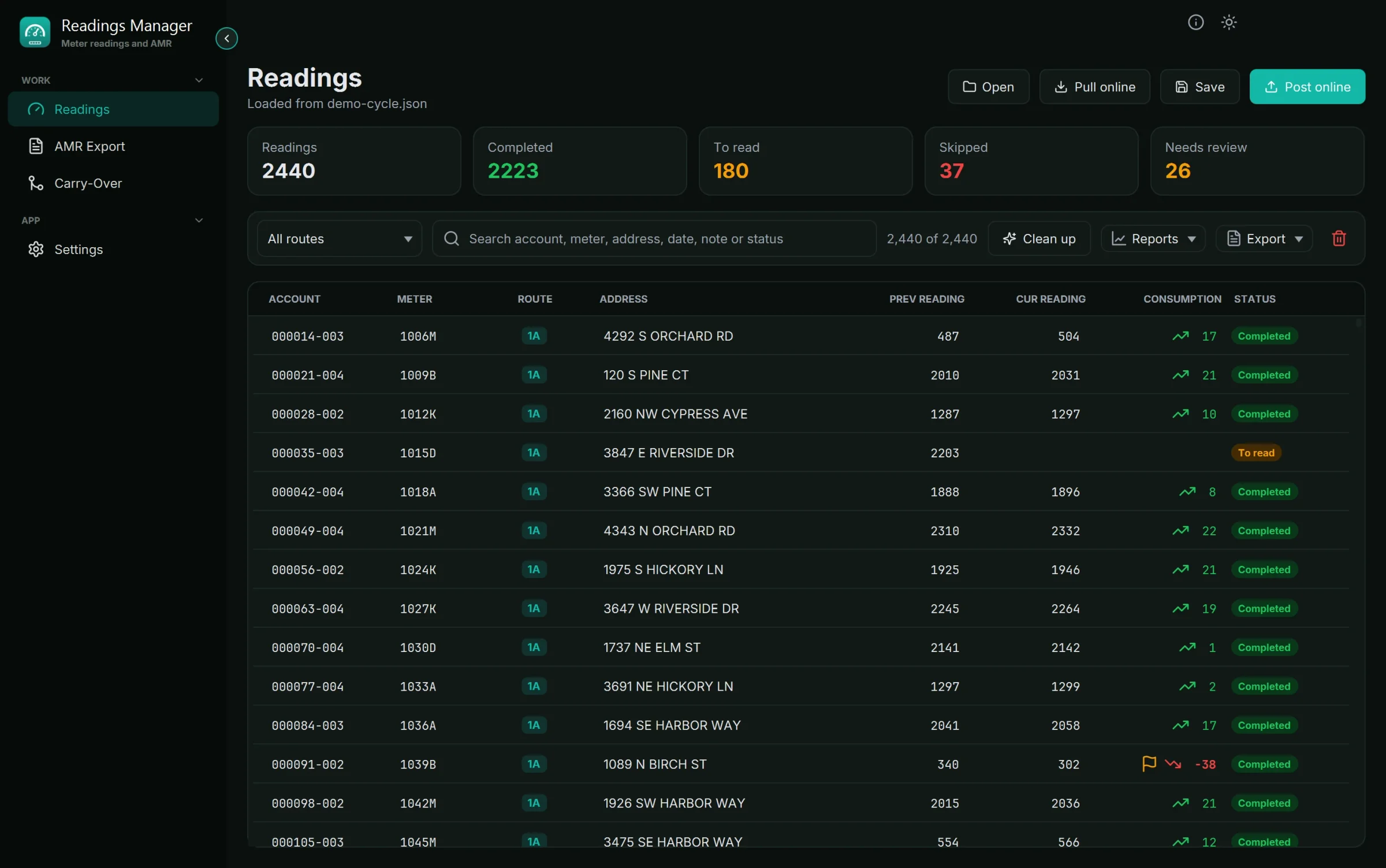
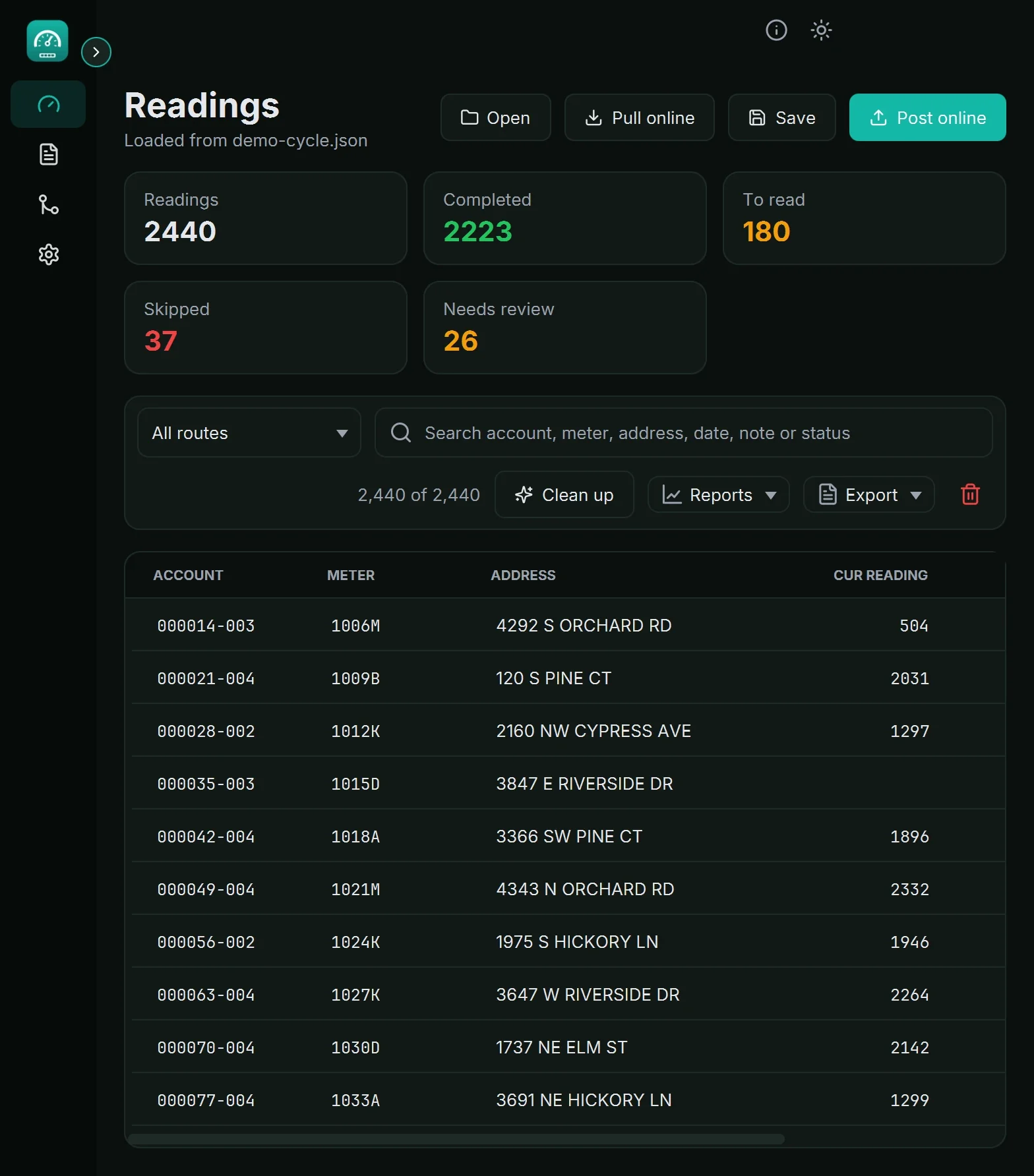
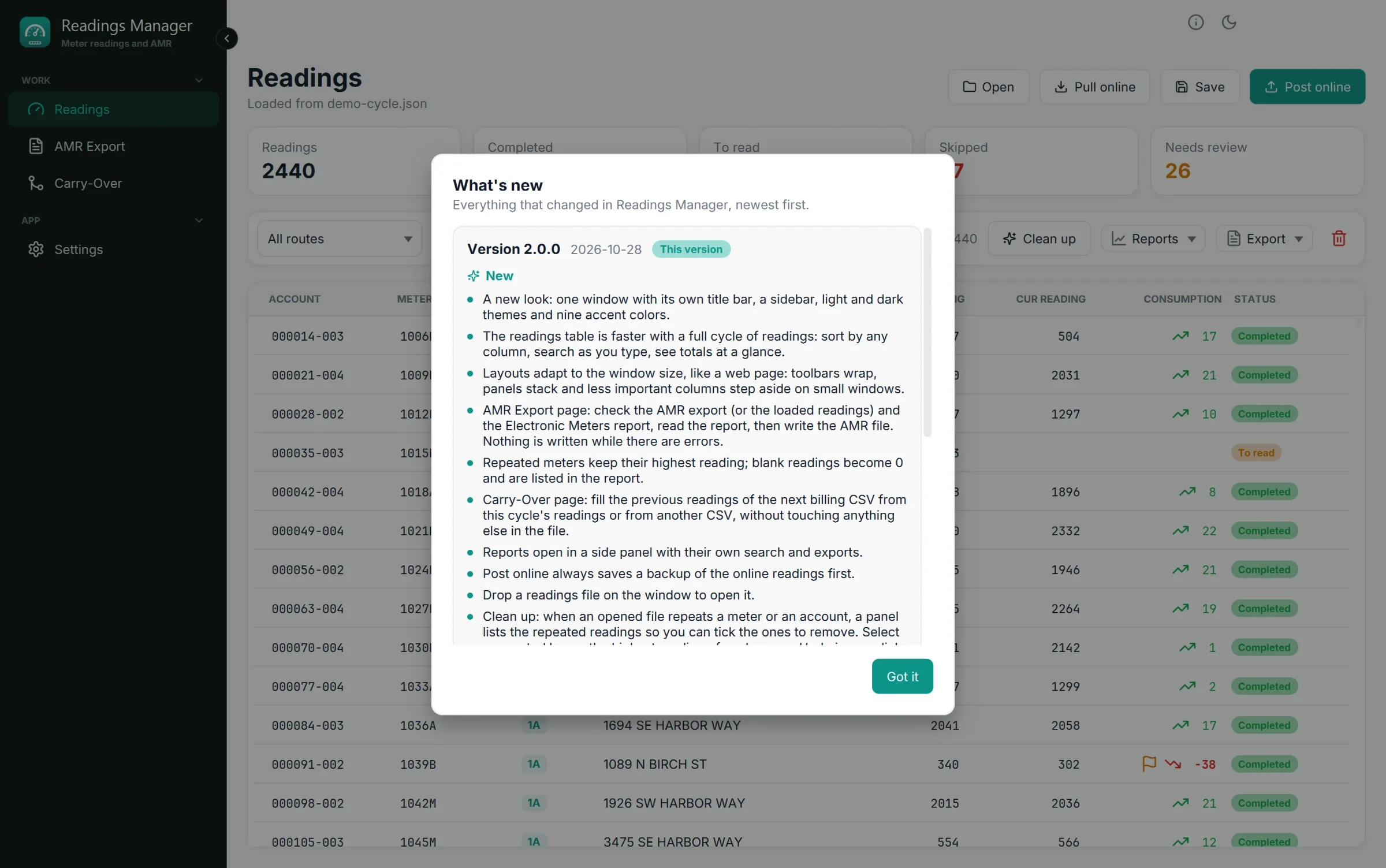
Open the import CSV or a readings file, drop it on the window, or pull this cycle's readings straight from the utility's readings server. Every reading lands in one fast table you can sort by any column, filter by route and search by account, meter, address, date, note or status, with the totals of the cycle always in view: how many readings there are, how many were read, which are still to read, which the reader skipped and which need review.
Checked before anyone is billed
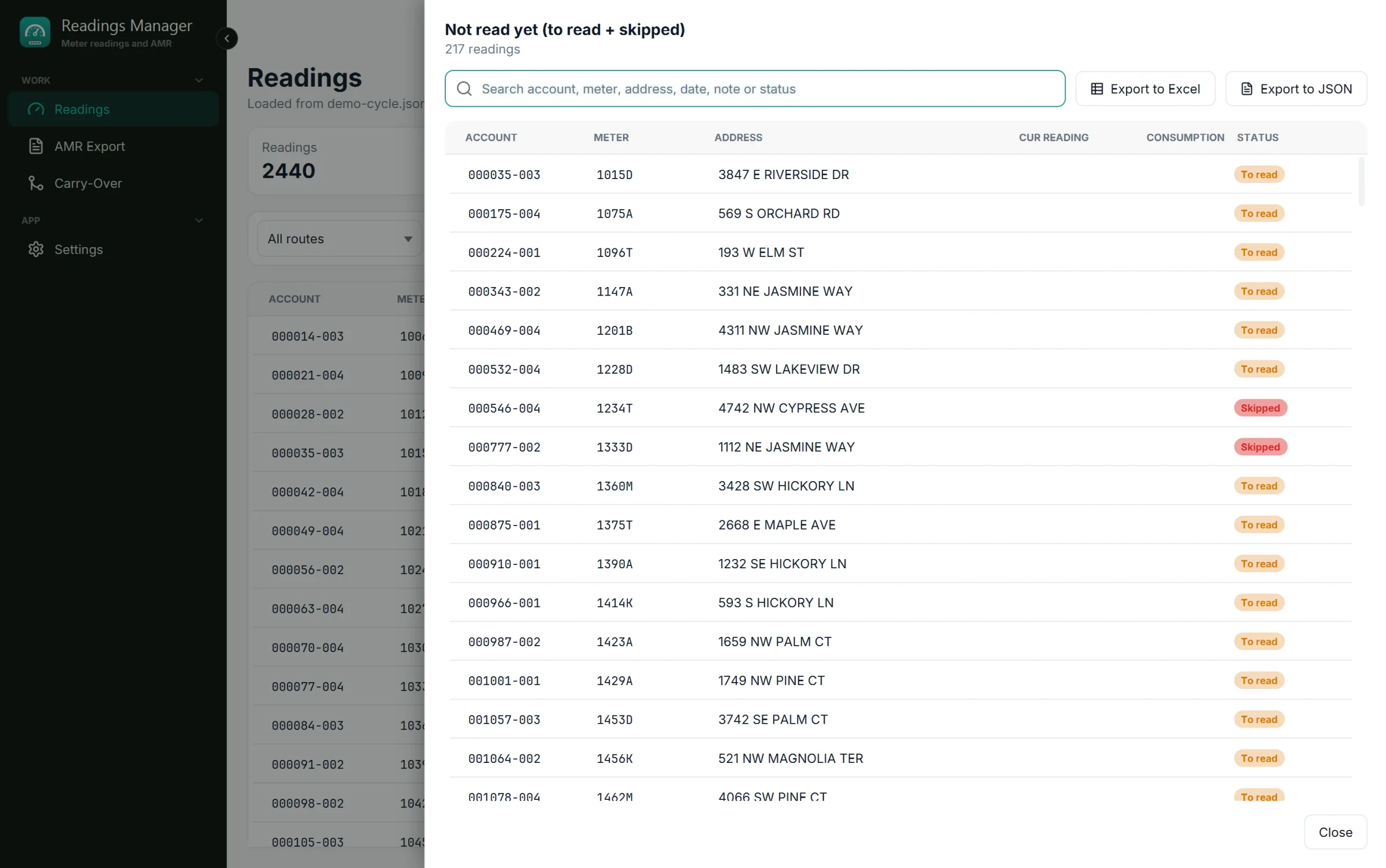
Reports list duplicate meters and accounts, readings with a note or a code, meters still to read and meters the reader skipped. Readings lower than the previous cycle are flagged as needing review, largest drop first. When a file repeats a meter or an account, Clean up lists the repeated readings so you can tick the ones to remove, with the highest reading suggested as the one to keep and undo one click away.
The AMR import file, without surprises
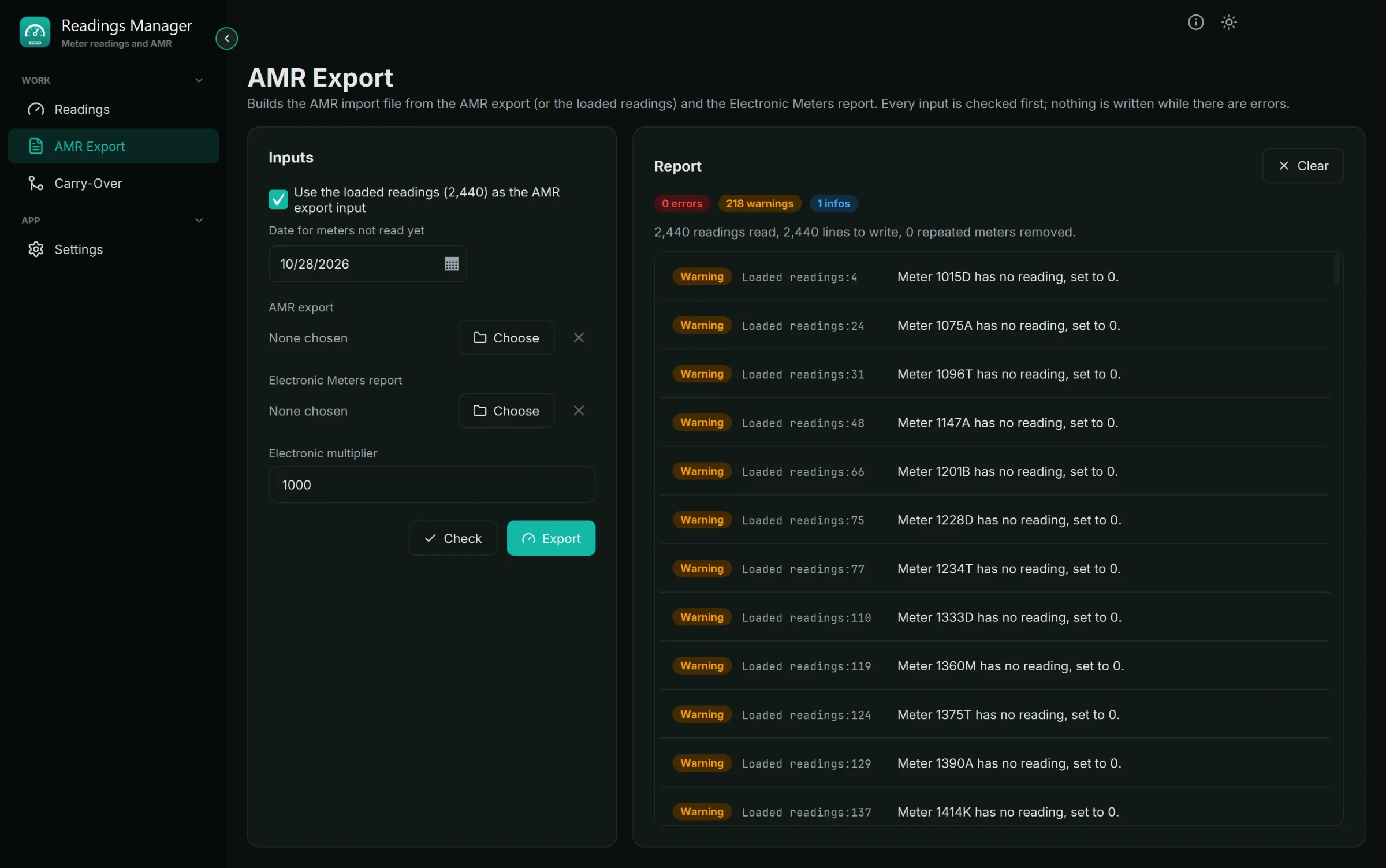
The AMR Export page combines the AMR export (or the loaded readings) with the Electronic Meters report and checks every line first. A repeated meter keeps its highest reading, blank readings become 0 and are listed, electronic readings are divided by the utility's multiplier, and every date is written the same way. Nothing is written while there are errors, and the file is replaced, never appended to.
Carry-Over and the next cycle
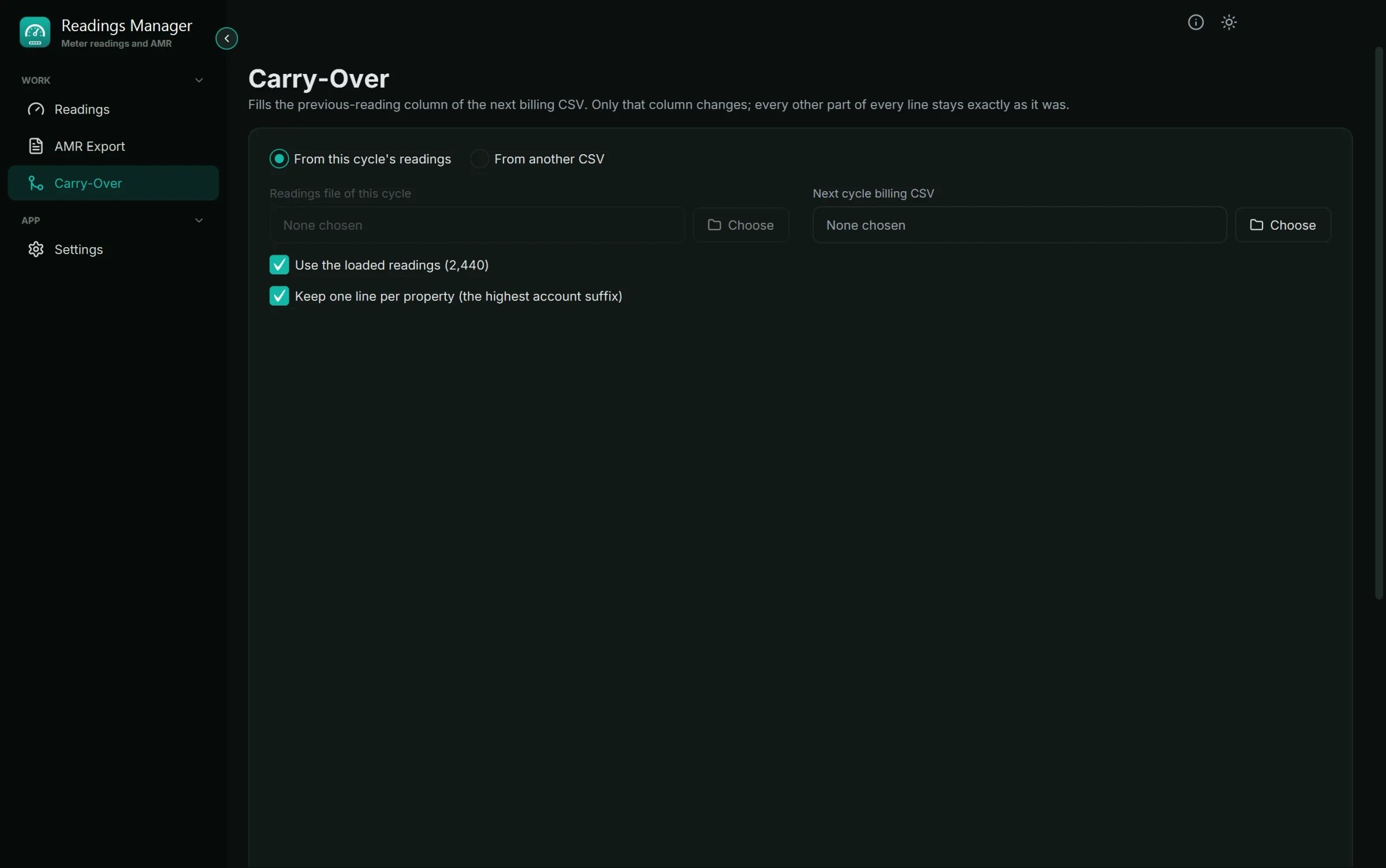
Carry-Over fills the previous-reading column of the next billing CSV from this cycle's readings or from another CSV, without touching anything else in the file. Export writes the table to Excel or JSON, or straight into the next cycle's import CSV.
Back to the server, always with a backup
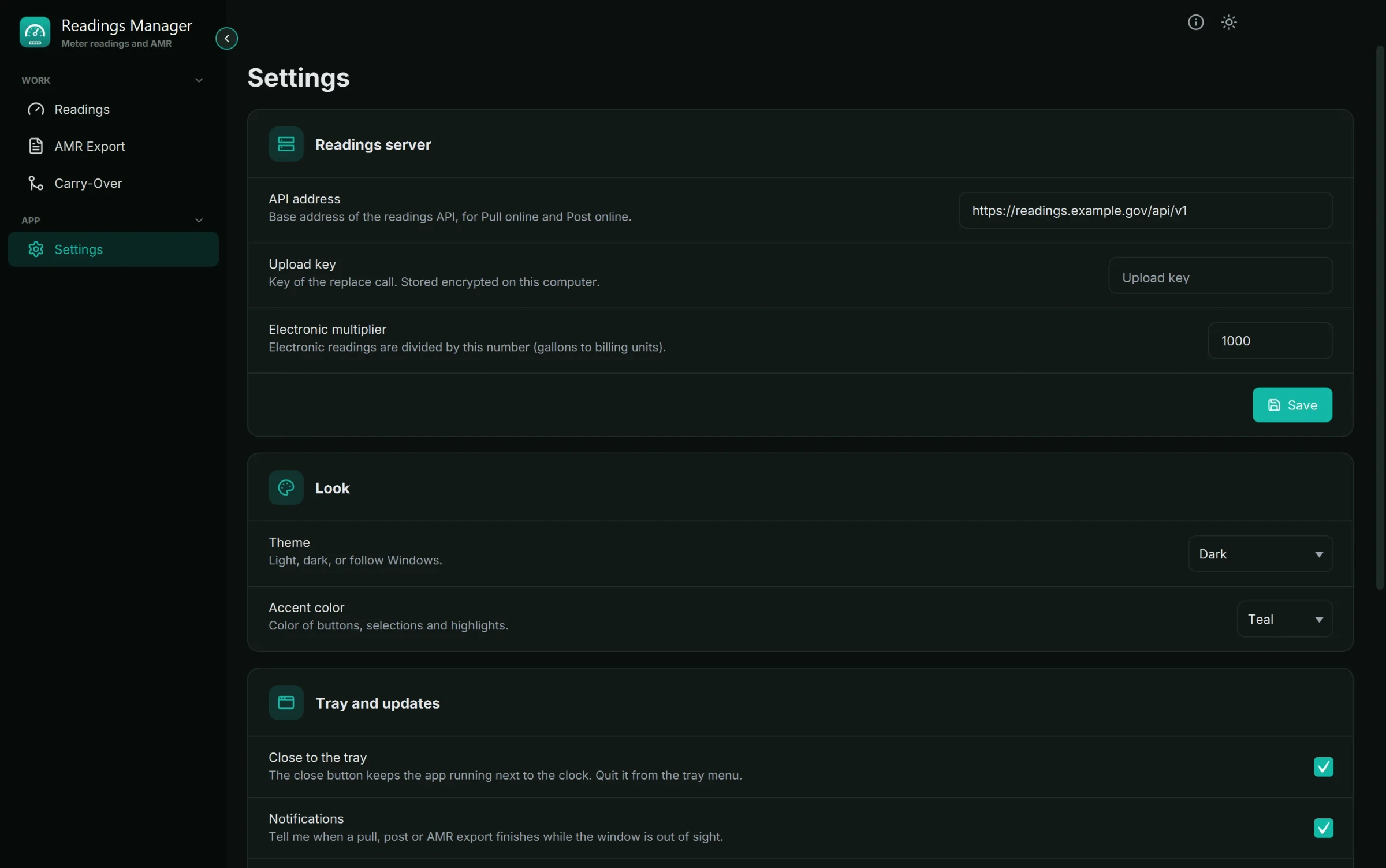
Post online sends the checked cycle back to the readings server, and it always saves a backup of the online readings first. The upload key is stored encrypted on the computer and is never shown.
Made for the office
Light and dark themes with nine accent colours, a layout that adapts from a small window to a 4K screen, a guided tour on the first start and the release notes of every update. The app can keep running next to the clock and says when a long job is done. New versions are offered inside the app and installed with one click.