One ticket, from the counter to the cash drawer
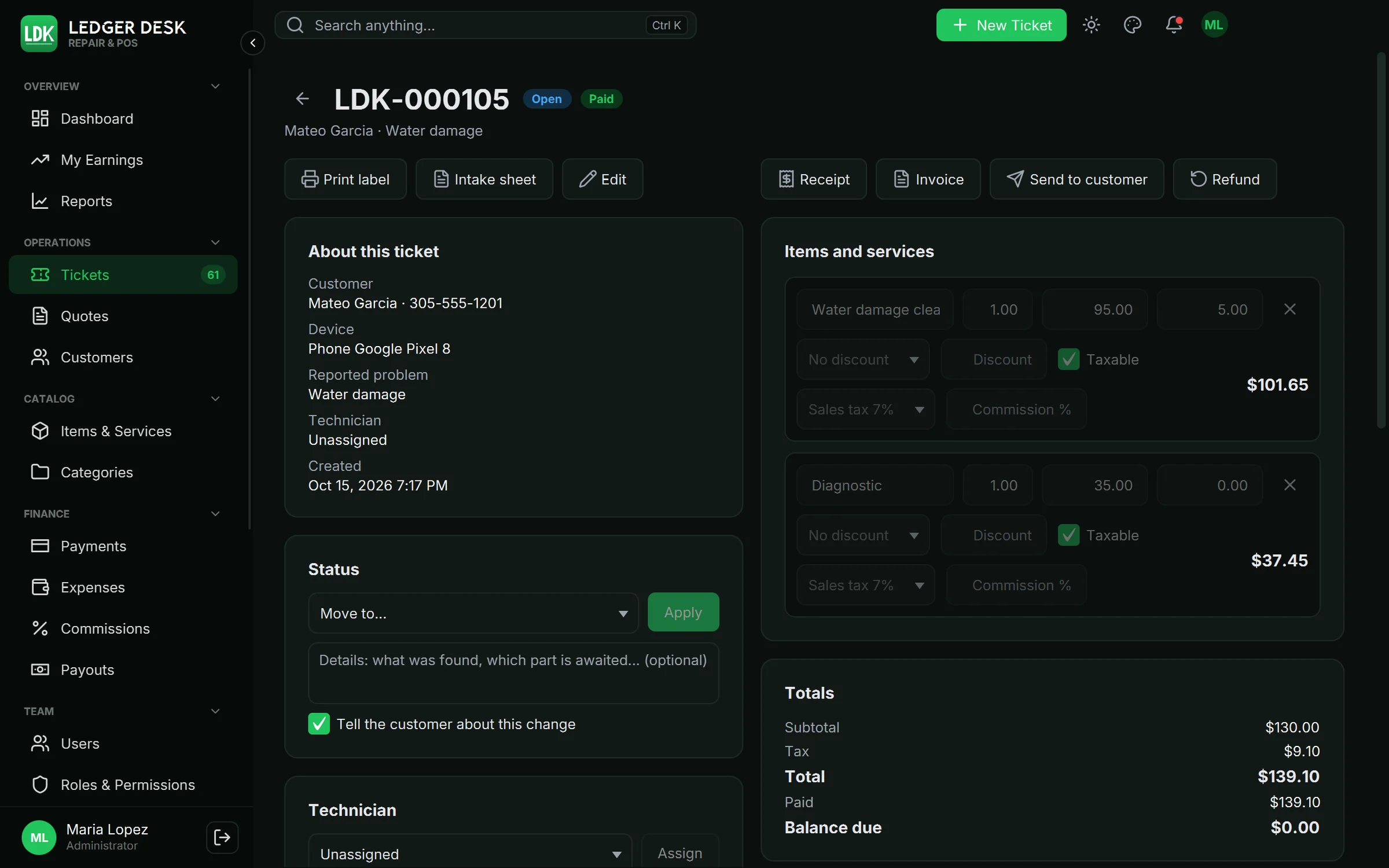
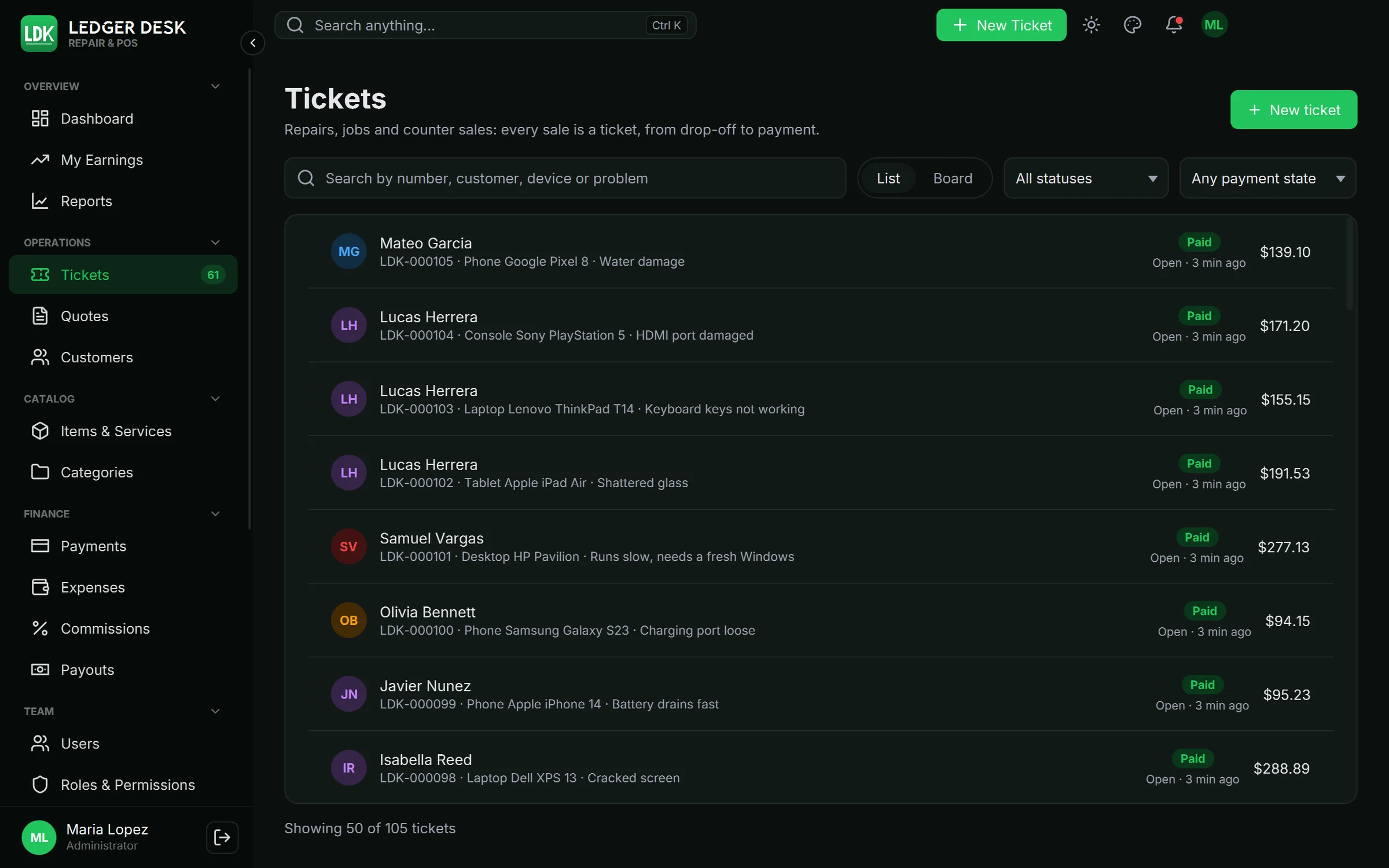
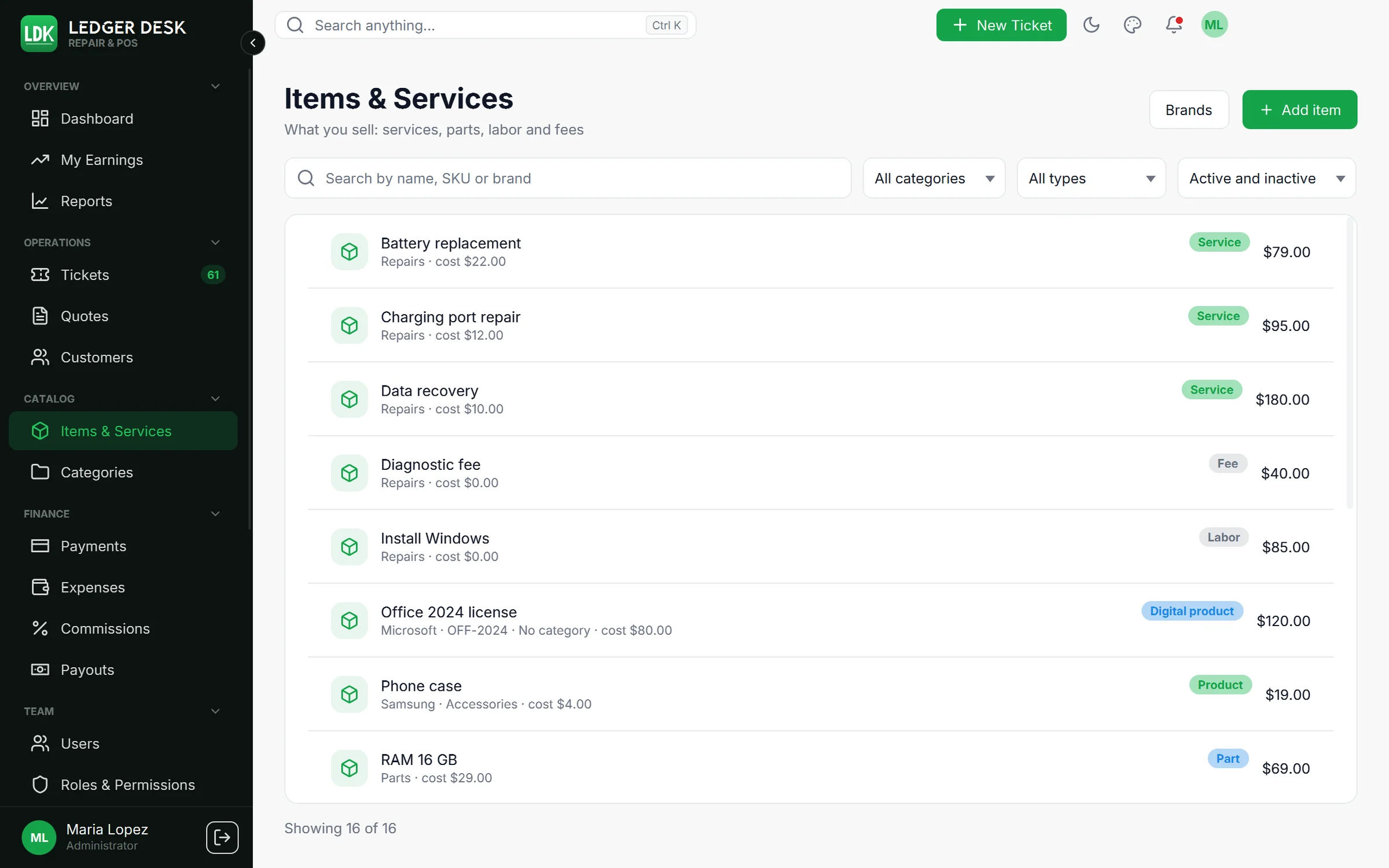
A customer walks in. You find them in a second or serve them as a walk-in, open a ticket with the services and products, and print a label that goes on the device. When the work is done the customer pays on the same ticket and leaves with a receipt or an invoice. No double entry, no lost devices, no guessing who did what.
Know what every job really earned
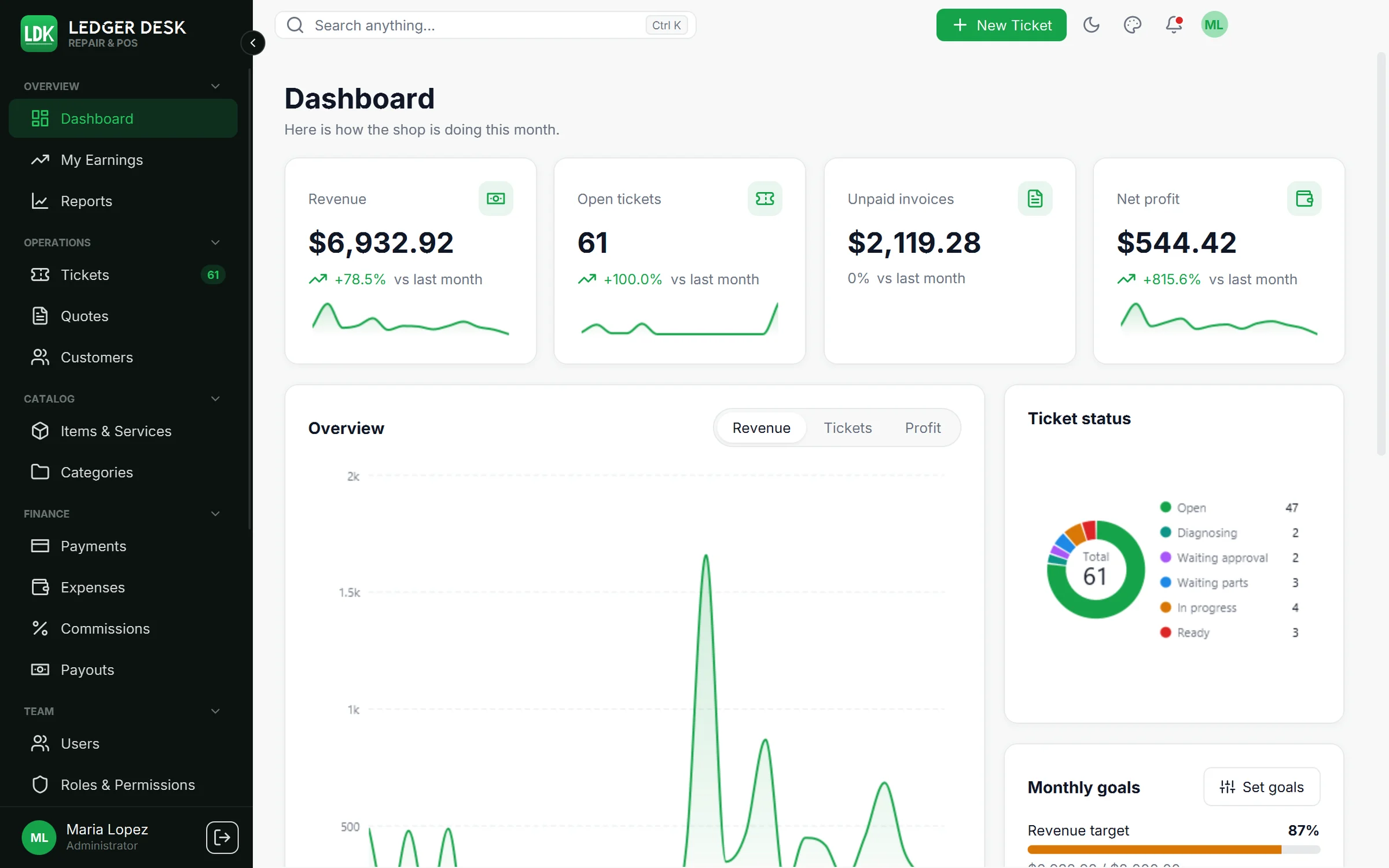
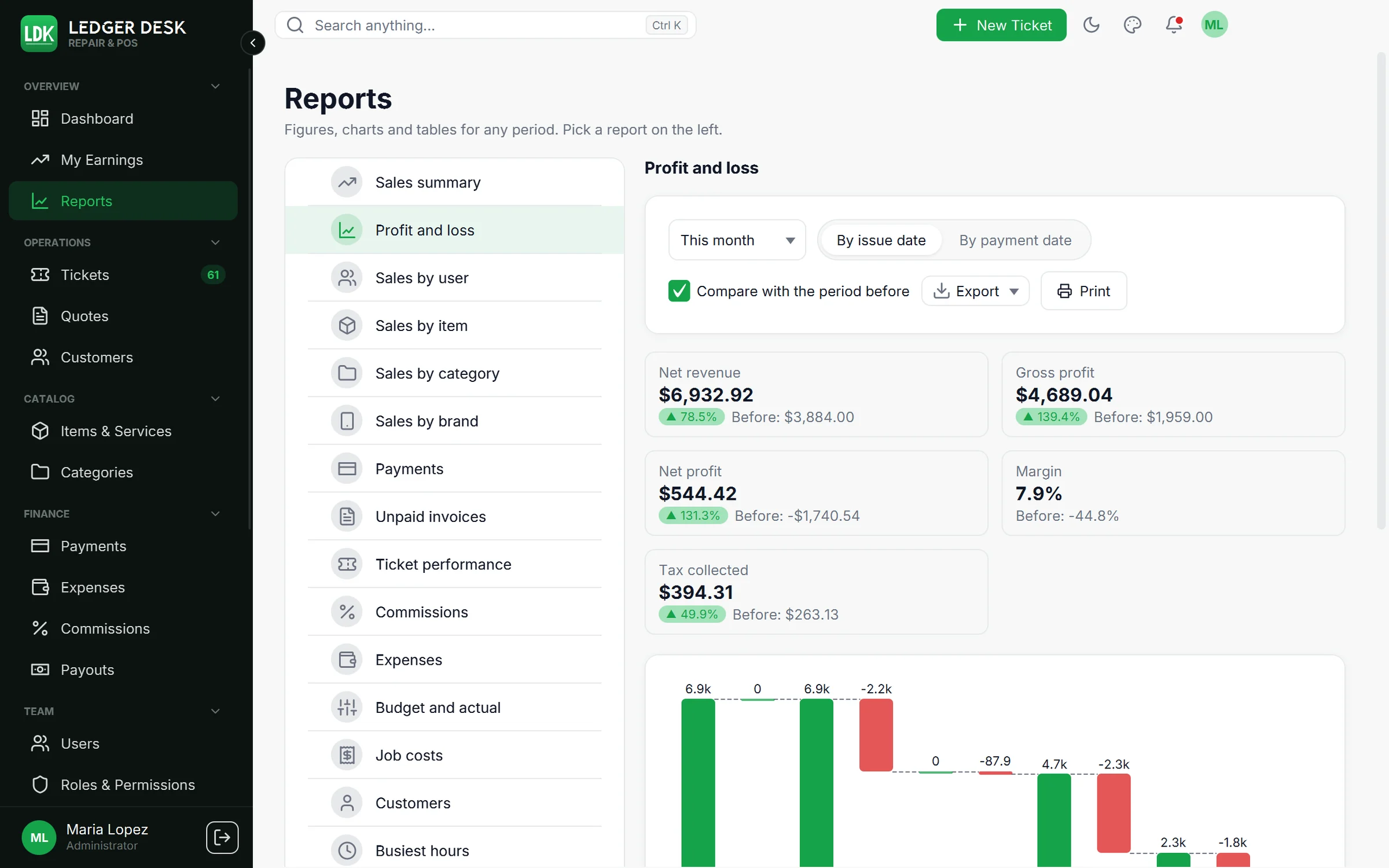
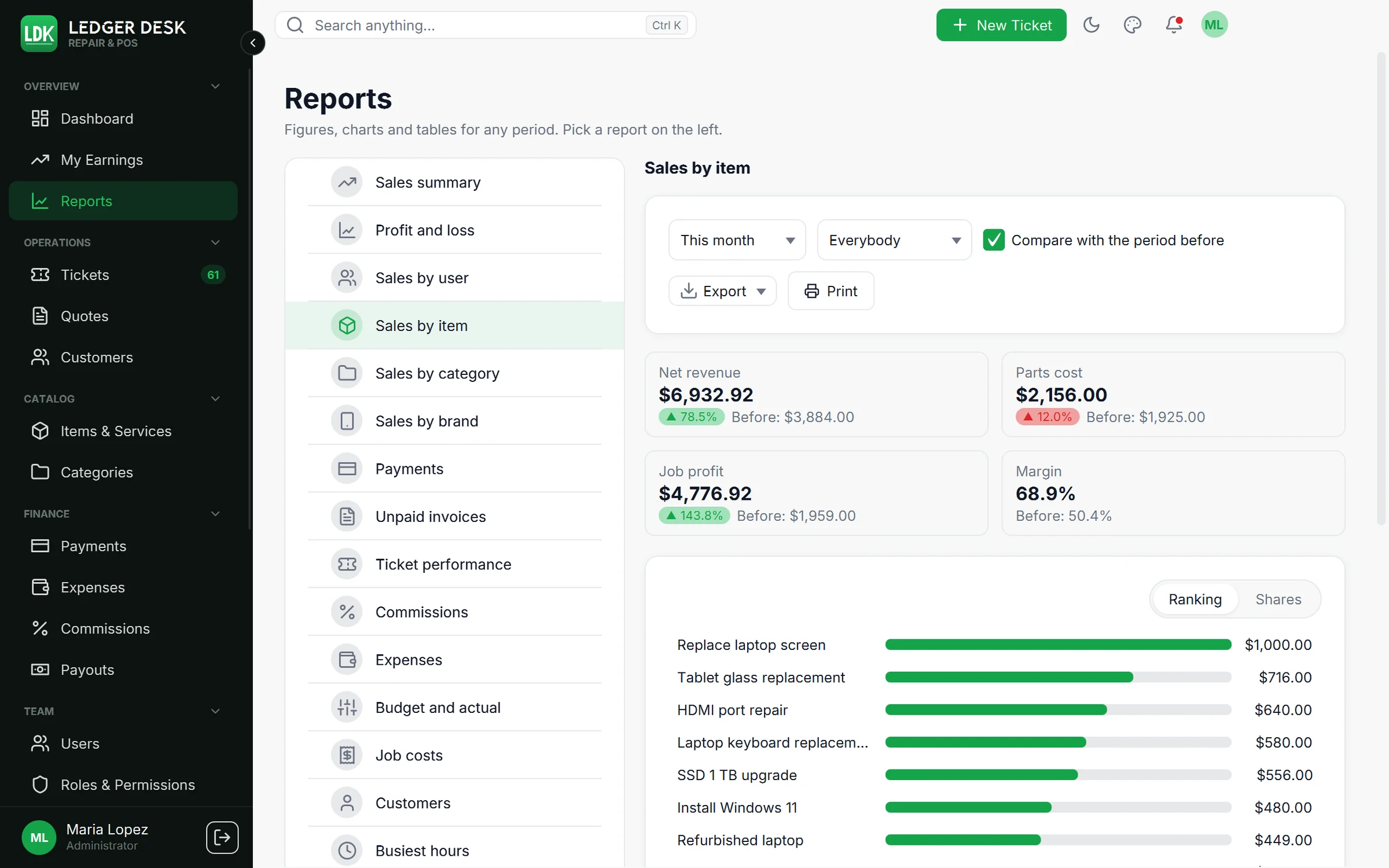
Ledger Desk subtracts the cost of every part and every extra job cost before it calls anything profit, and it never counts tax as income. Technicians earn their commission on that profit and are paid through weekly payouts that can never pay the same job twice. The profit and loss report shows the whole picture, down to the rent.
Printing that scans every time
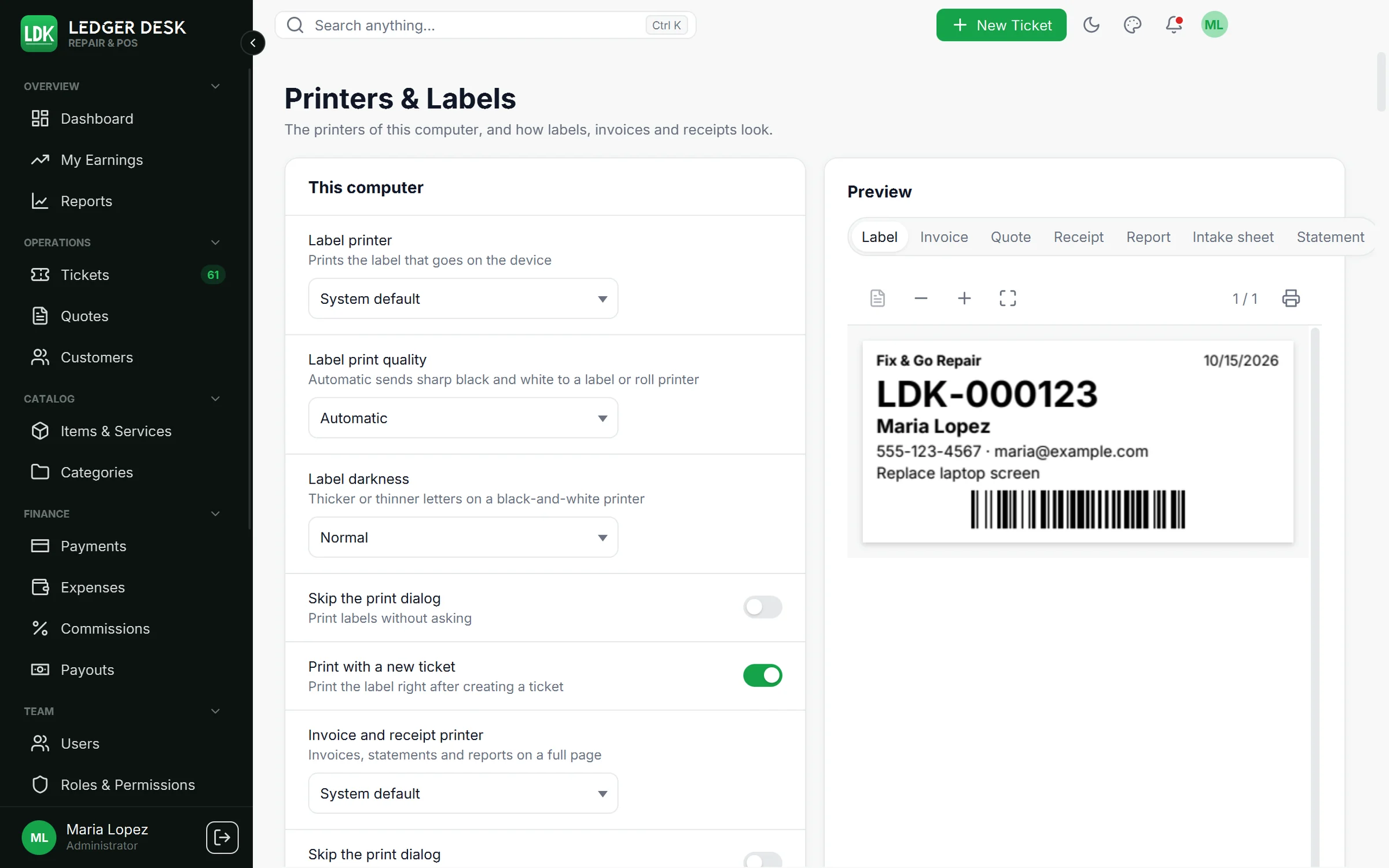
Labels and receipt rolls are drawn for the dots of your printer, so barcodes and QR codes read on the first try. Choose from 22 label layouts, 18 receipt designs and 25 invoice styles, with your logo and brand colour.
A screen that faces your customer
Put a second monitor or an Android tablet on the counter. Customers type their own details, sign, see their bill, and with Premium tap their card to pay through Stripe or PayPal Zettle. Ledger Desk never stores a card number.
Your data stays yours
Your Ledger Desk server runs on your own VPS, deployed by our team. Scheduled backups go to a folder, S3, Azure or SFTP, optionally locked with a password, and restore from inside the app. Roles, two-step sign-in, an audit trail and an idle lock keep the counter safe.
Built for the people at the counter
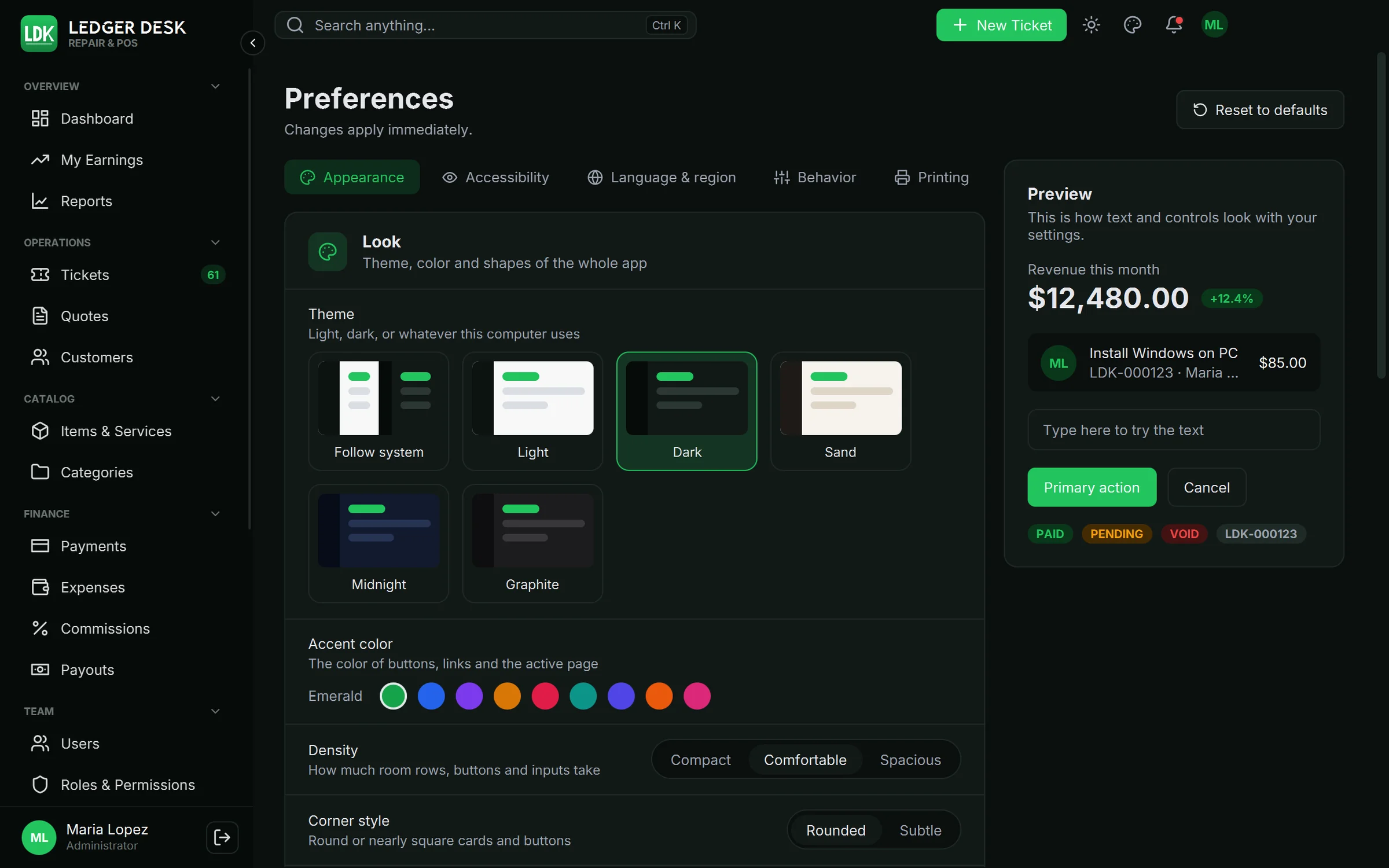
English and Spanish on every screen, document and message. Light, dark and four more themes, nine accent colours, text from 85% to 150%, high contrast and full keyboard use. Lists update by themselves when a colleague changes something.
Three editions
Basic runs the counter for up to 3 users. Standard adds quotes, expenses, commissions, every report and the customer monitor for up to 10 users. Premium adds card payments, the customer tablet, text messages, cloud backups, offline mode and customer ads, with unlimited users.
How you get it
Ledger Desk runs on a server that belongs to you. You need two things before we start: a VPS (cloud server) and a domain name, for example desk.yourshop.com. You buy them and they stay in your name.
Deployment by our team is required. We deploy the Ledger Desk server on your VPS, connect your domain, install the desktop app on your counter computers and activate your licence. Deployment has a fee that depends on the plan you choose. After you buy, open a support ticket from your account on xssit.com to book it.
Once the deployment is done, you are in charge of your system. The VPS, the domain, the server and the data on it are yours to run and look after: renewals, updates of the machine, security and backups. We are not responsible for your server, your domain or your data.
Support comes with every edition: by email in Basic, with faster answers in Standard, and priority support in Premium.