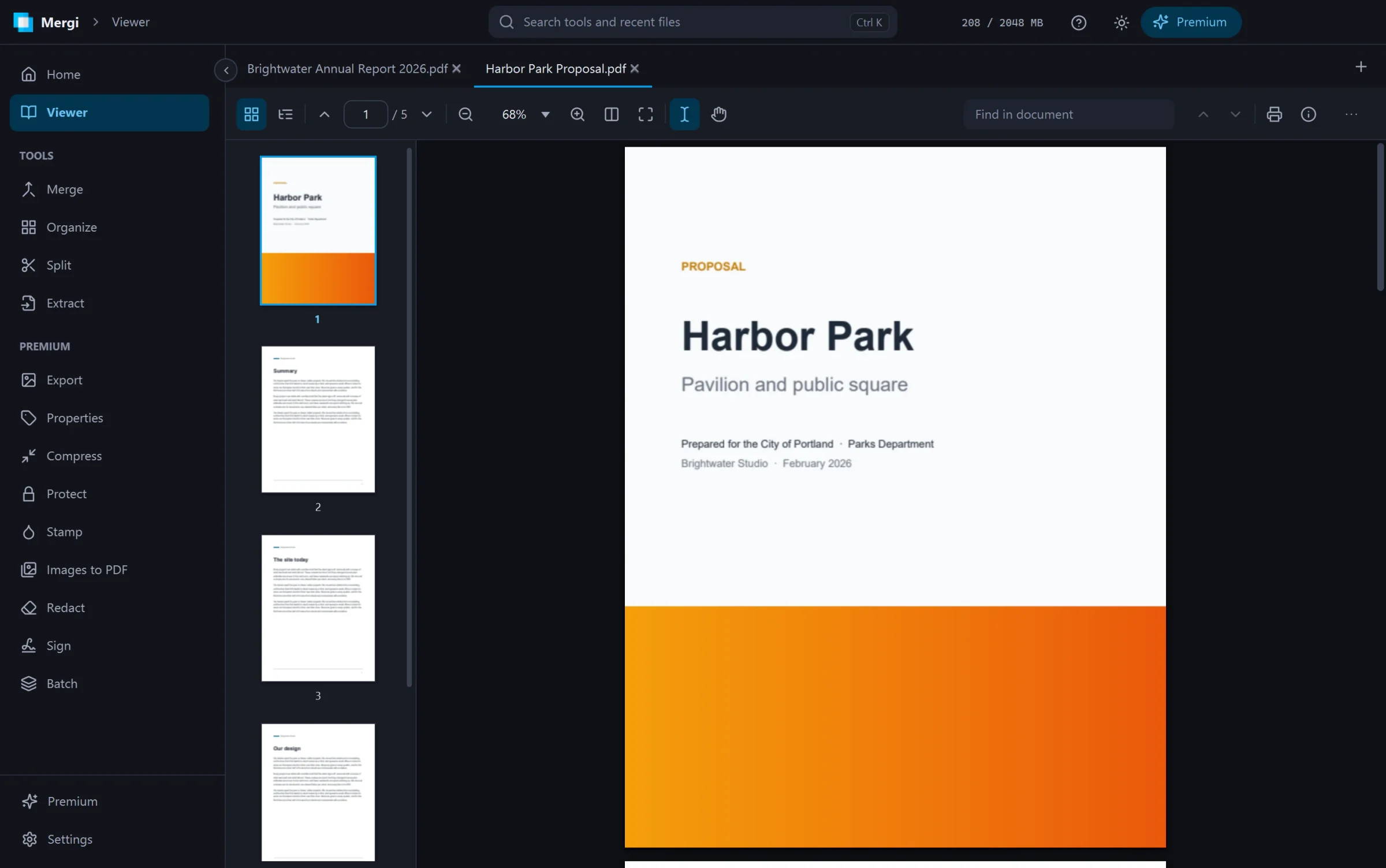
A PDF viewer that feels like a real app
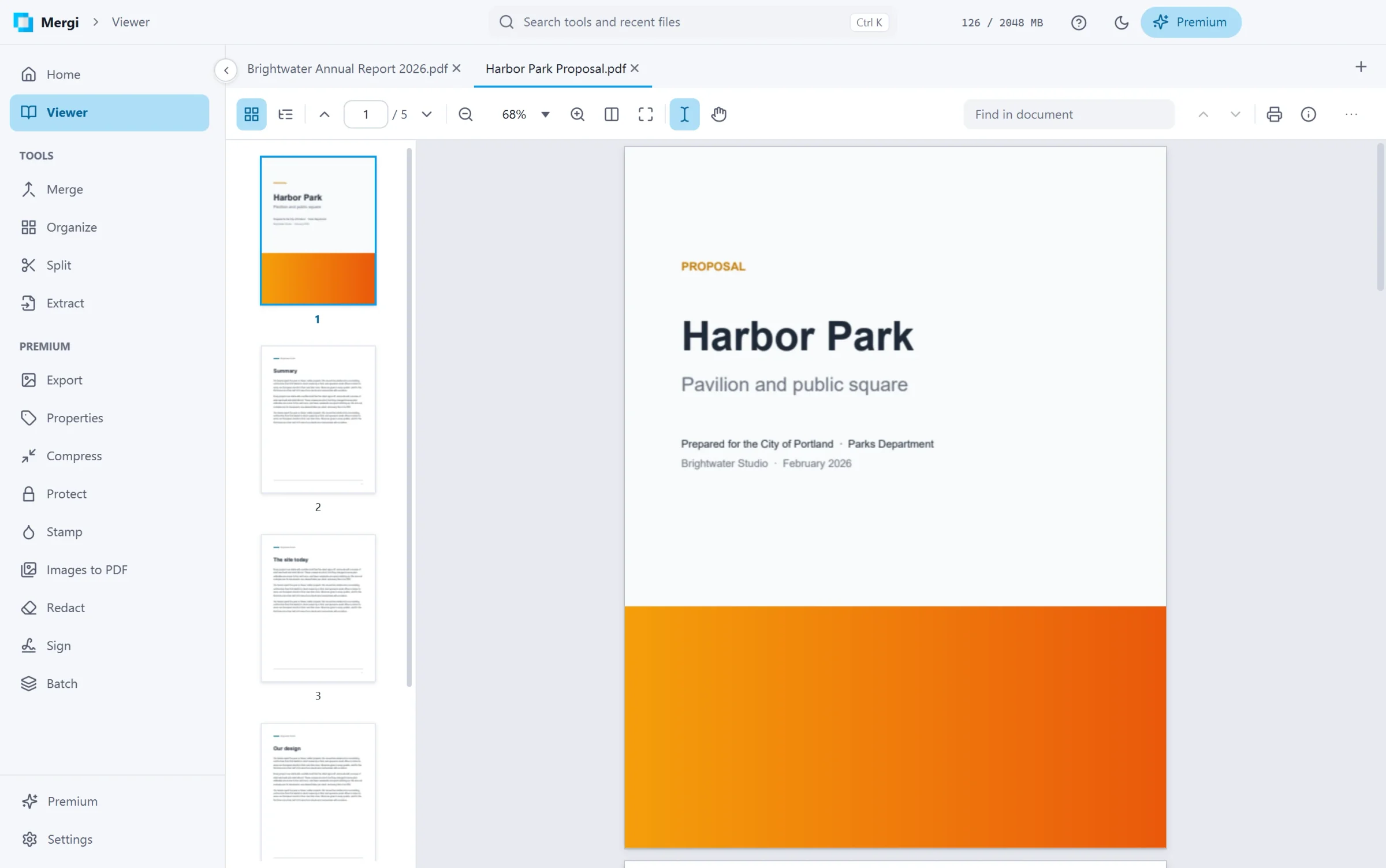
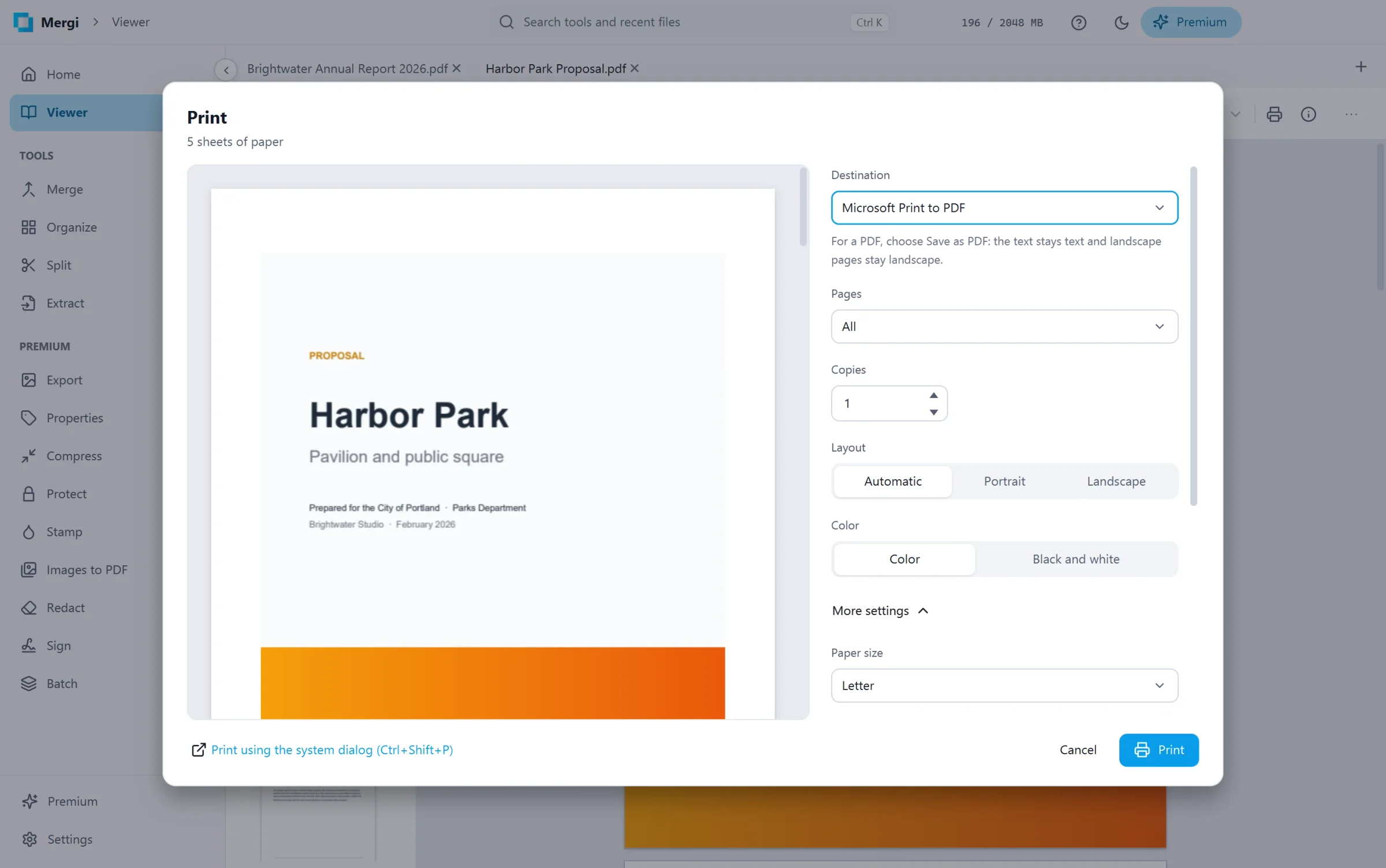
Open as many files as you like in tabs. Jump through thumbnails and bookmarks, select and copy text across pages, search with every match highlighted, follow links, zoom to any size with pages that stay sharp, and print with a live preview of every sheet, or save the chosen pages as a new PDF. The viewer never changes your files, unless you fill in a form and save it.
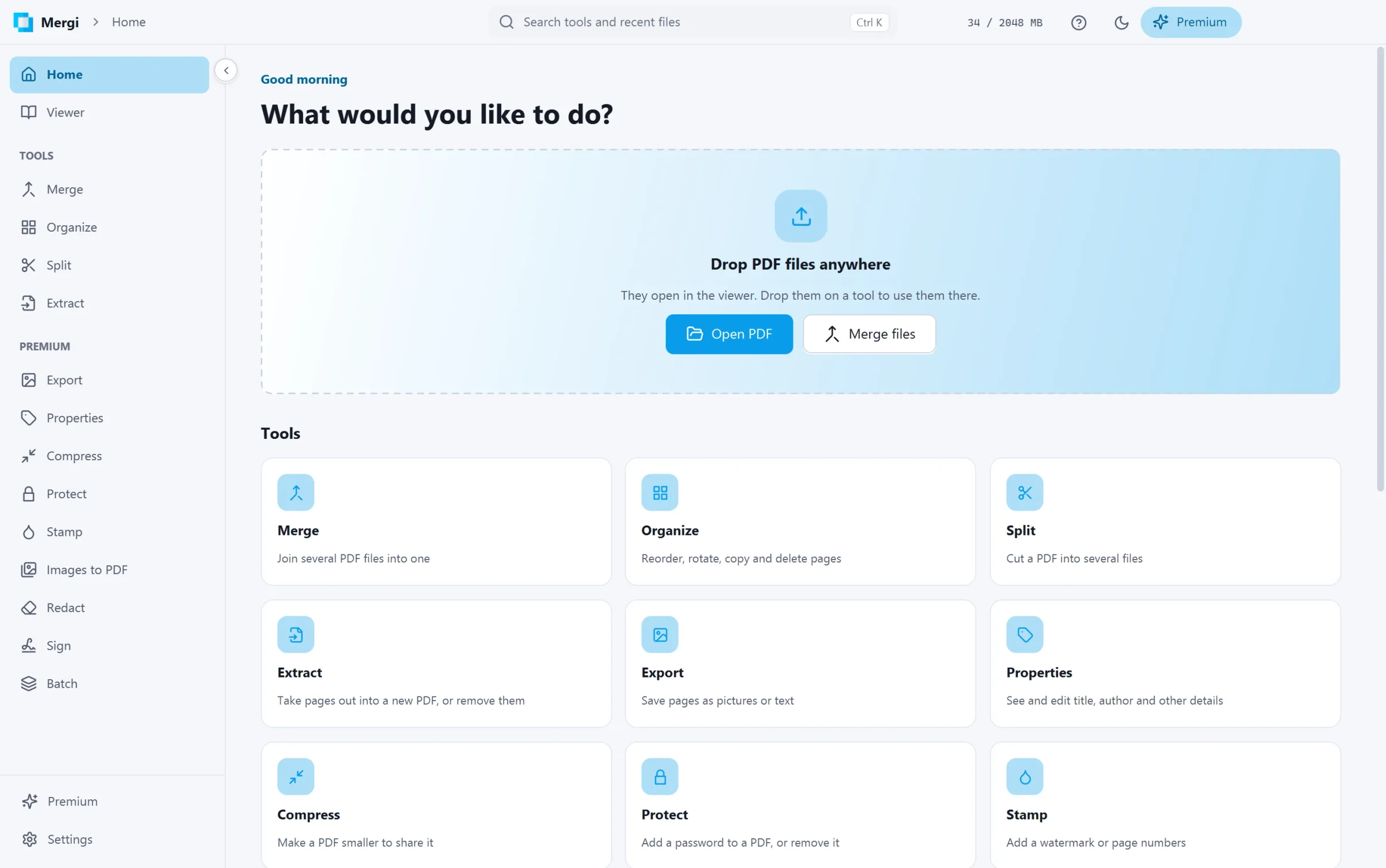
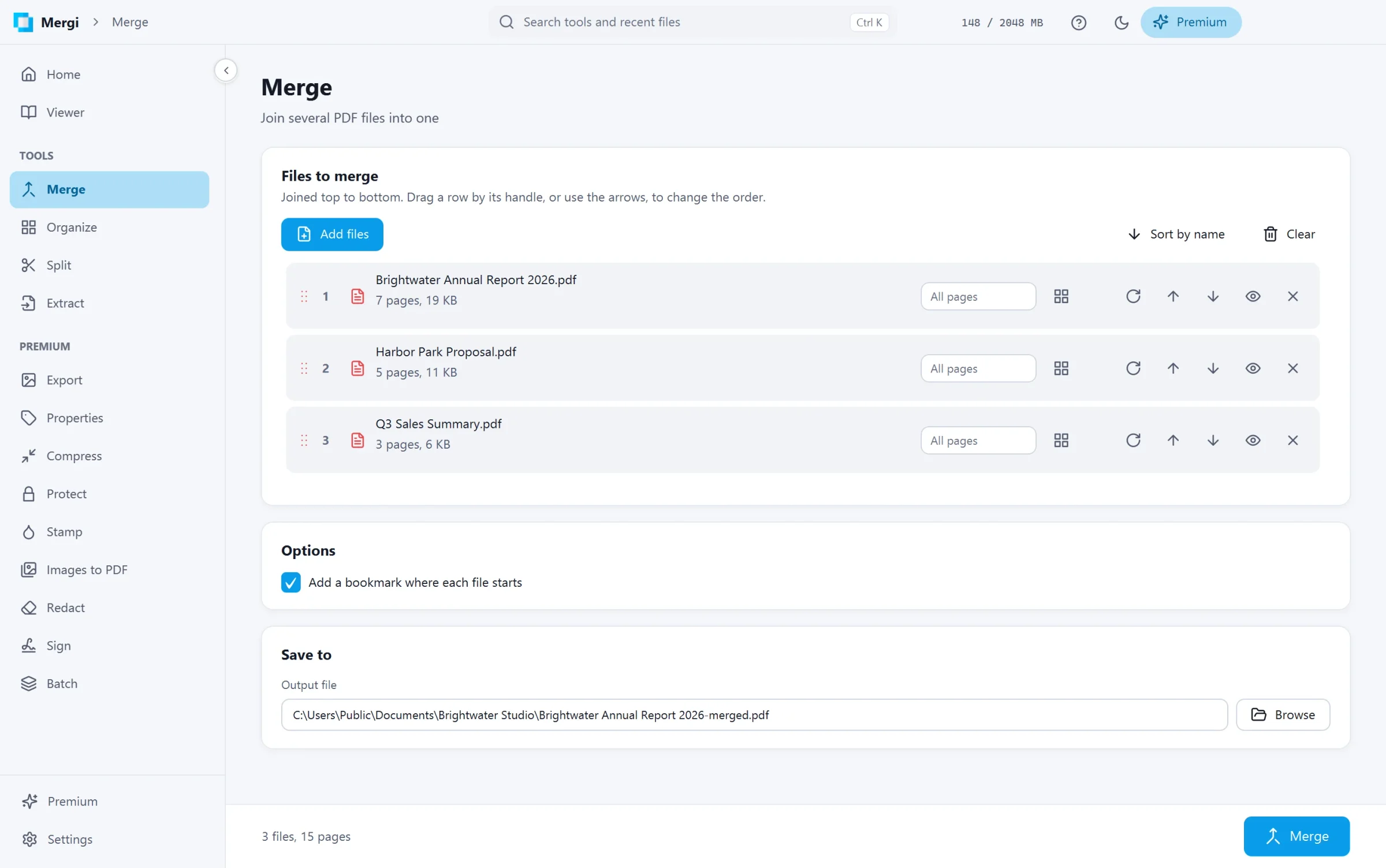
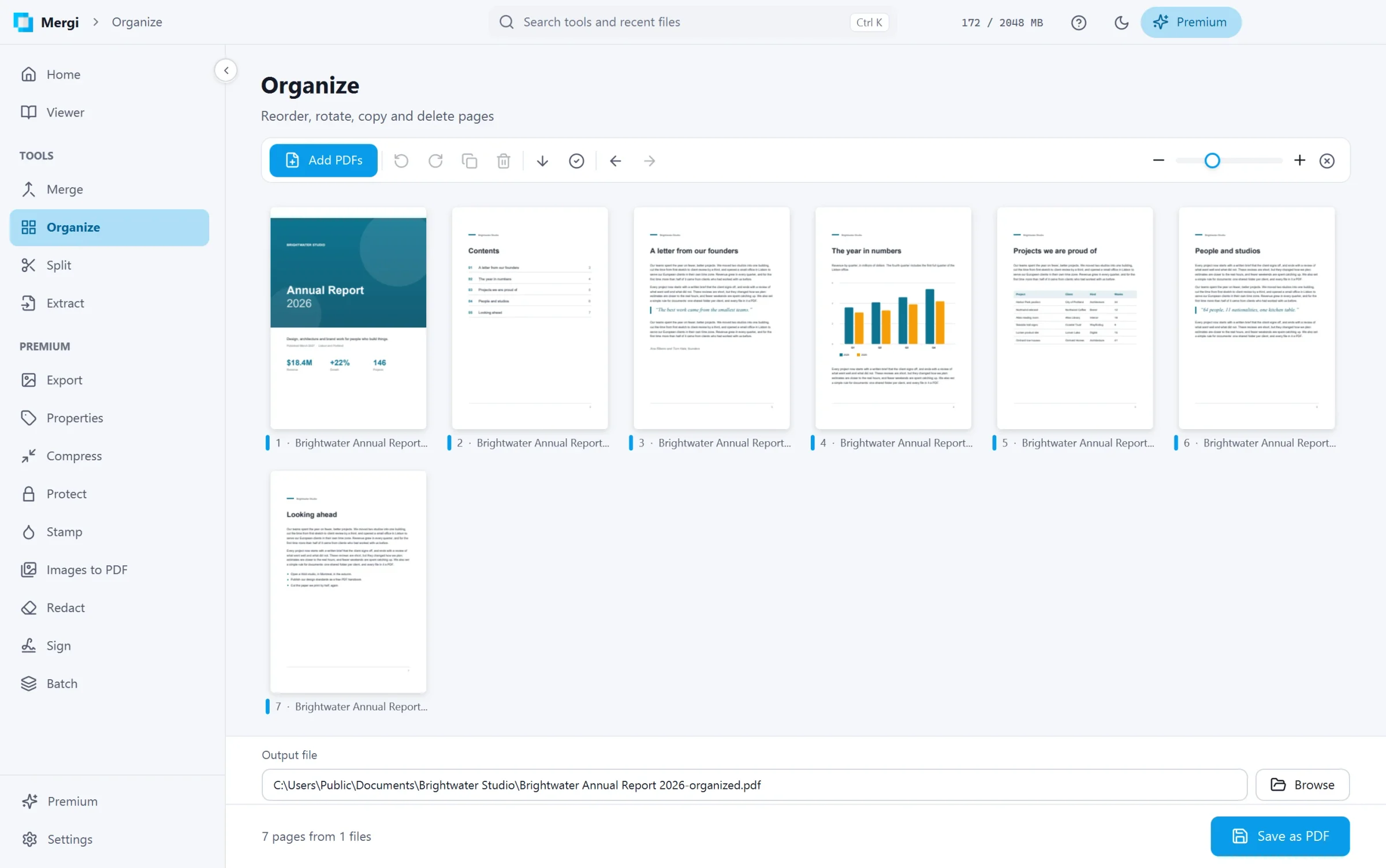
Merge files with page ranges and a bookmark for each one. Organize pages from several files on one board: drag, turn, copy and delete, with undo. Split every N pages, into single pages, by ranges or by bookmarks. Extract pages into a new file, or write a copy without them. Read the properties of any PDF and check its digital signatures. No time limit, no watermark, no sign-up.
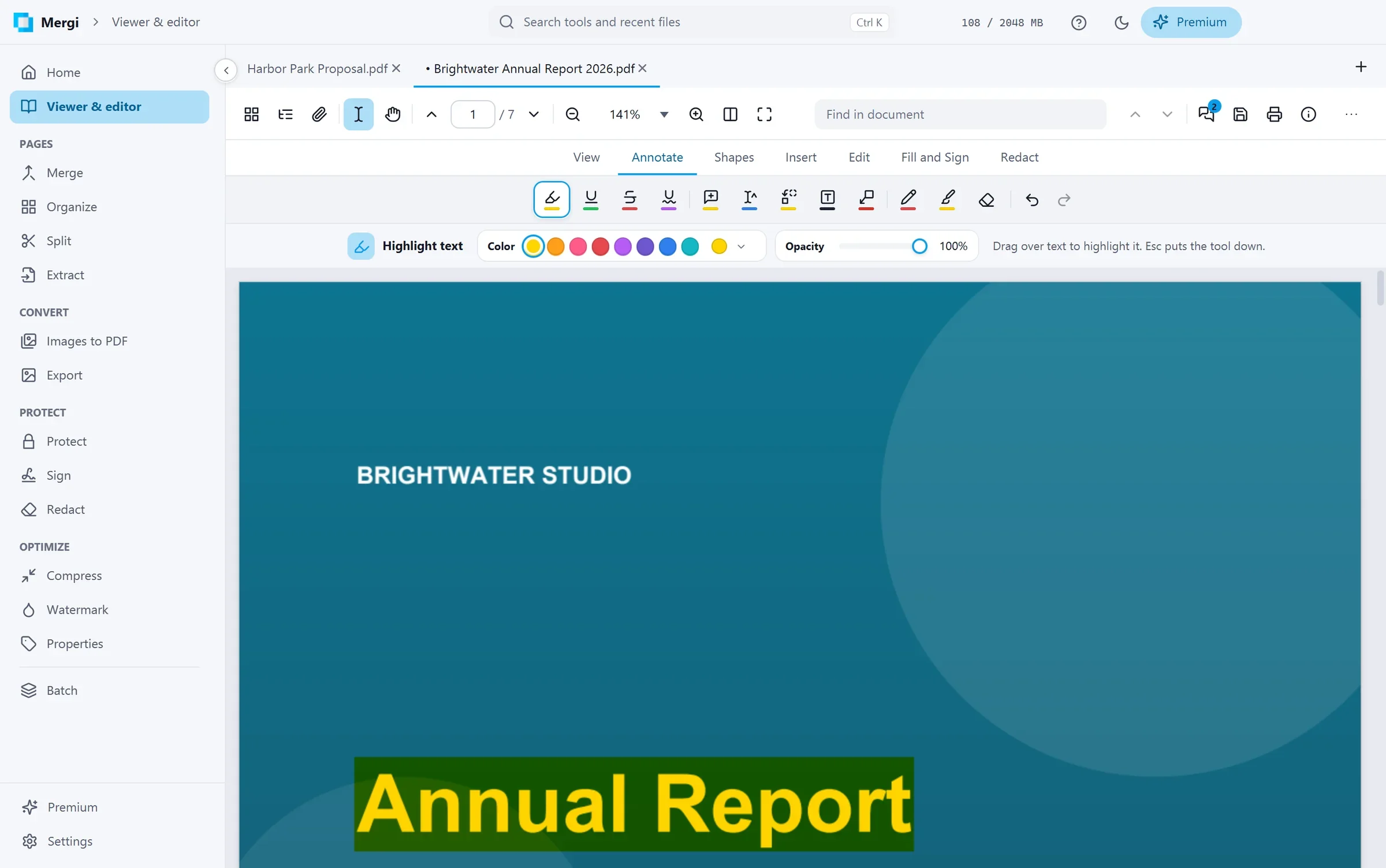
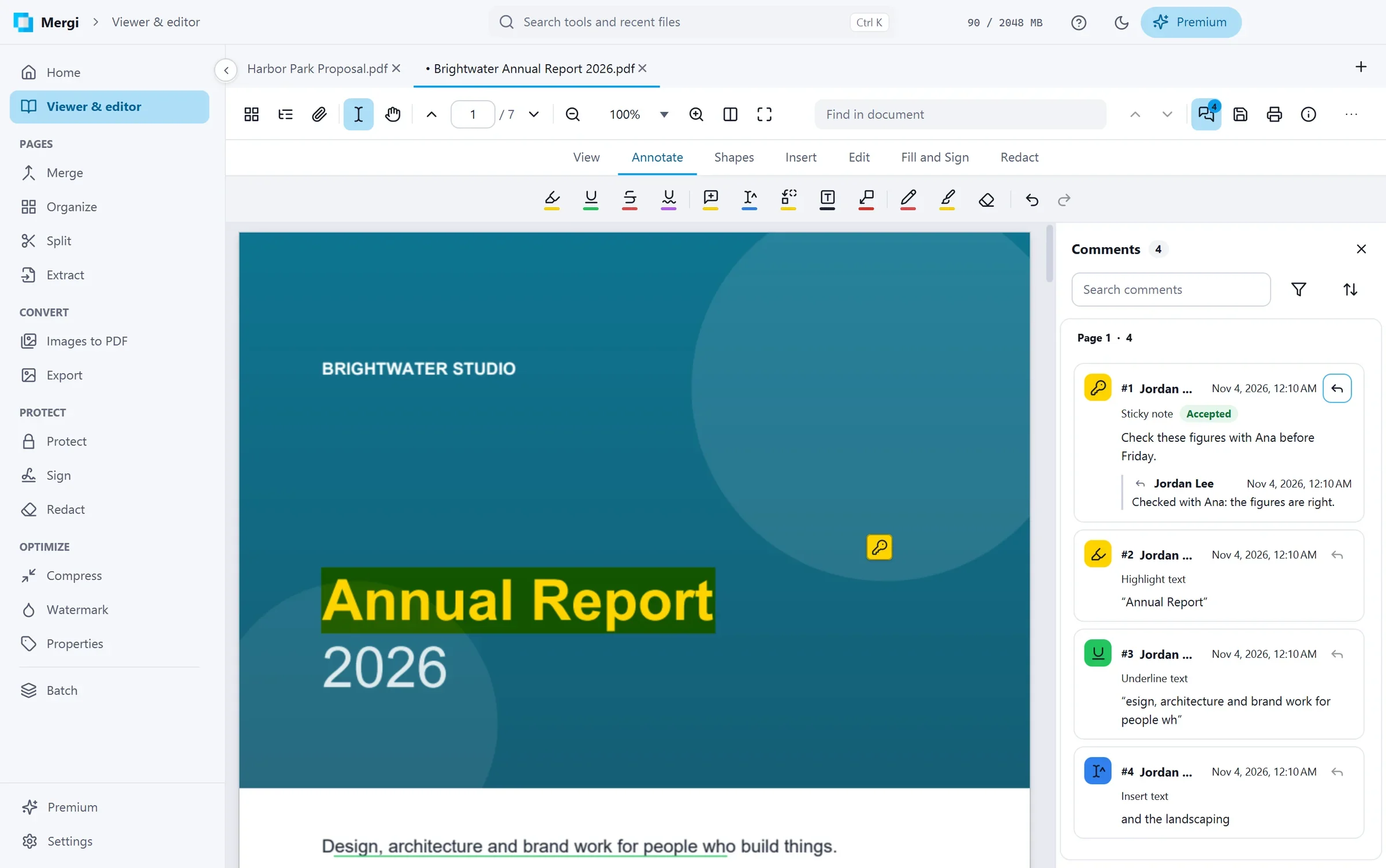
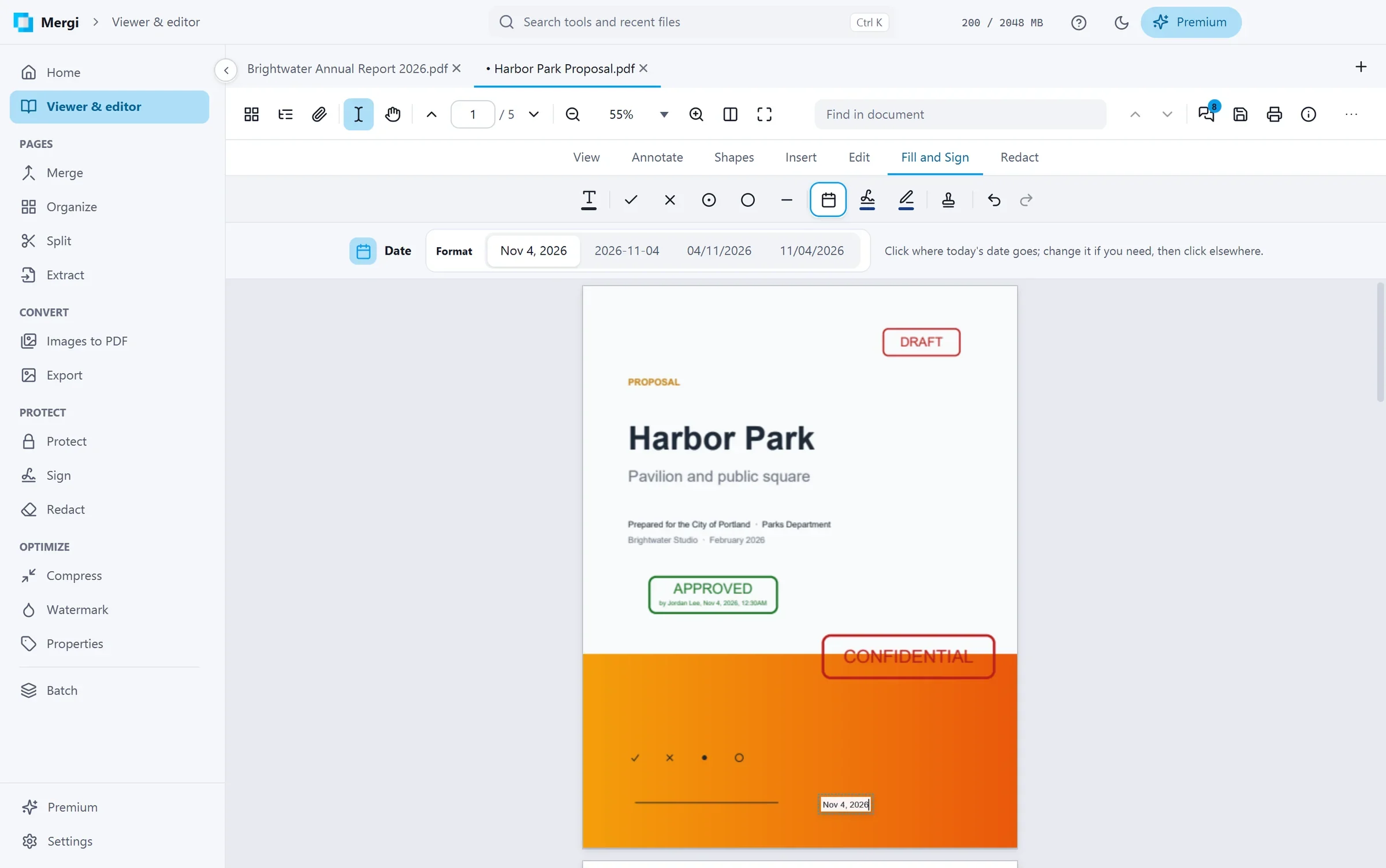
Every tab can mark up its file: highlight, underline and strike out text, add sticky notes, text boxes and callouts, draw with the pen, shapes, clouds and arrows, and put down rubber stamps, your own stamps and file attachments. Fill in a flat form with Fill and Sign: text that matches the line beside it, the date, ticks and crosses, and a signature you draw, type or take from a picture. The Comments panel lists every comment by page, with replies and review status.
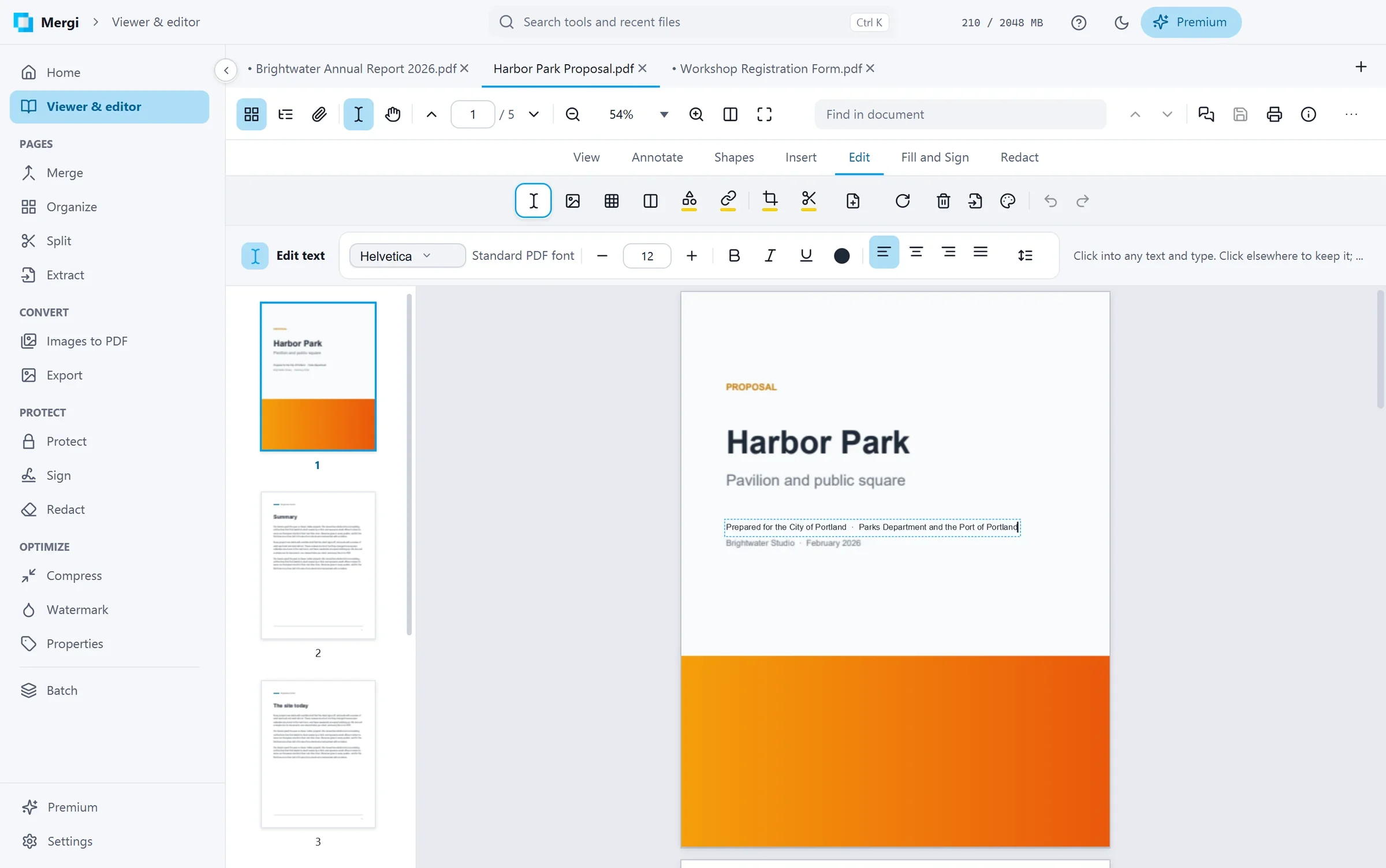
Edit a PDF like a document, with Pro
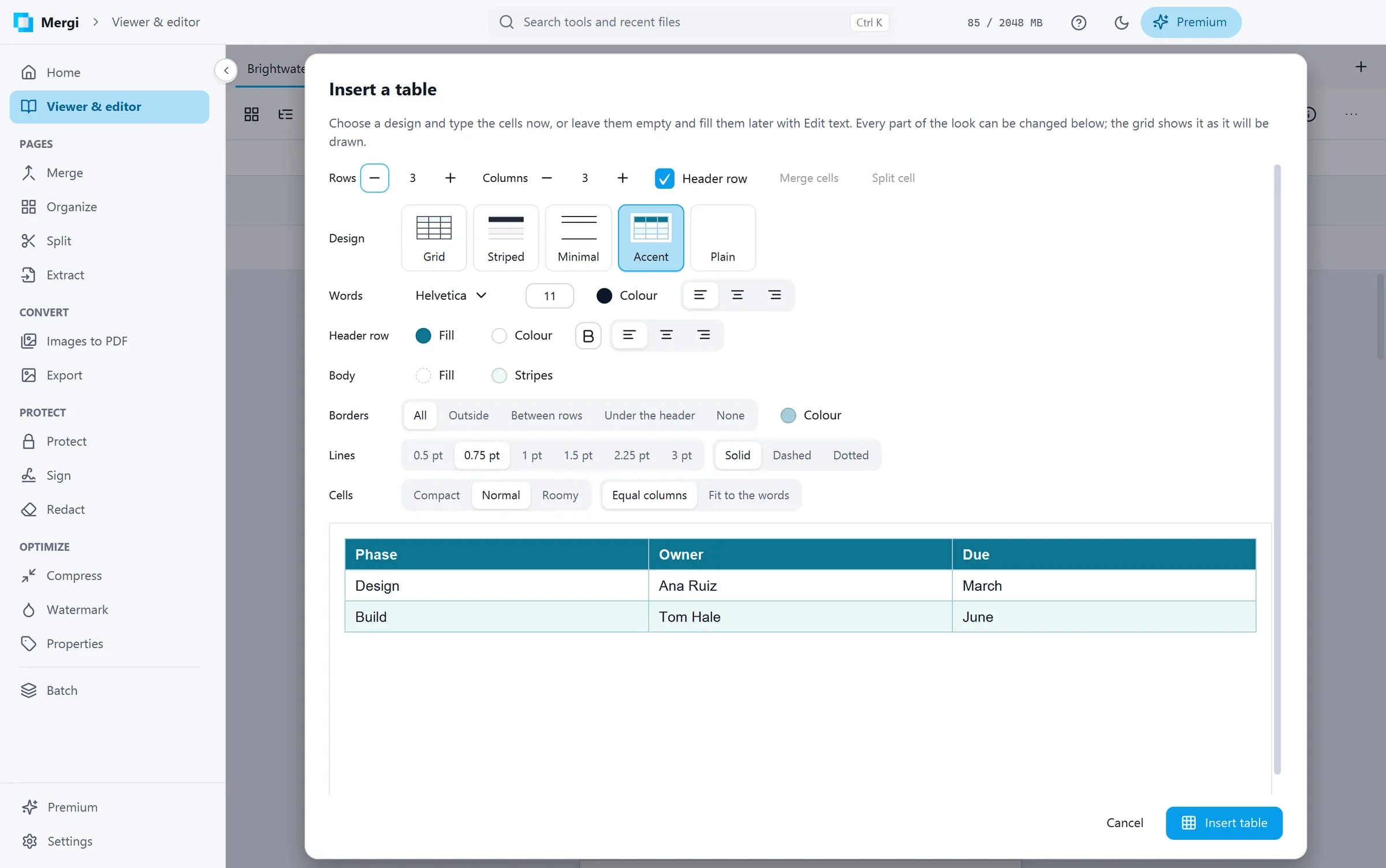
Change the text of a PDF as in a word processor, with its own fonts found or imported. Insert pictures, shapes, text in columns and fully designed tables, then move, resize, turn or change them; add links, a page background, blank pages; crop, rotate and delete pages; and black out or white out what must go for good. Or write a new document from zero, as in a word processor: headings, lists, pictures, tables, columns, a header and a footer, saved as a PDF that Mergi opens again for editing, or as a Word document.
Premium, for the serious jobs
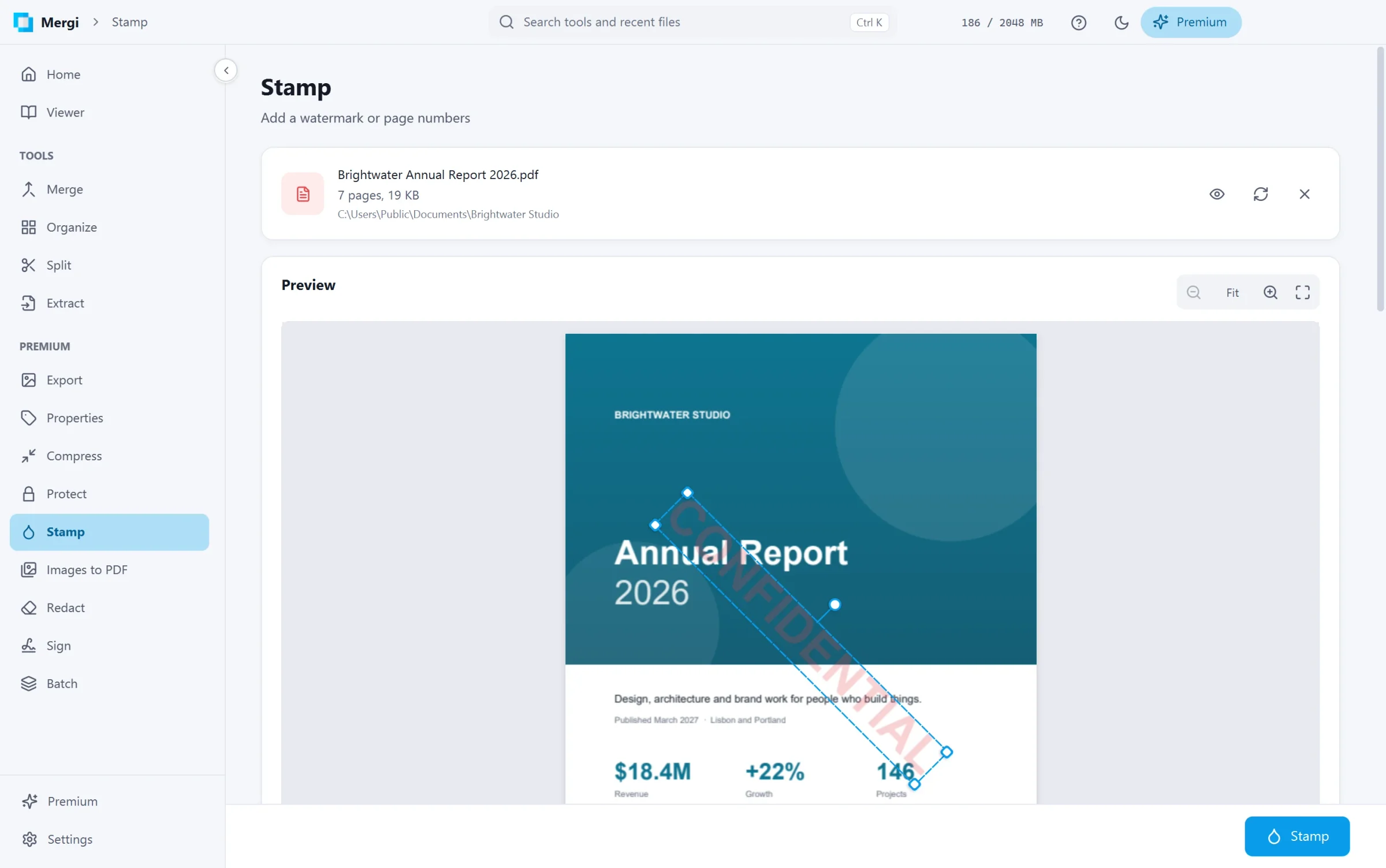
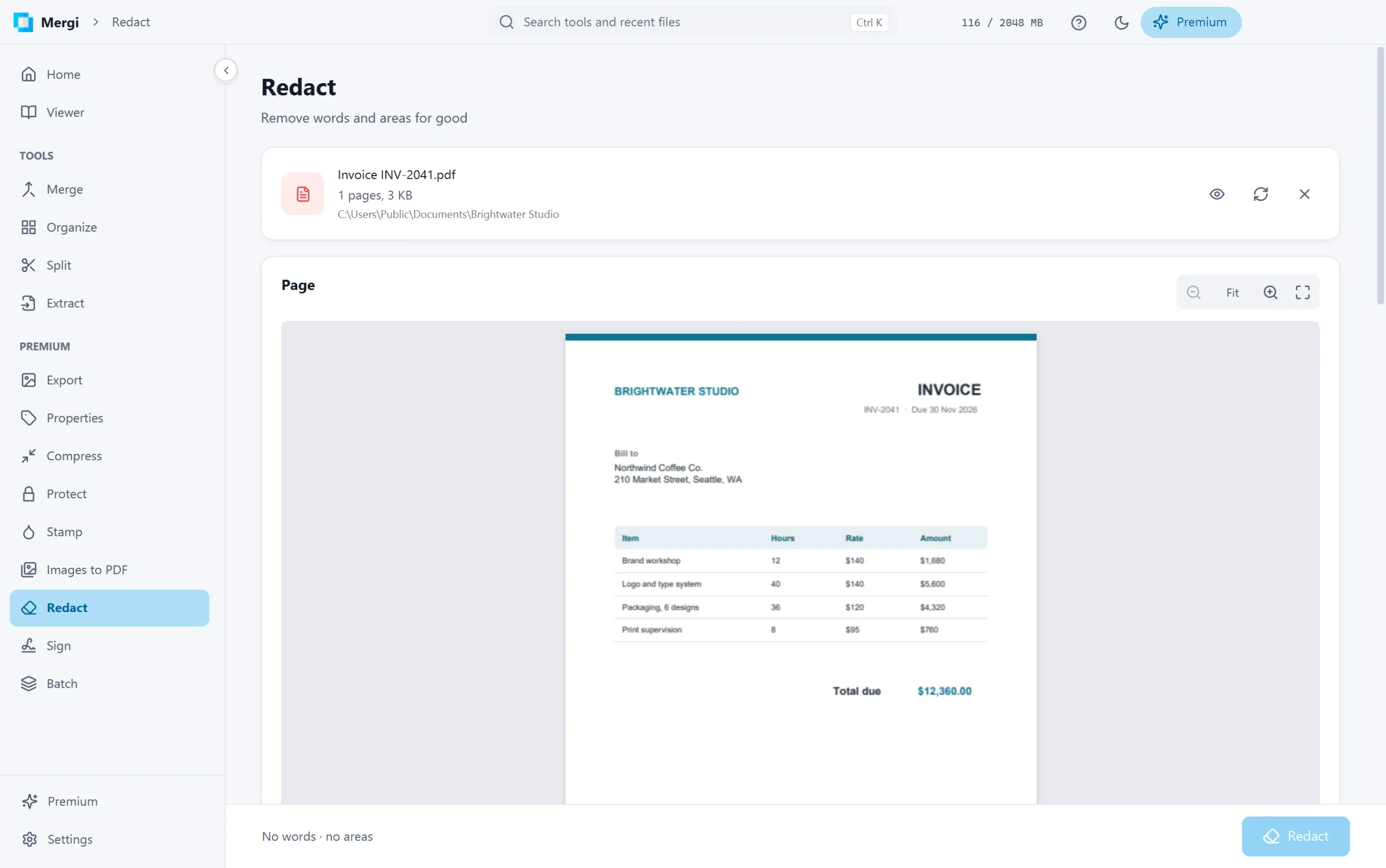
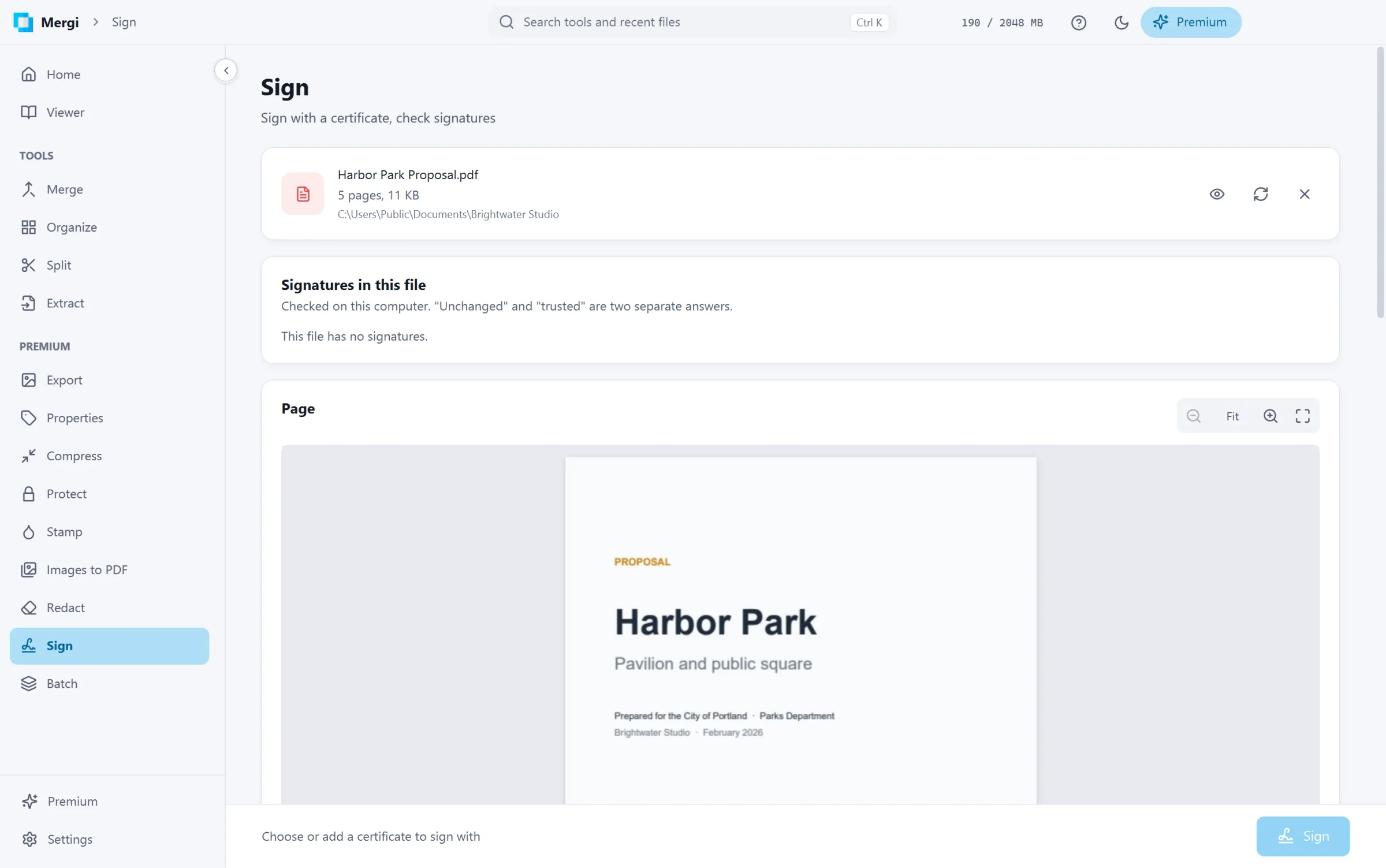
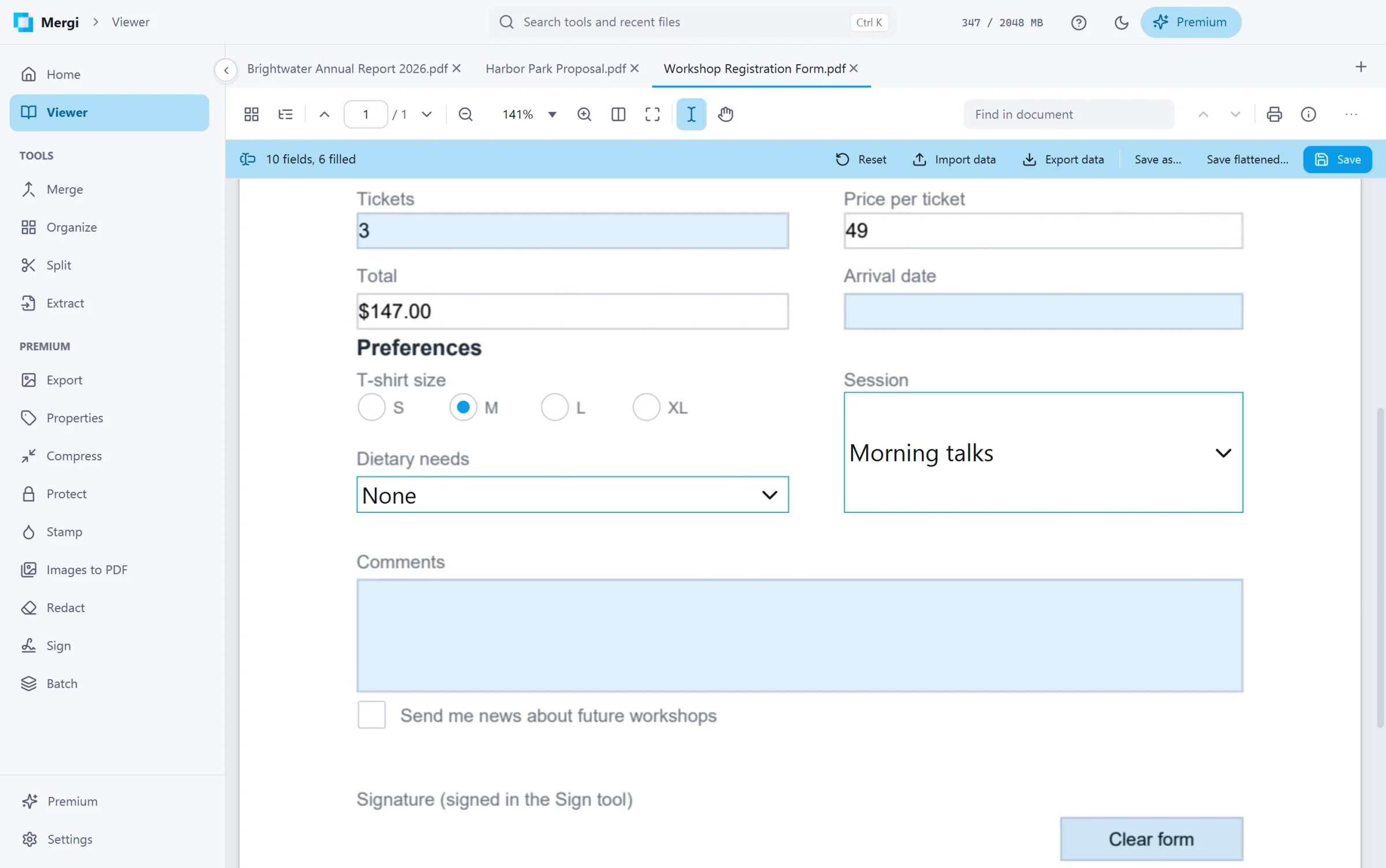
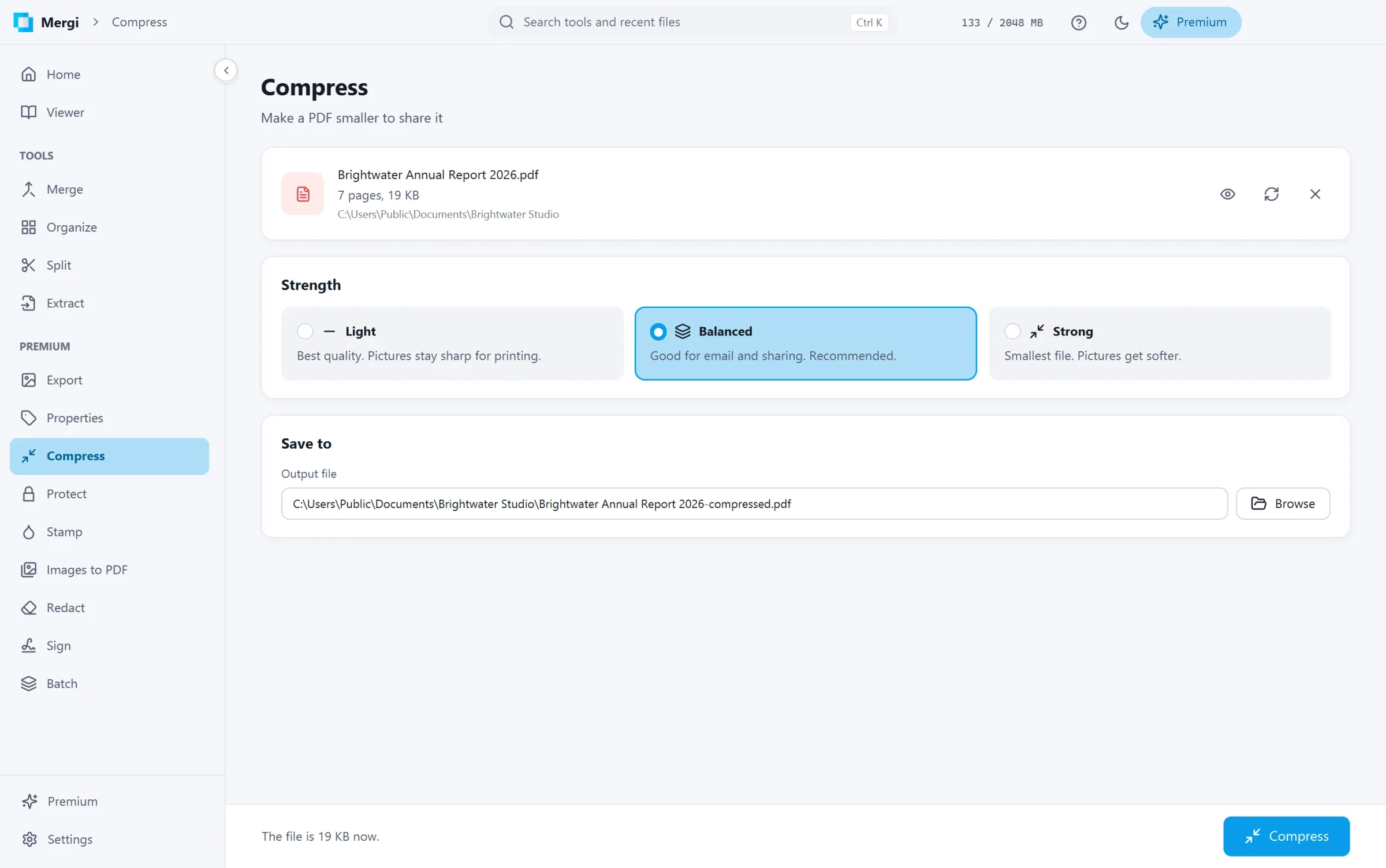
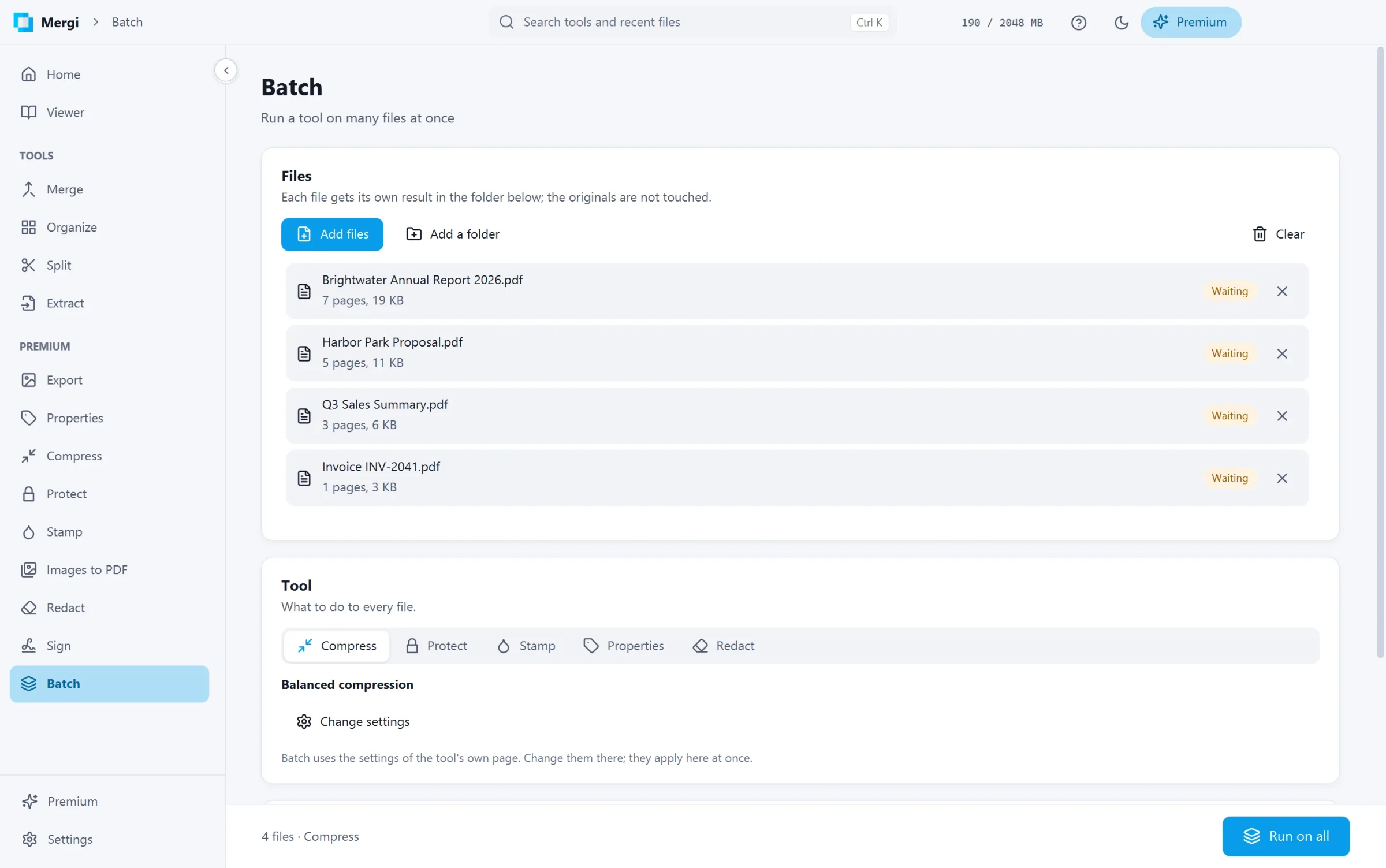
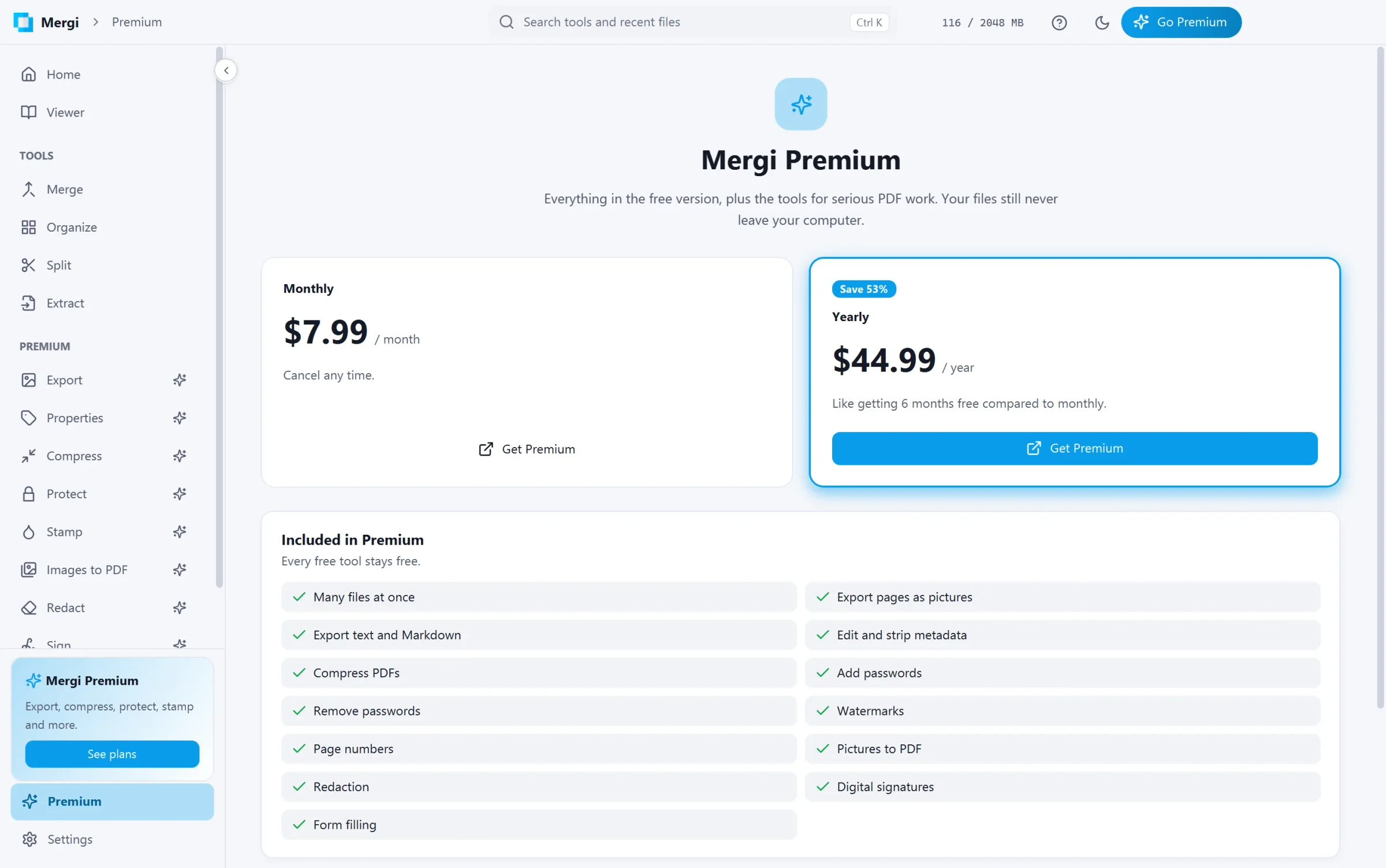
Export pages as PNG, JPEG, WebP or TIFF pictures, the text as plain text or Markdown, or the pages as an editable Word document or Excel workbook. Edit or strip the title, author and keywords. Compress files with three strengths. Protect them with an AES-256 password, or remove one. Stamp a watermark in any of about 2,000 Google fonts, or a picture, or number the pages, and place it by dragging it on the page. Turn pictures into a PDF. Redact words, phrases and areas so they are removed from the file, not just covered. Sign with your certificate, with a visible signature box and a trusted timestamp. Fill in PDF forms right in the viewer and save them, or save them flattened. And run Compress, Protect, Unlock, Stamp, Properties or Redact on a whole folder at once with Batch.
Private by design
Every tool works on your computer. Your documents are never uploaded, and Mergi never sends their names or their contents. Passwords are kept in memory for the session only.
Made for Windows
A fast native window with light and dark themes and eight accent colours, English and Spanish, quick search with Ctrl+K, drop files anywhere, "Open with Mergi" in Explorer, close to the tray, and updates that install from inside the app. A short tour on the first start shows you around.
Plans
Mergi is free. Mergi Premium is $7.99 a month or $44.99 a year (save 53%). Mergi Pro, everything in Premium plus editing, is $12.99 a month or $93.49 a year (save 40%). Every paid page opens for everybody so you can see what it does before you buy.