
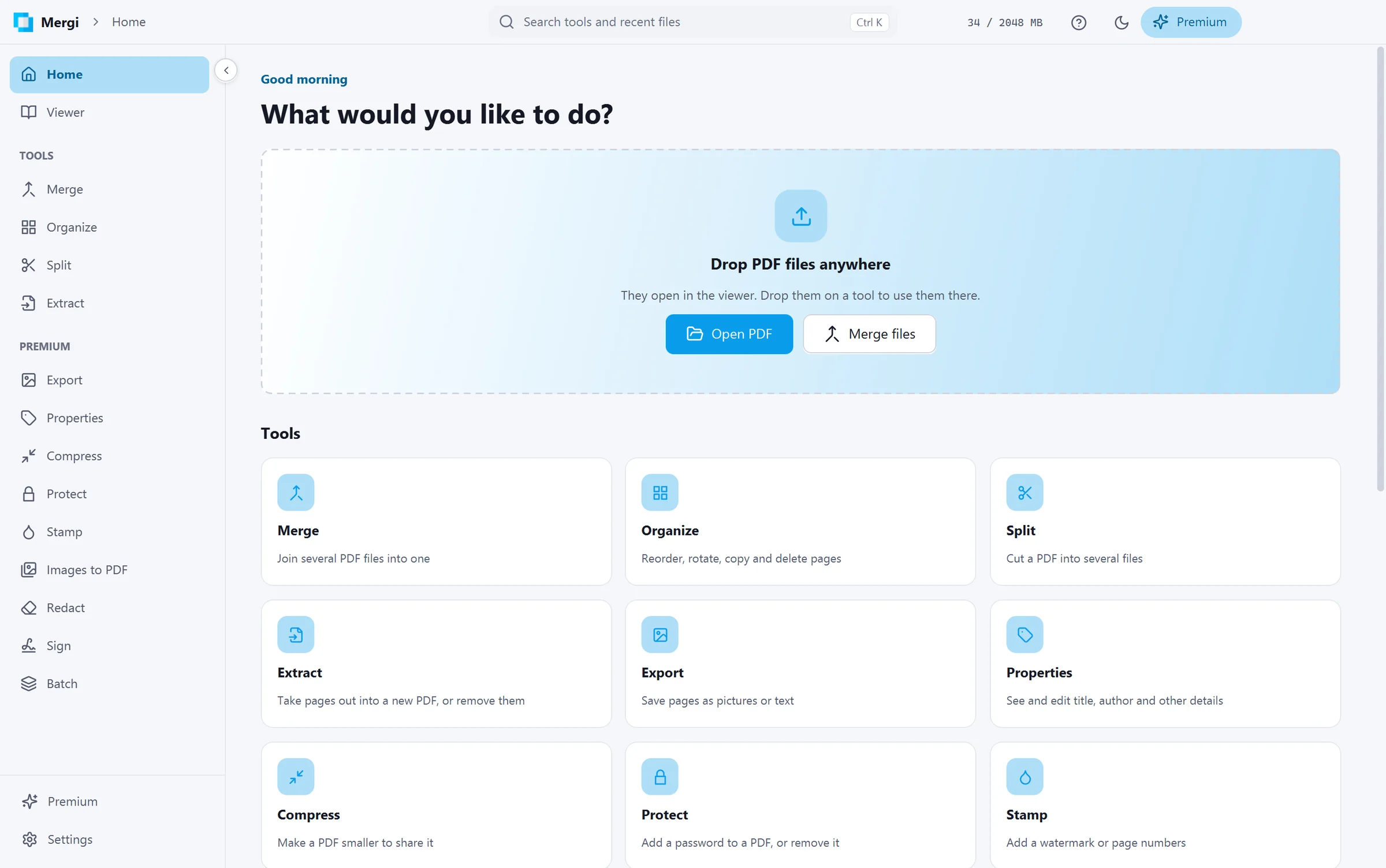
View, merge, split, compress, sign and fill PDFs without uploading them anywhere. Mergi does it all on your own computer, and the everyday tools are free.

A contract to sign. A scan to send. Ten invoices that need to become one file, and a report that's two megabytes too big for email. PDFs show up every week, and the usual fix is a website. You upload the file, wait, download the result, and try not to think about where your file just went.
Mergi skips that step. It's a PDF toolkit for Windows that does everything on your own computer. There's no upload, no account and no watermark on what you make. Today it reaches version 1.0.
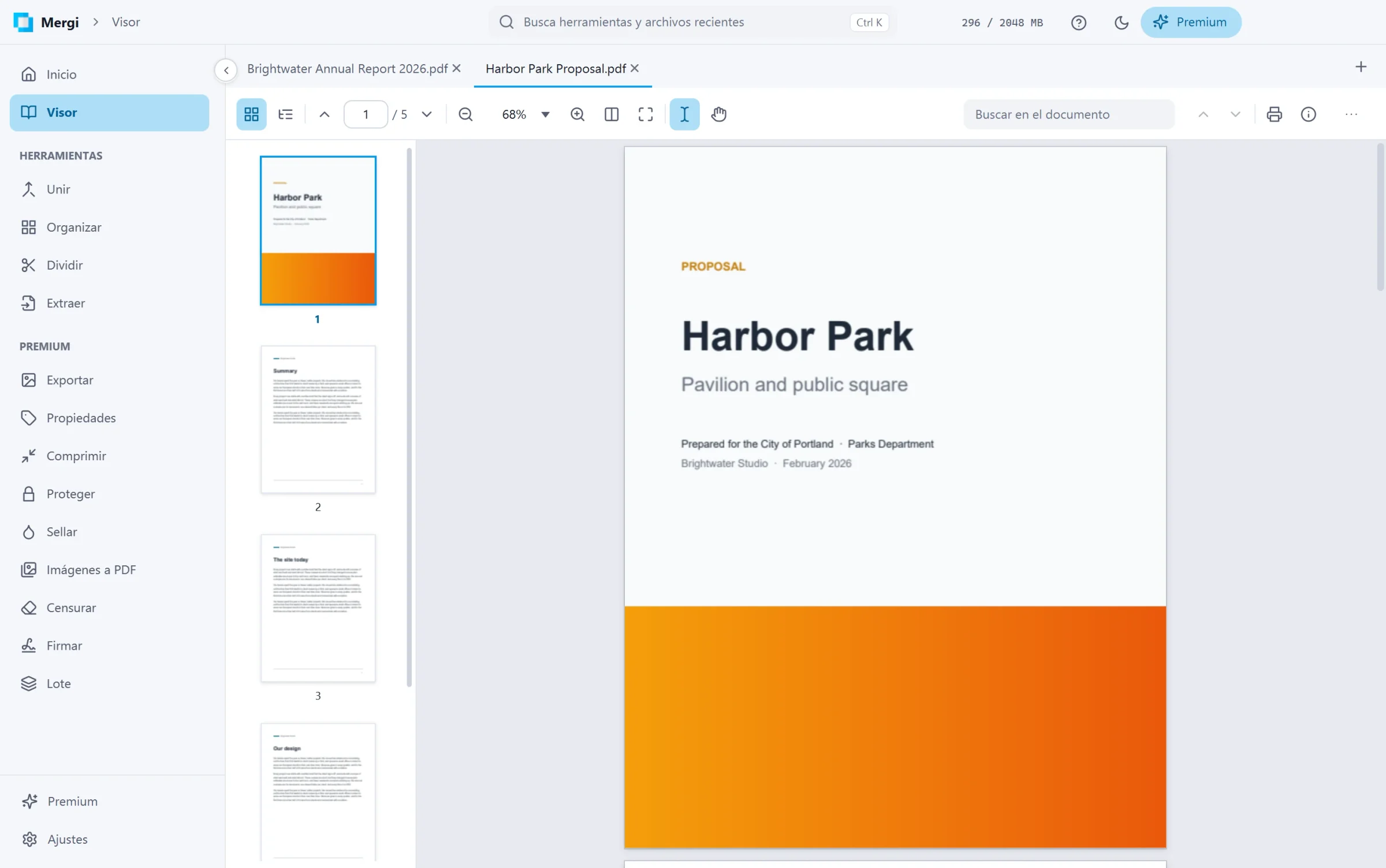
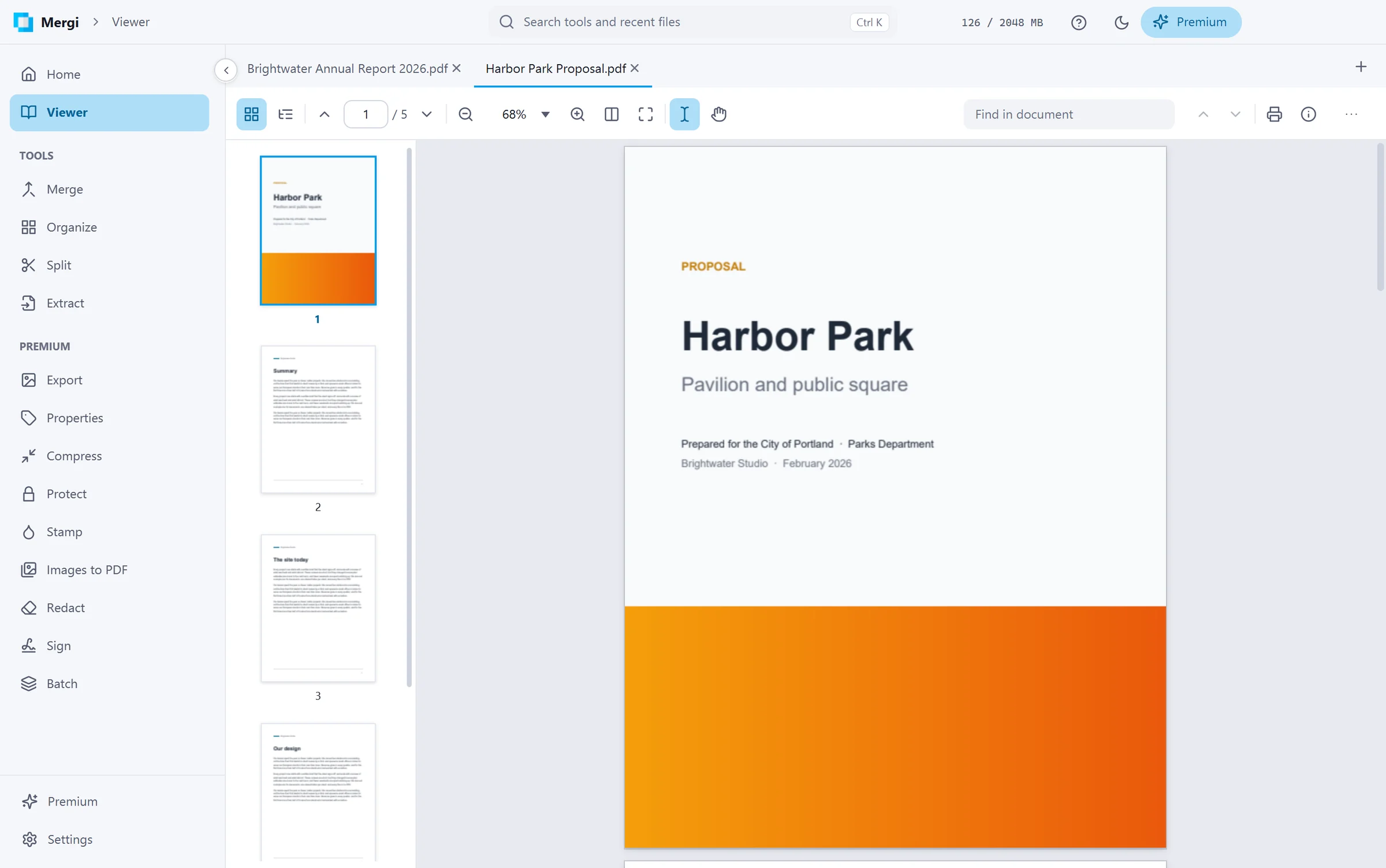
A viewer worth keeping open
Mergi starts with a real PDF viewer, not a quick preview you close straight away. Files open in tabs, with thumbnails and bookmarks alongside. Search highlights every match on every page. You can select text across lines and pages and copy it, zoom smoothly, and grab the hand tool to pan around. Links work too, though a link to a website asks first before sending you off to your browser.
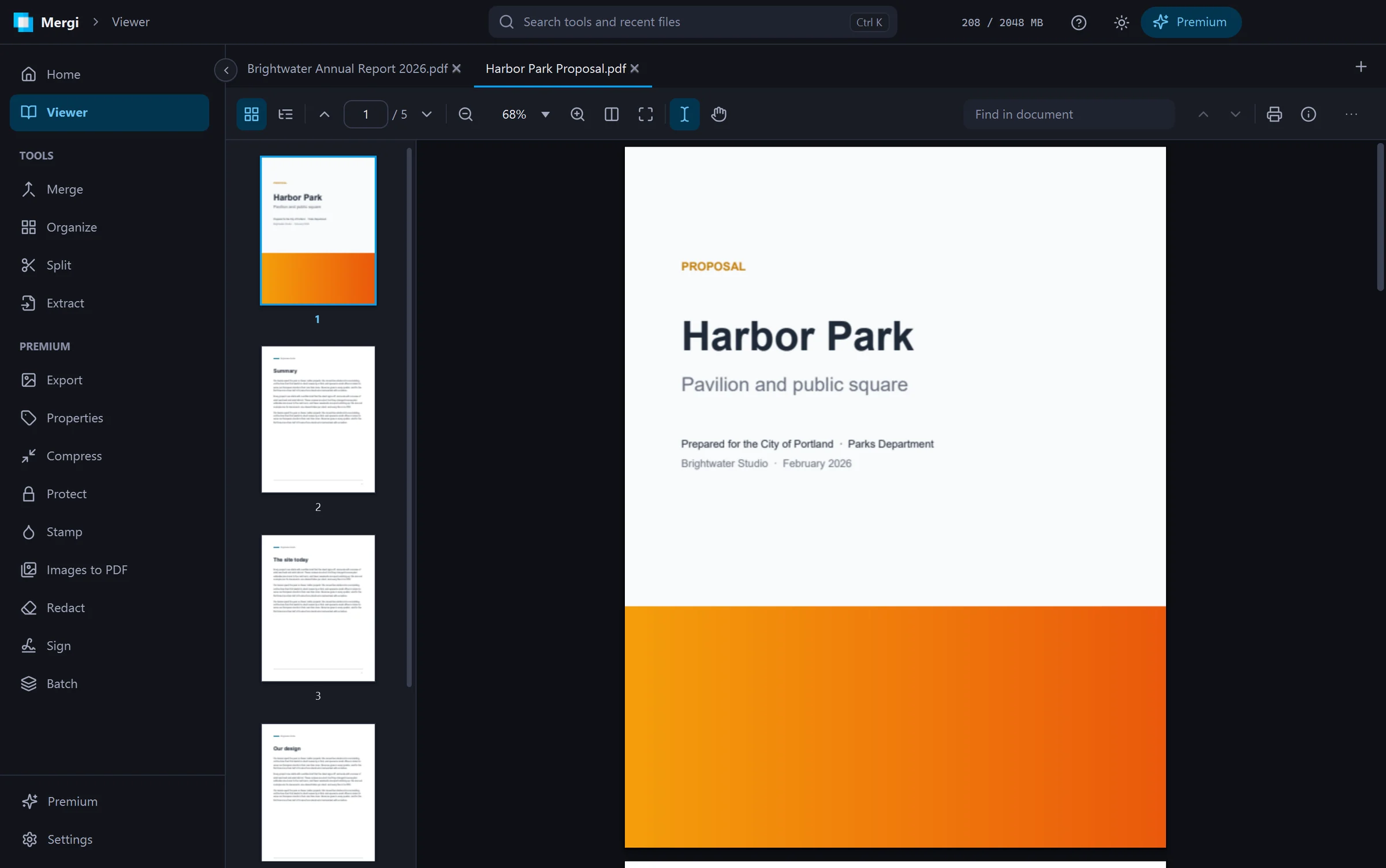
It follows your Windows theme by default. If you'd rather pick, there's light and dark, plus eight accent colours.
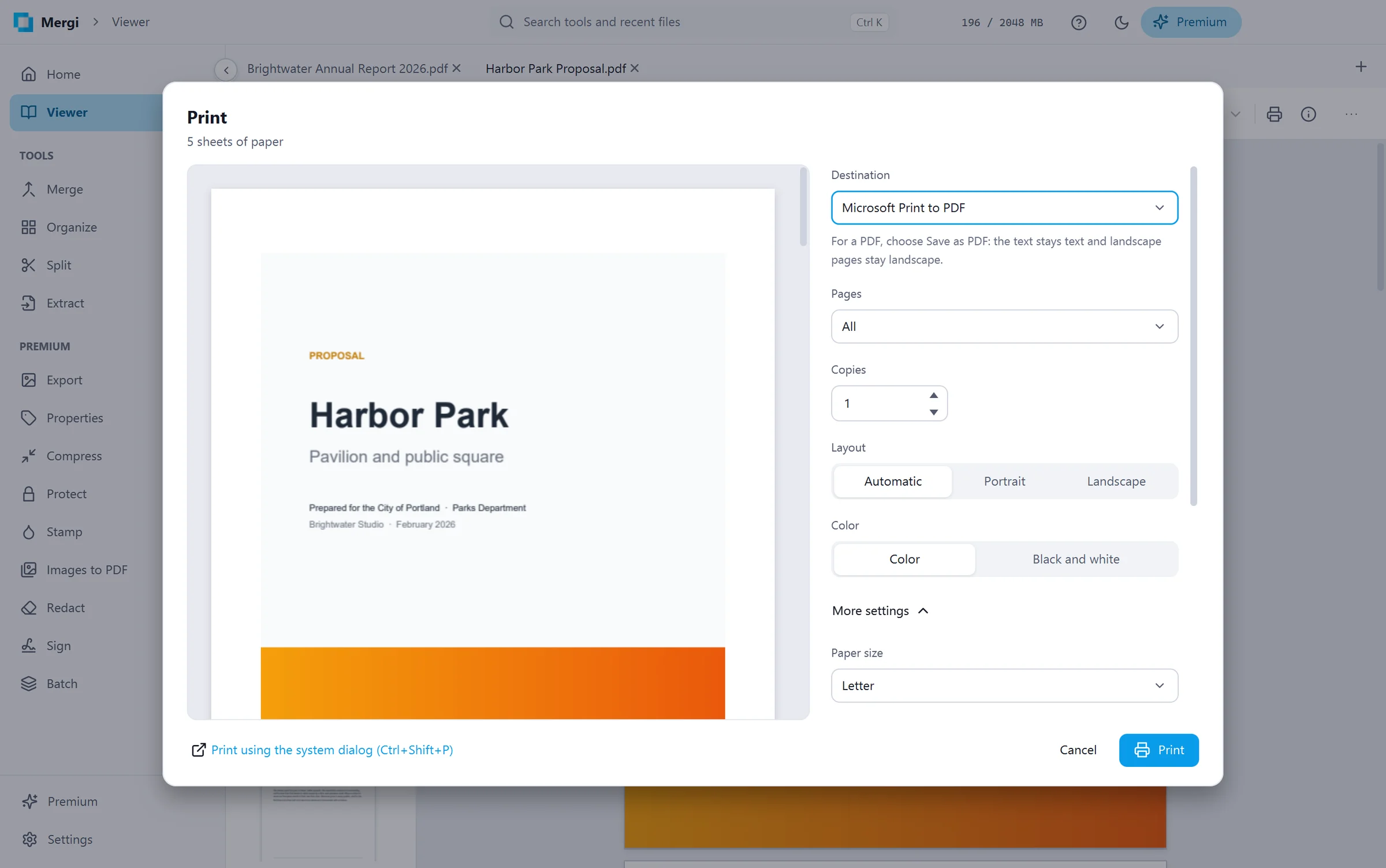
Printing got real attention as well. The print dialog shows a live preview of each sheet as you change pages per sheet, margins, scale or two-sided printing. It can also save straight to PDF, which turns out to be the easiest way to fit four slides on one page.
The everyday tools are free
No trial, no page limits. These are just free:
Merge several files into one. Pick which pages to take from each, rotate them, and give each file its own bookmark.
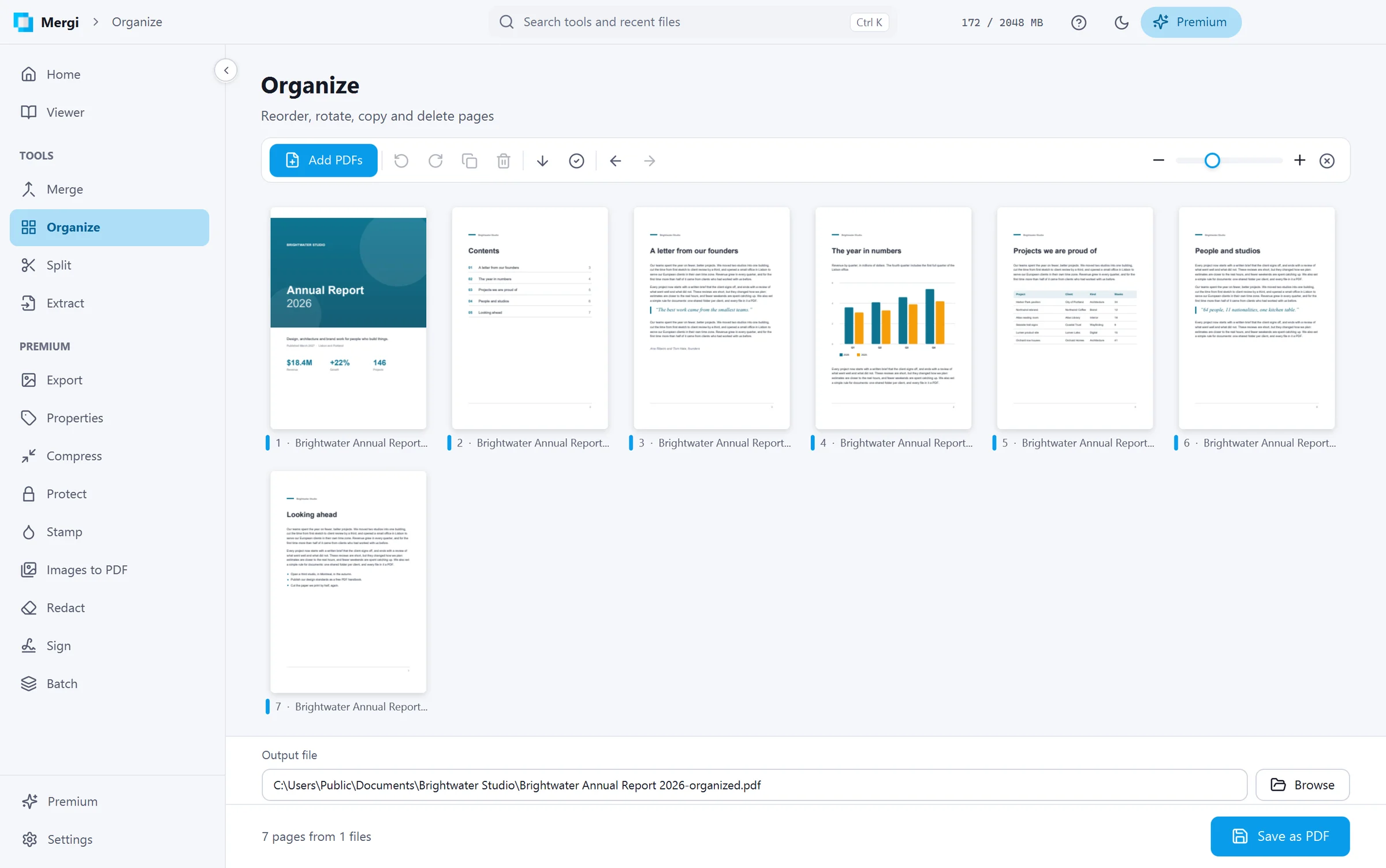
Organize pages by dragging them into order, rotating, duplicating or deleting, with undo. Several files can share one board.
Split a file every few pages, into single pages, by ranges or by its bookmarks.
Extract or remove pages.
Check a file's properties and verify its digital signatures.
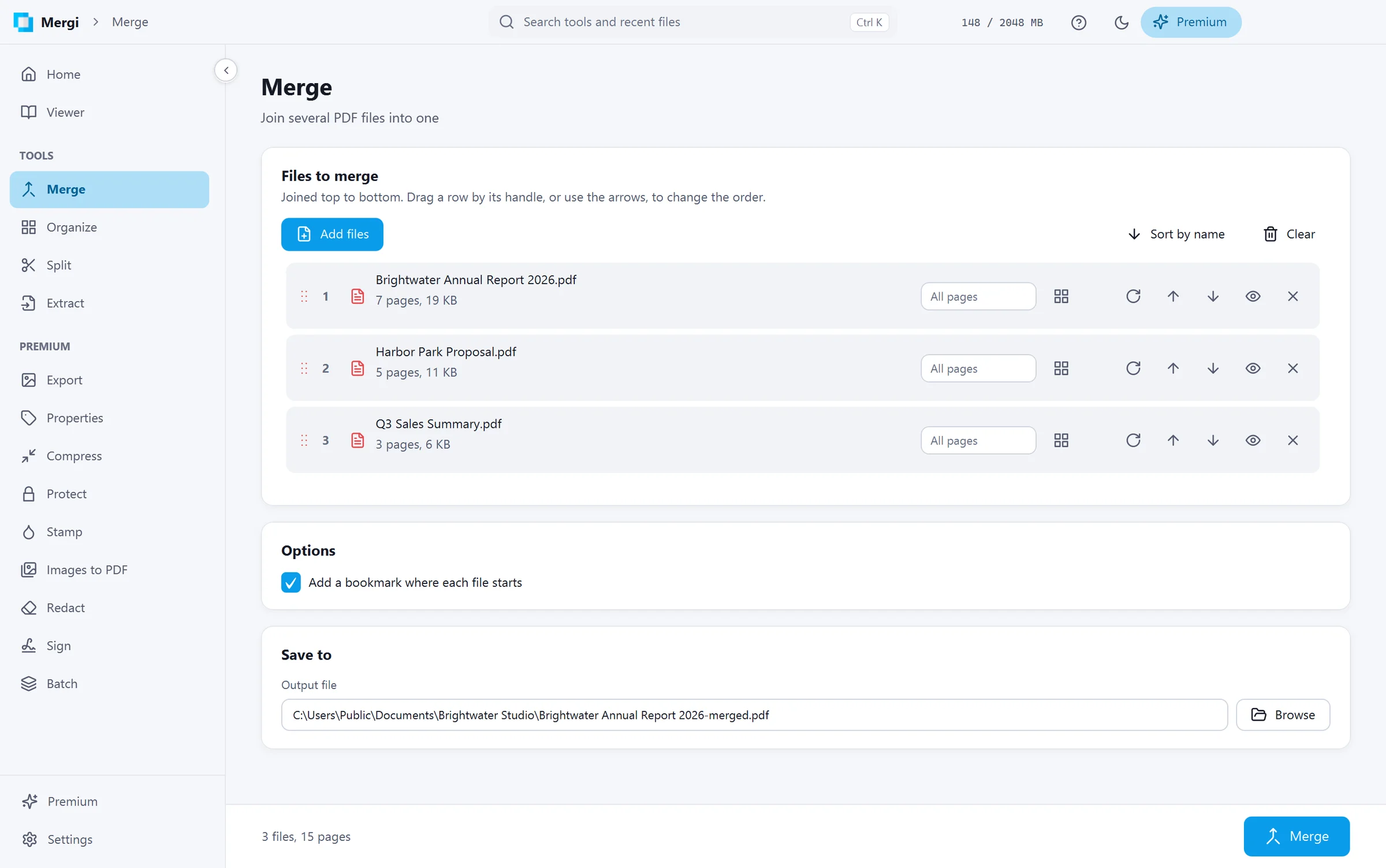
Picking pages works the way you'd hope. Type something like 1-3, 7, or click the thumbnails instead. The two stay in sync, so what you type and what's selected never disagree.
Premium, for the bigger jobs
Mergi Premium covers the tools you'd normally pay for somewhere else:
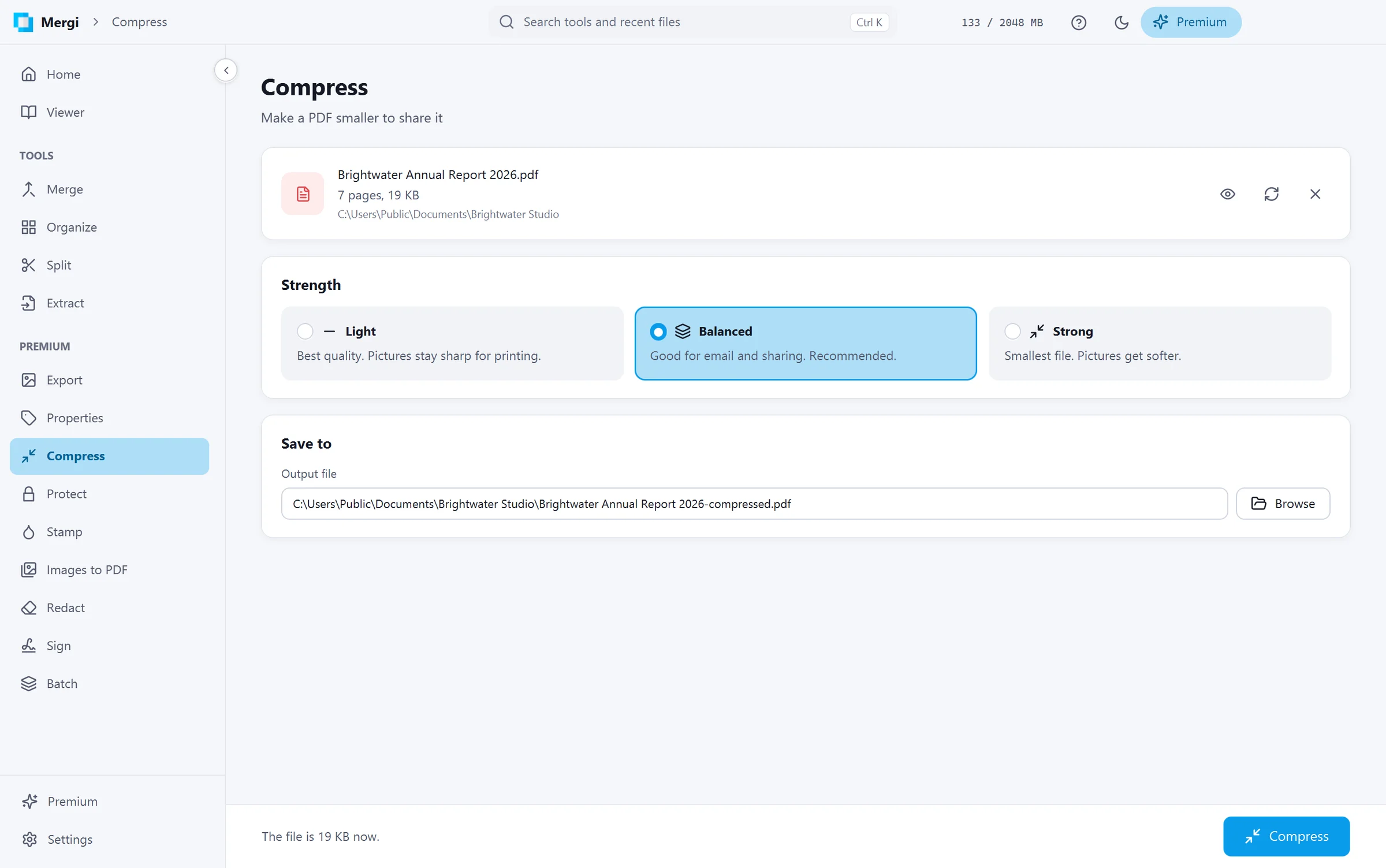
Compress files until they're small enough to send.
Export pages as PNG, JPEG, WebP or TIFF, or pull the text out as plain text or Markdown.
Protect a file with an AES-256 password and choose what's allowed, or unlock one you own.
Stamp watermarks in any of roughly 2,000 Google fonts, or add page numbers. You place them by dragging.
Images to PDF, with phone photos turned the right way up for you.
Redact words, phrases or areas you draw. They're removed from the file, not hidden under a black box someone could lift off.
Sign with your own certificate, with a visible signature box and a trusted timestamp.
Fill forms right in the viewer, totals and checks included. Save normally or save flattened.
Batch Compress, Protect, Stamp, Properties or Redact across a whole folder's worth of files.
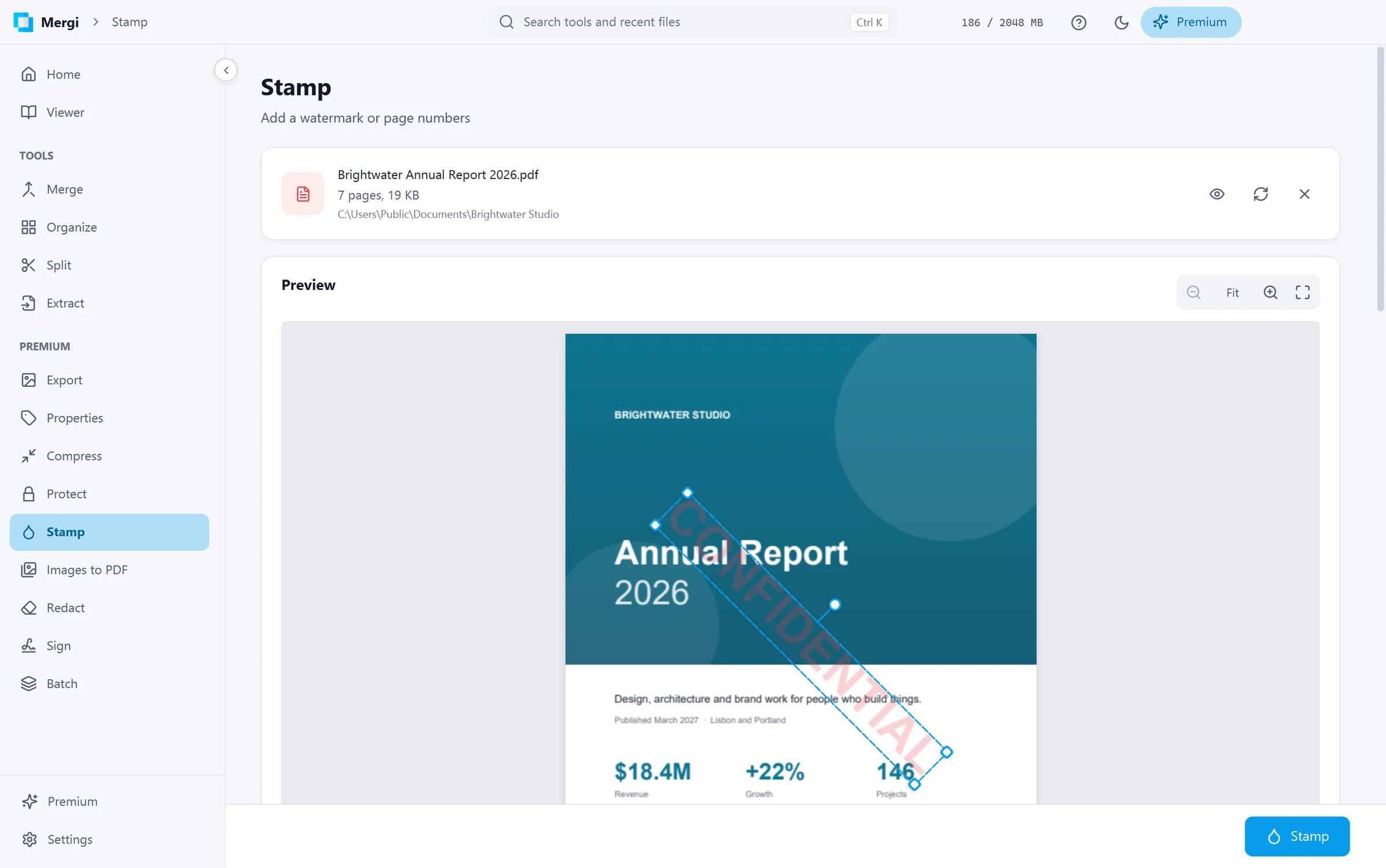
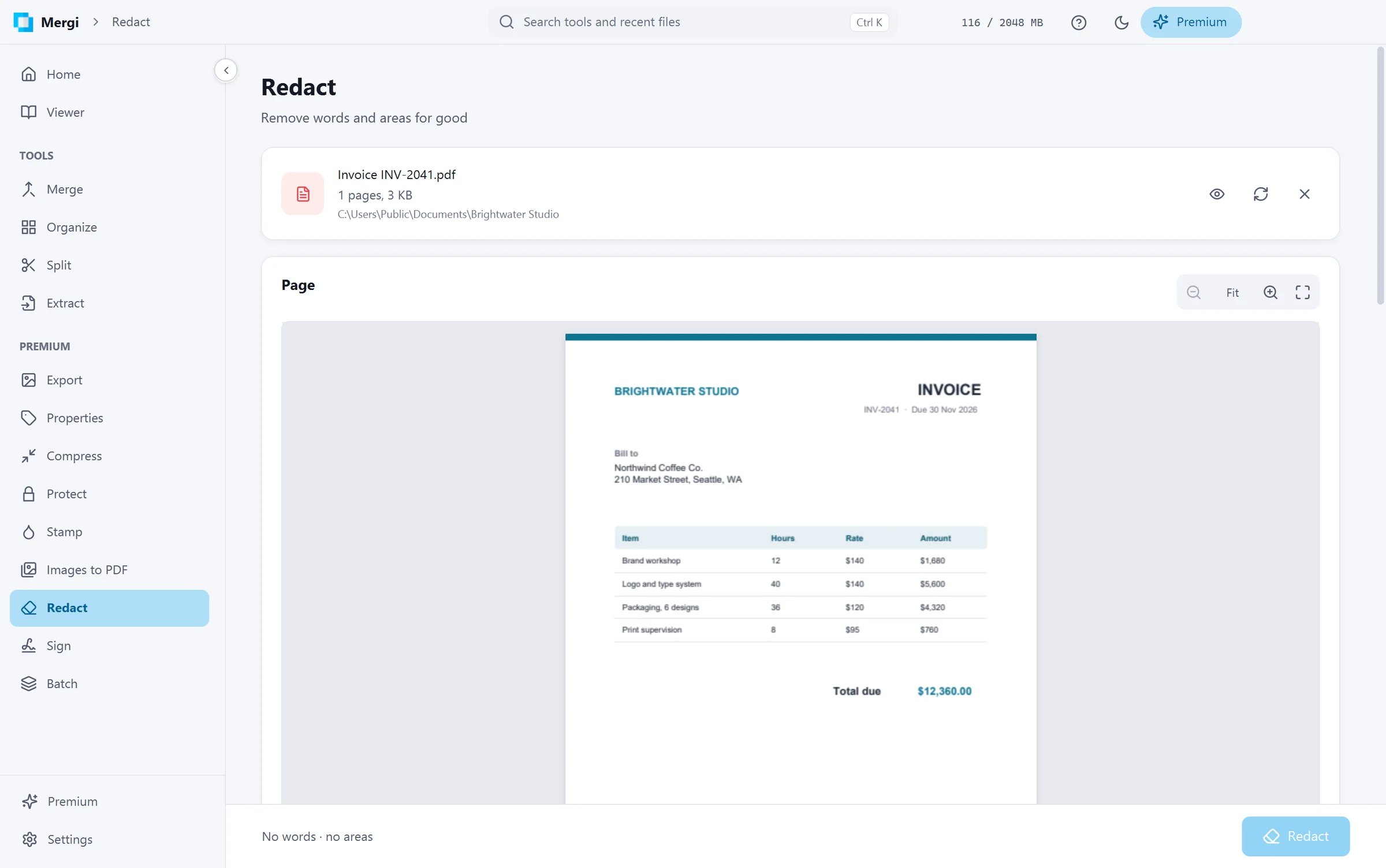
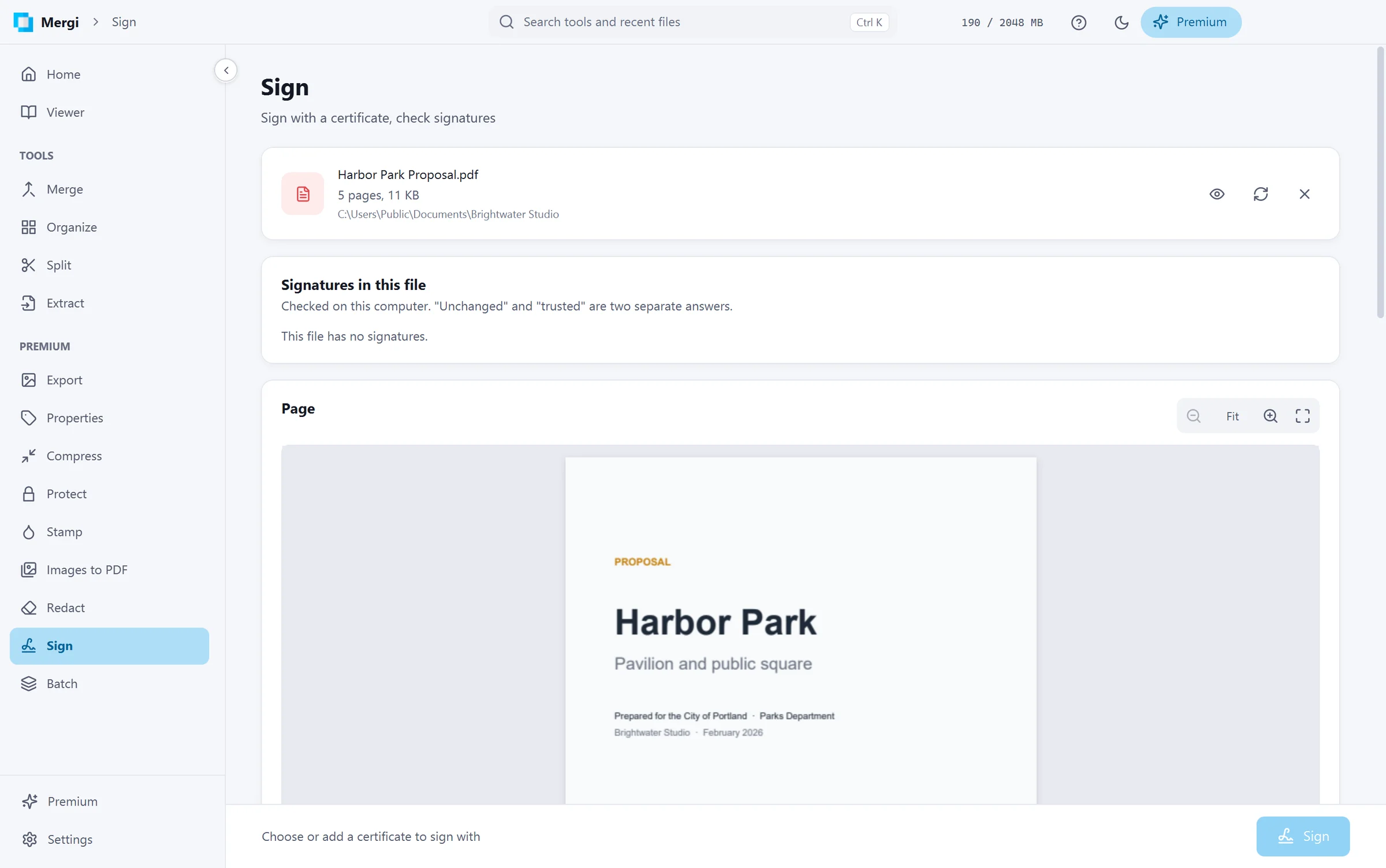
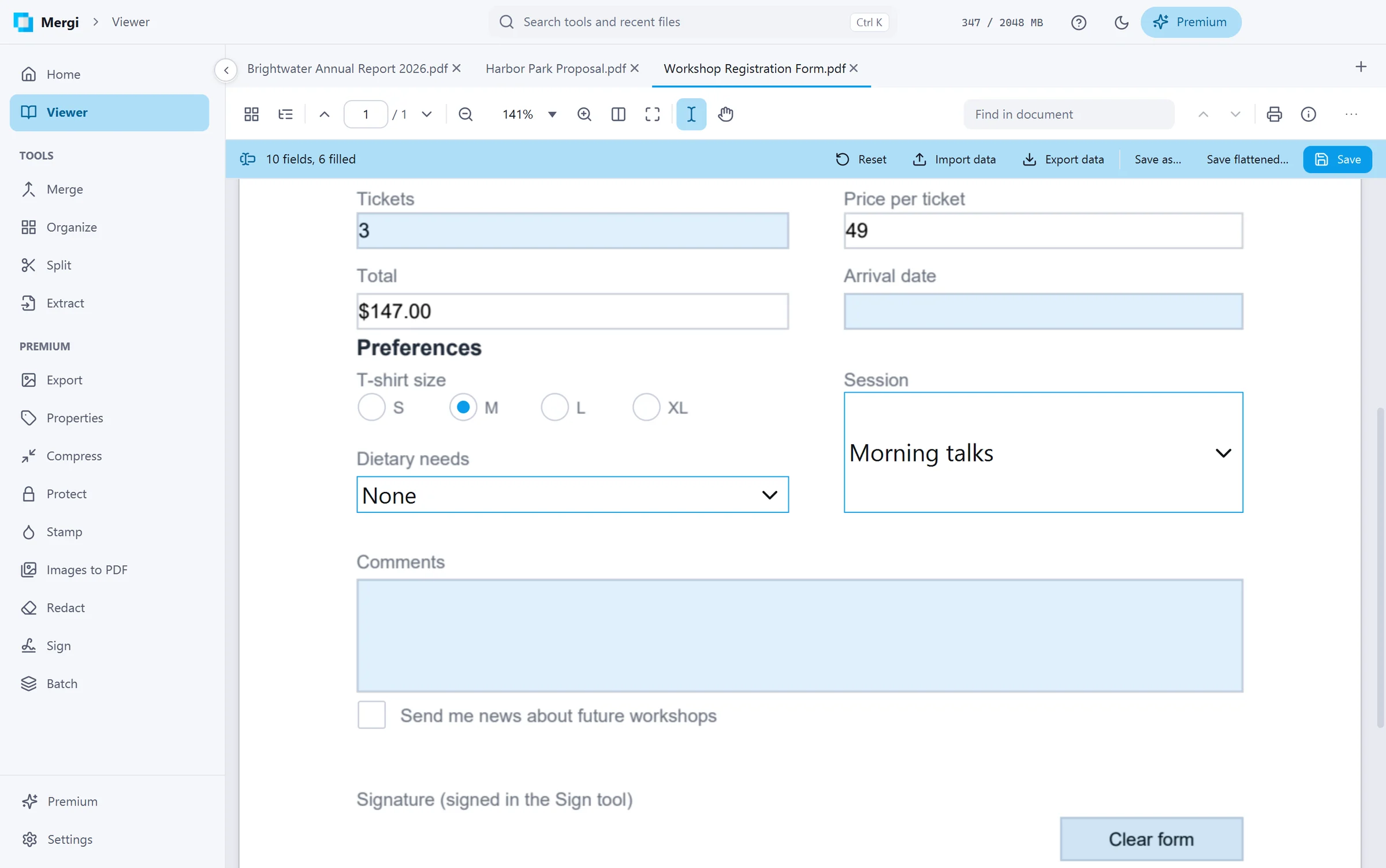
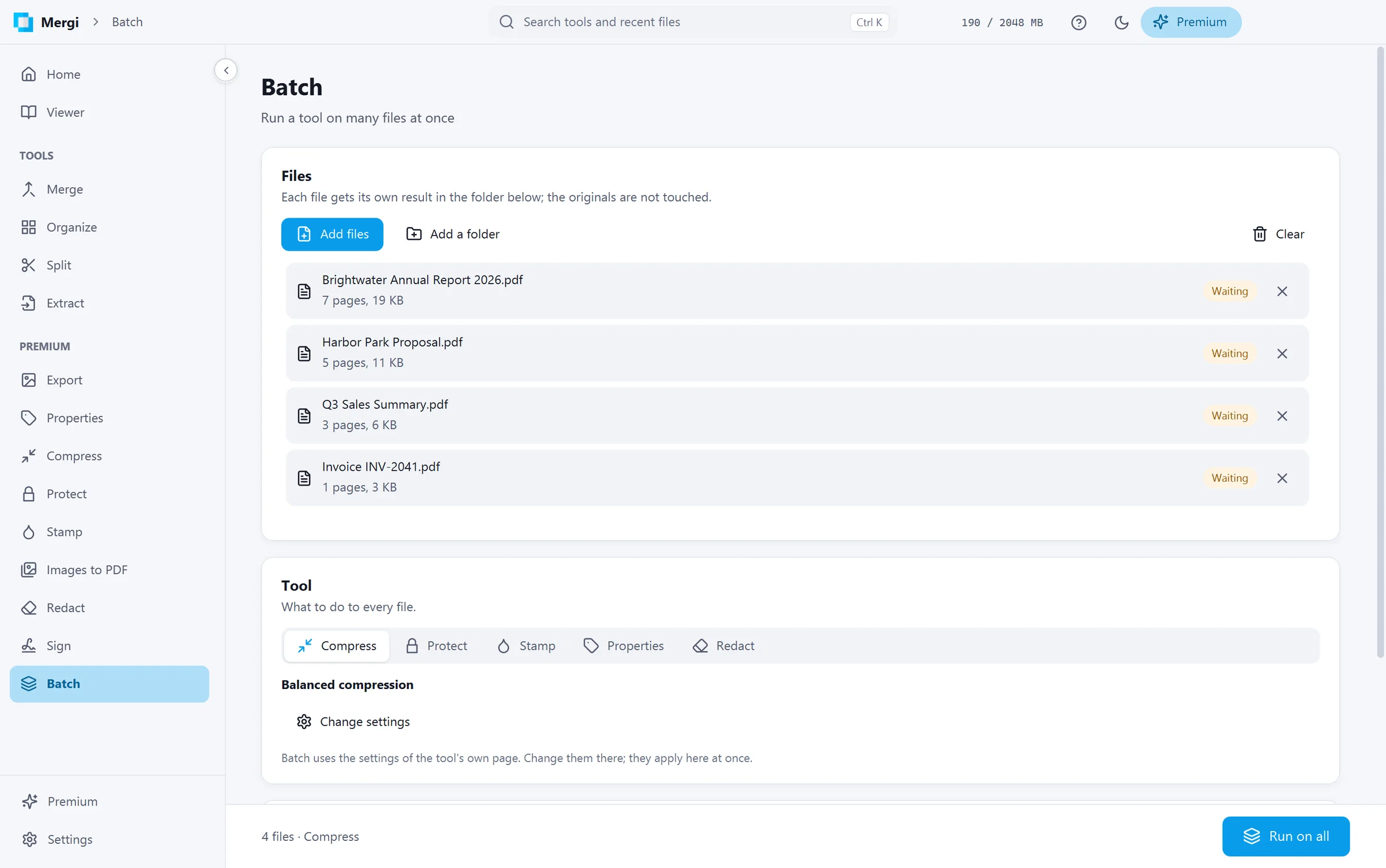
Premium costs $7.99 a month or $44.99 a year, which saves you 53%. Every Premium page also opens in the free version, so you can look around a tool and see exactly what it does before paying for anything.
Private by design
Every tool runs on your computer. Mergi never uploads your files, and nothing you open or create leaves your machine. Passwords you type stay in memory only until you close the app. Usage reports can be switched off the first time you start Mergi, or any time later in Settings.
Get Mergi
Mergi 1.0 runs on 64-bit Windows and comes in English and Spanish. You can download it from the Mergi page, and the user guide covers every tool step by step.
After that, you don't have to think about versions. Mergi lets you know when an update is ready and installs it in one click.
Get our news by email
New versions, new products and the odd offer. Not often, and you can leave whenever you like.

Keep reading
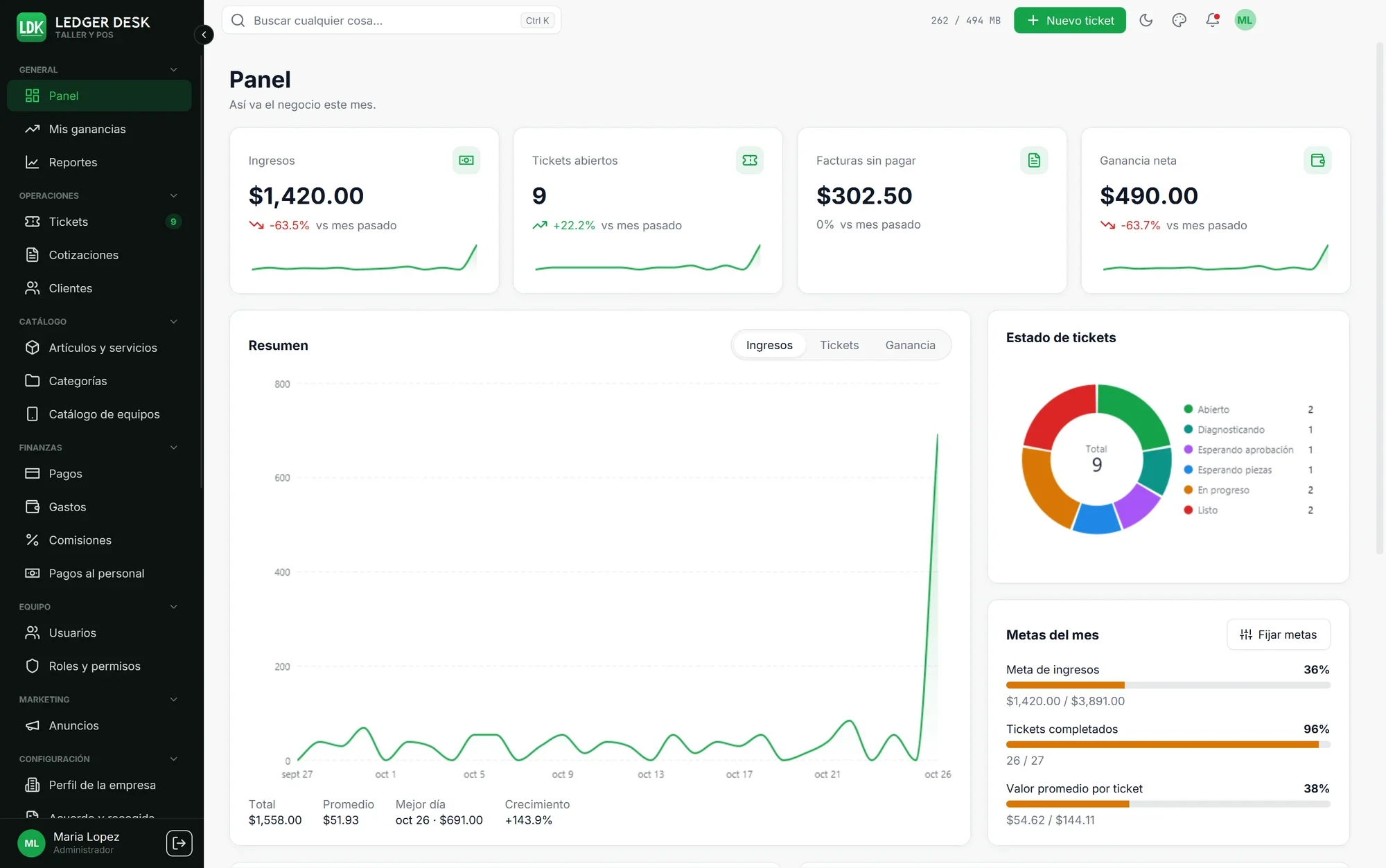 Why Ledger Desk Is the Repair Shop Software I'd PickMost POS software was built for stores that sell off a shelf, not for repair shops. Ledger Desk starts from the repair ticket and follows it all the way to the money: one ticket carries the bill, commissions are paid on real profit, and customers sign and pay on a tablet in English or Spanish. Here’s why it’s the one I’d recommend.6 min read
 Welcome to our new websiteTake a look around our new home on the web, where you can buy software, book services, read documentation, and reach our support team.1 min read