
Getting started
These steps are done once on each computer. After that, the app is ready every day.
Install the app. See Install the app.
Activate the licence with the utility's key. See Your licence.
Enter the readings server details (the API address and the API key) in Settings. Ask the IT staff for them. They are kept for everyone who uses this computer, so other people who sign in with their own Windows account do not have to enter them again.
Take the guided tour. It opens by itself the first time the app starts. It shows each part of the screen in about a minute.
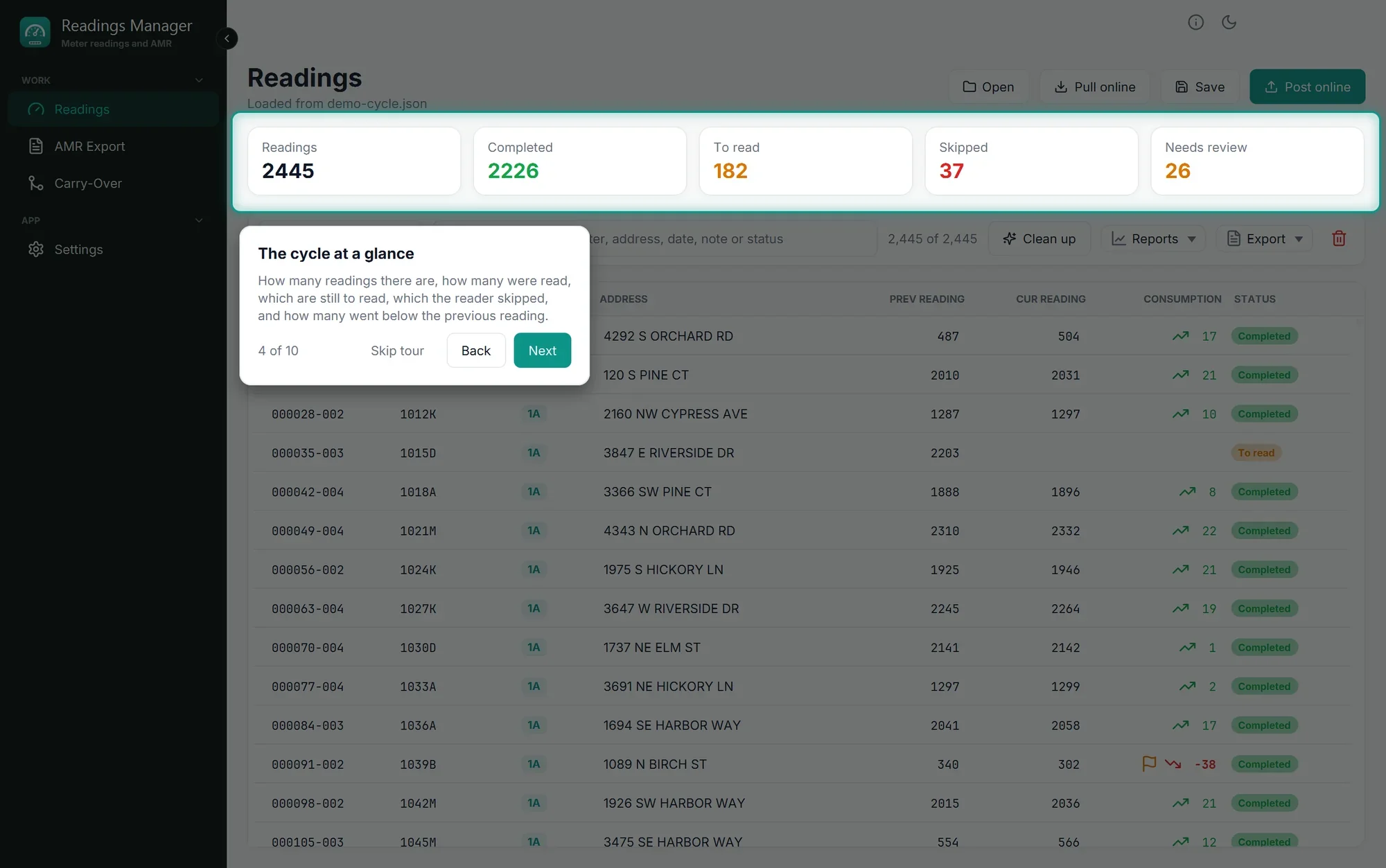
Tip: You can take the tour again any time: click Help (the i at the top right), then Guided tour.
Then read The window to learn where everything is.
Last updated November 17, 2026