Your shop, on your own computer
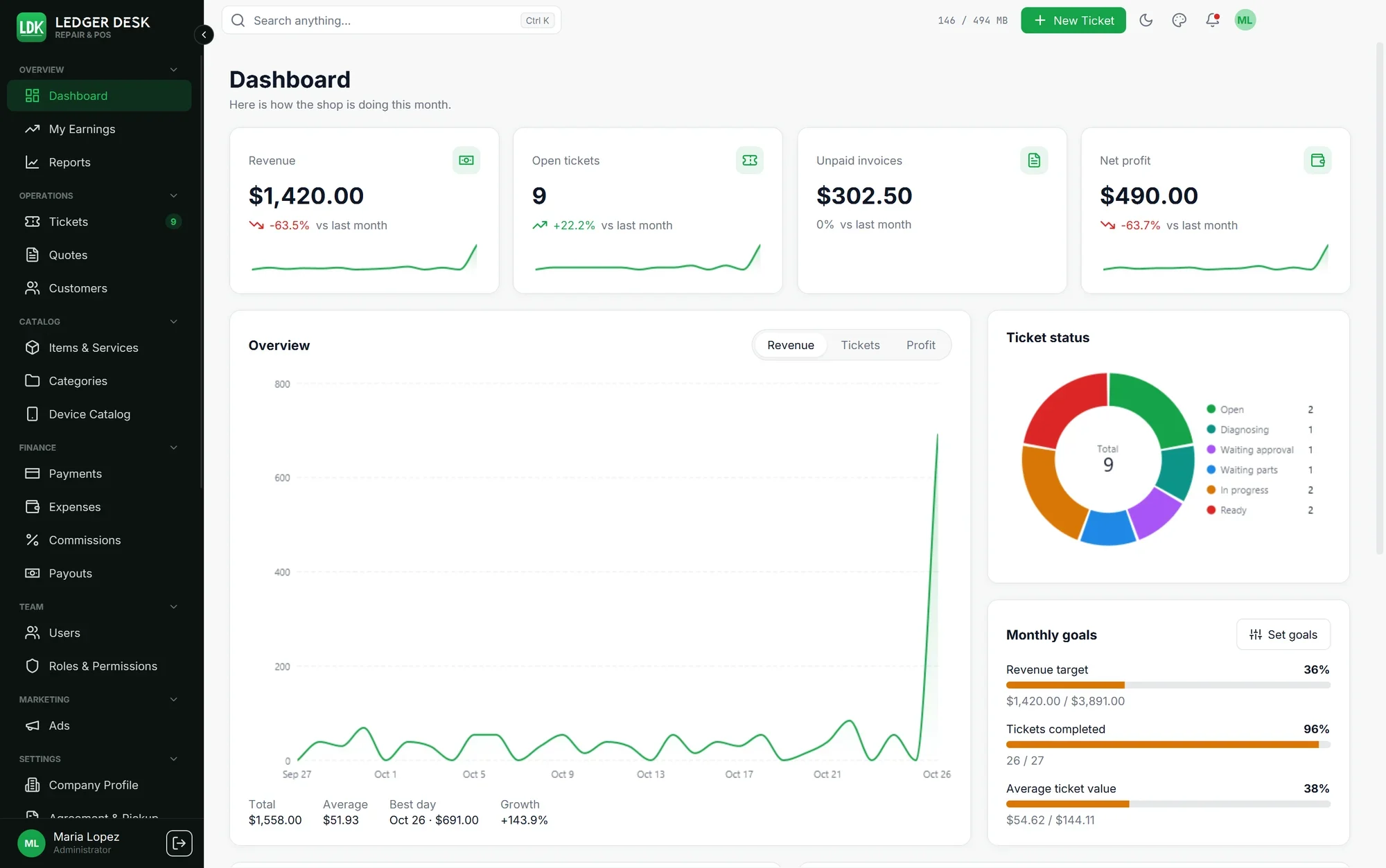
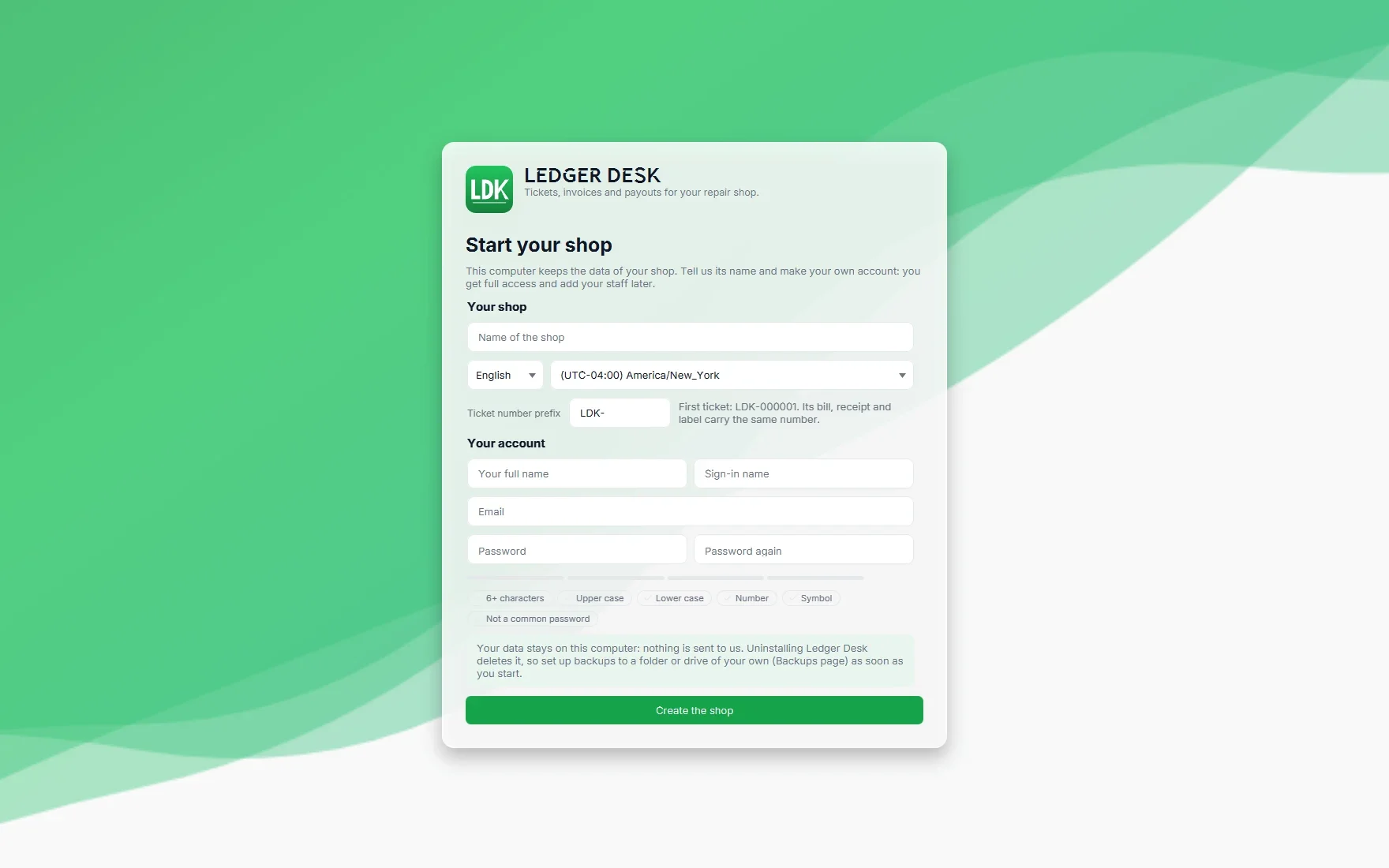
Ledger Desk Local installs on a Windows computer at your counter. That computer becomes your main computer: the shop's database lives on it. There is no cloud server, no hosting to pay, no domain to buy and nothing for us to set up. Install it, create your shop in a few minutes and start working.
Free to start
The Free plan needs no key and no card: tickets, bills, receipts and invoices, payments, labels, the repair agreement with signature, up to 100 saved customers and 2 users on one computer. When the shop grows, Premium and Premium Plus unlock the rest on the same computer, with nothing to move.
Local only: read this before you buy
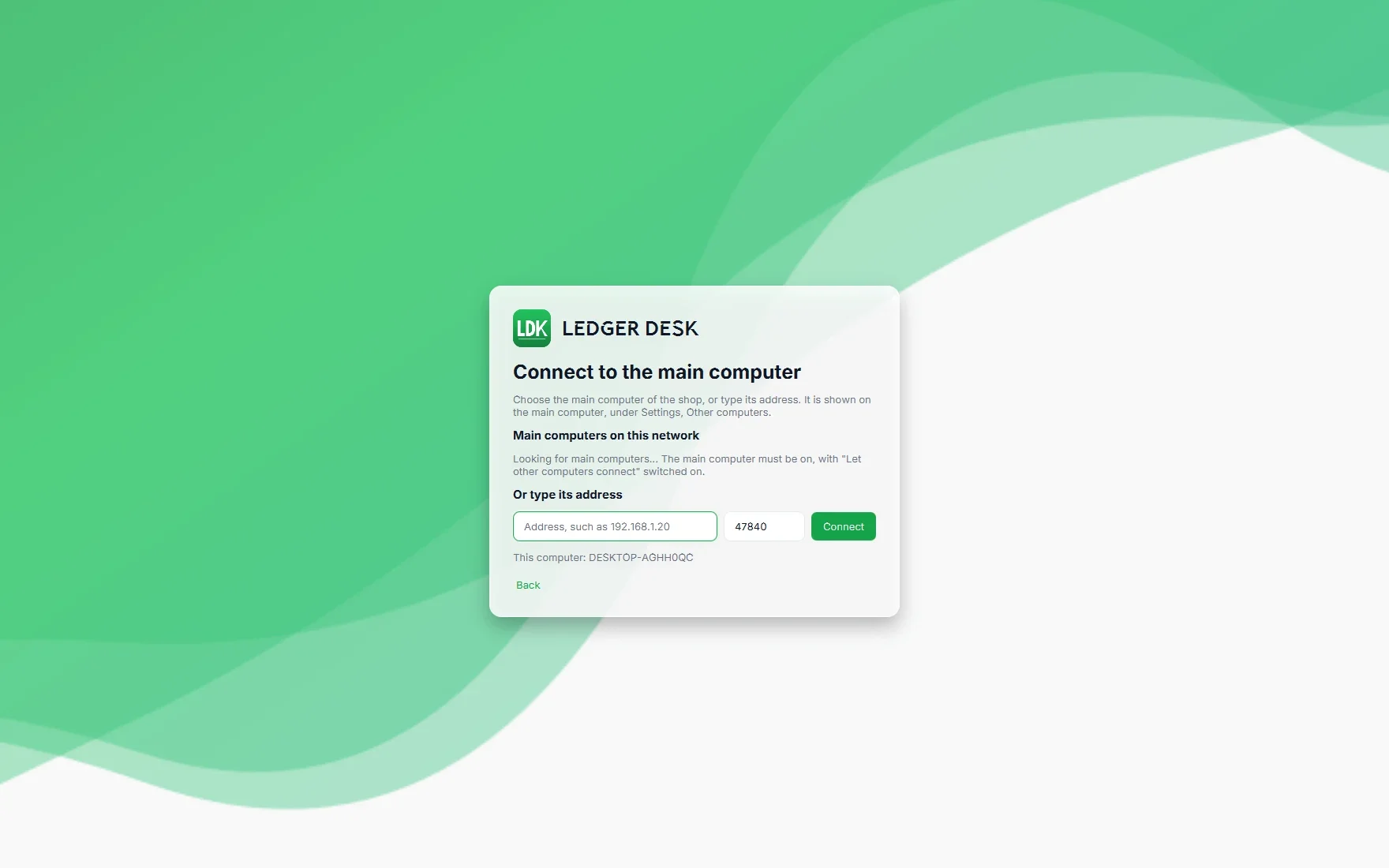
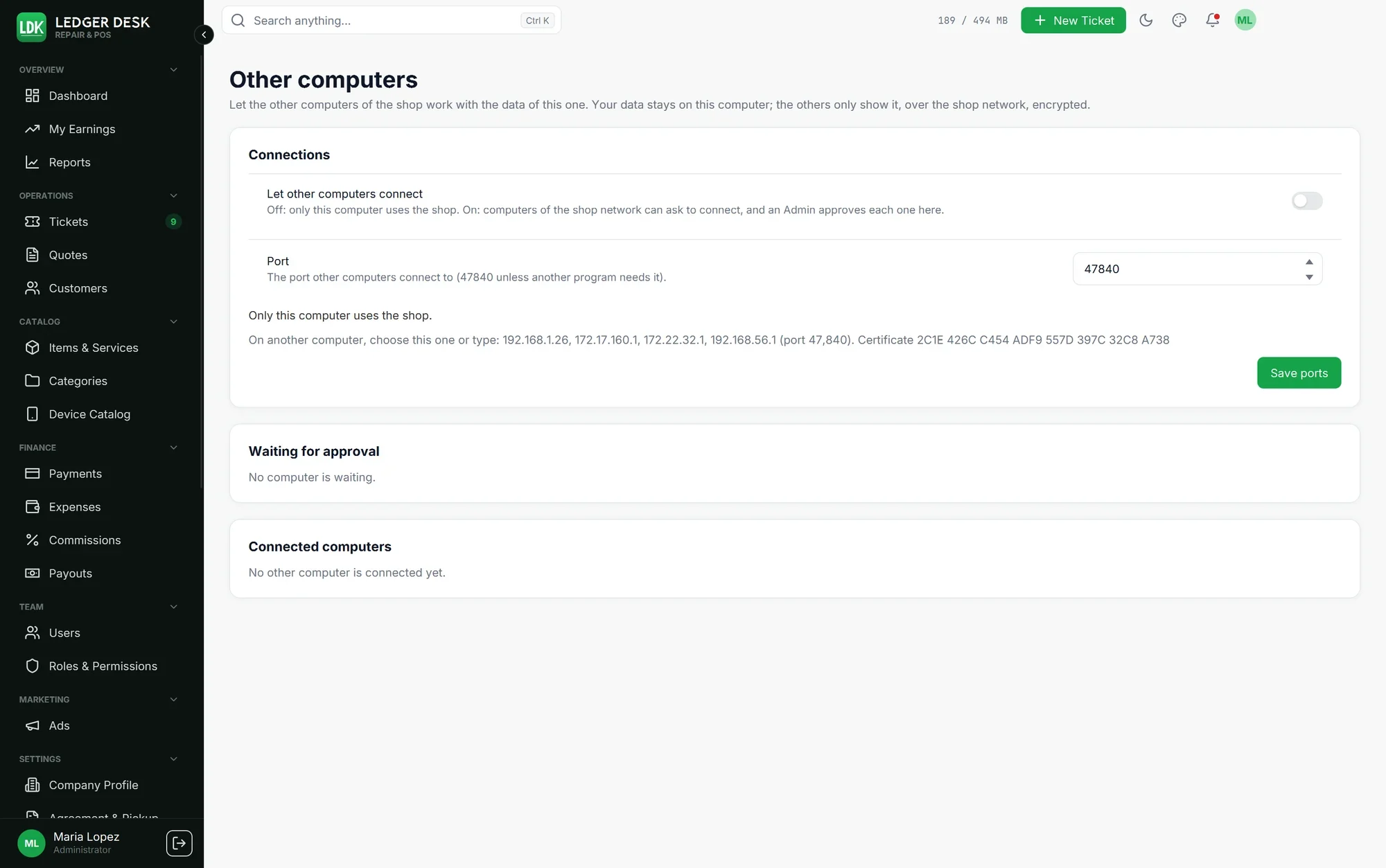
Ledger Desk Local works inside your shop. The other computers of your shop connect to the main computer over your own network. They do not connect over the internet.
No access from home or from another location. Ledger Desk Local is used on computers that are on the same network as the main computer.
No web version and no staff phone app. You work in the Windows app on the counter computers.
No cloud copy. Your data is not stored online, by us or by anybody else.
The main computer must be on while the other computers work.
If you need to reach your shop from anywhere, or several stores on one system, choose Ledger Desk, the edition with its own server.
Your data stays with you
Customers, tickets, bills, prices, users, reports and files never leave your shop. We do not see them and we do not keep them. When the main computer checks the subscription it sends only the key, a coded id of the computer, the version and the plan. Emails to your customers go only through your own mail server, and only when you switch them on.
Internet once a week for the paid plans
On Premium and Premium Plus the main computer needs the internet at least once every 7 days to check the subscription. If it can not check for longer, or the subscription ends, Ledger Desk Local simply goes back to the Free plan until it can: nothing is locked, nothing is lost, and the paid features come back on their own.
One ticket, from the counter to the cash drawer
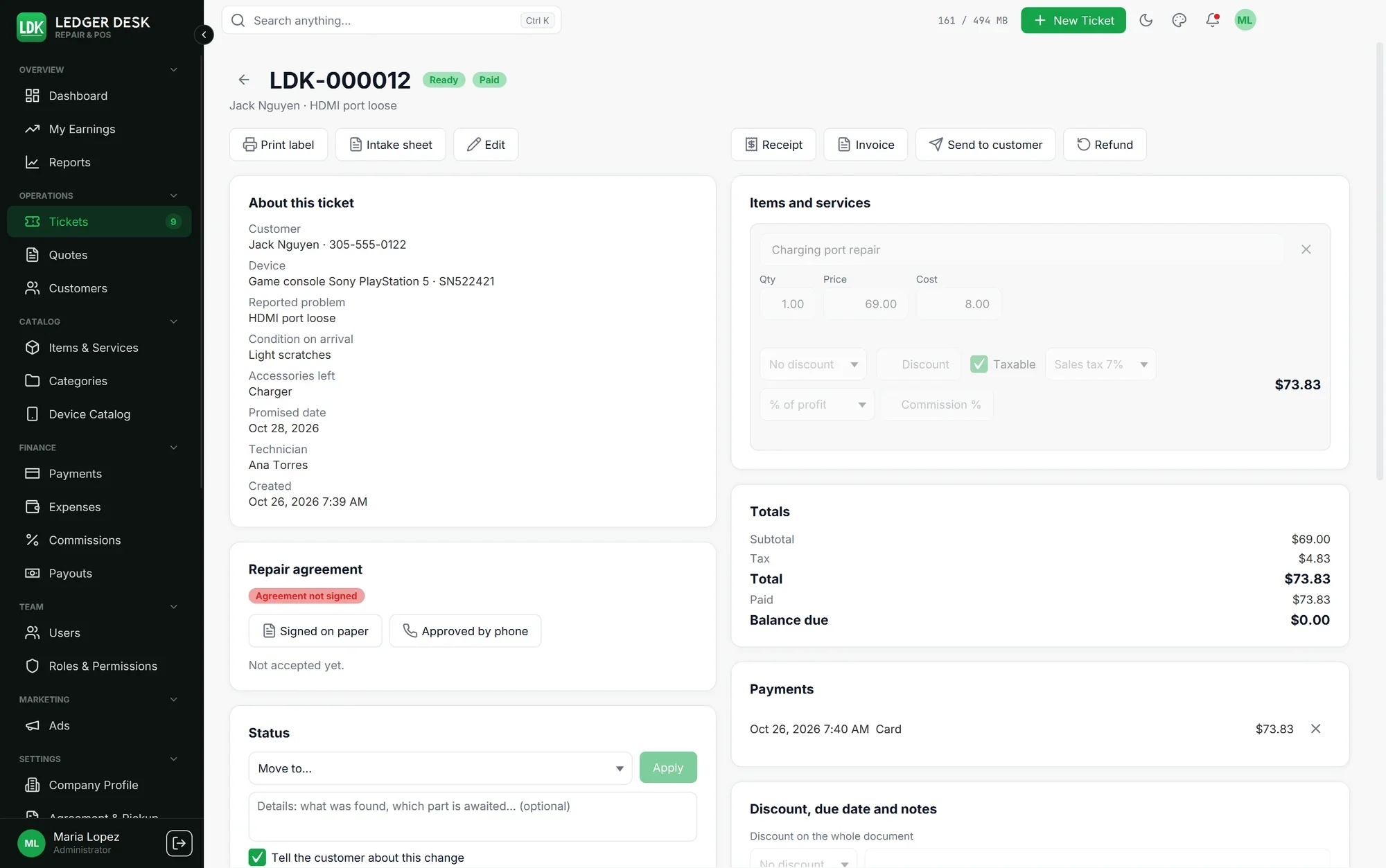
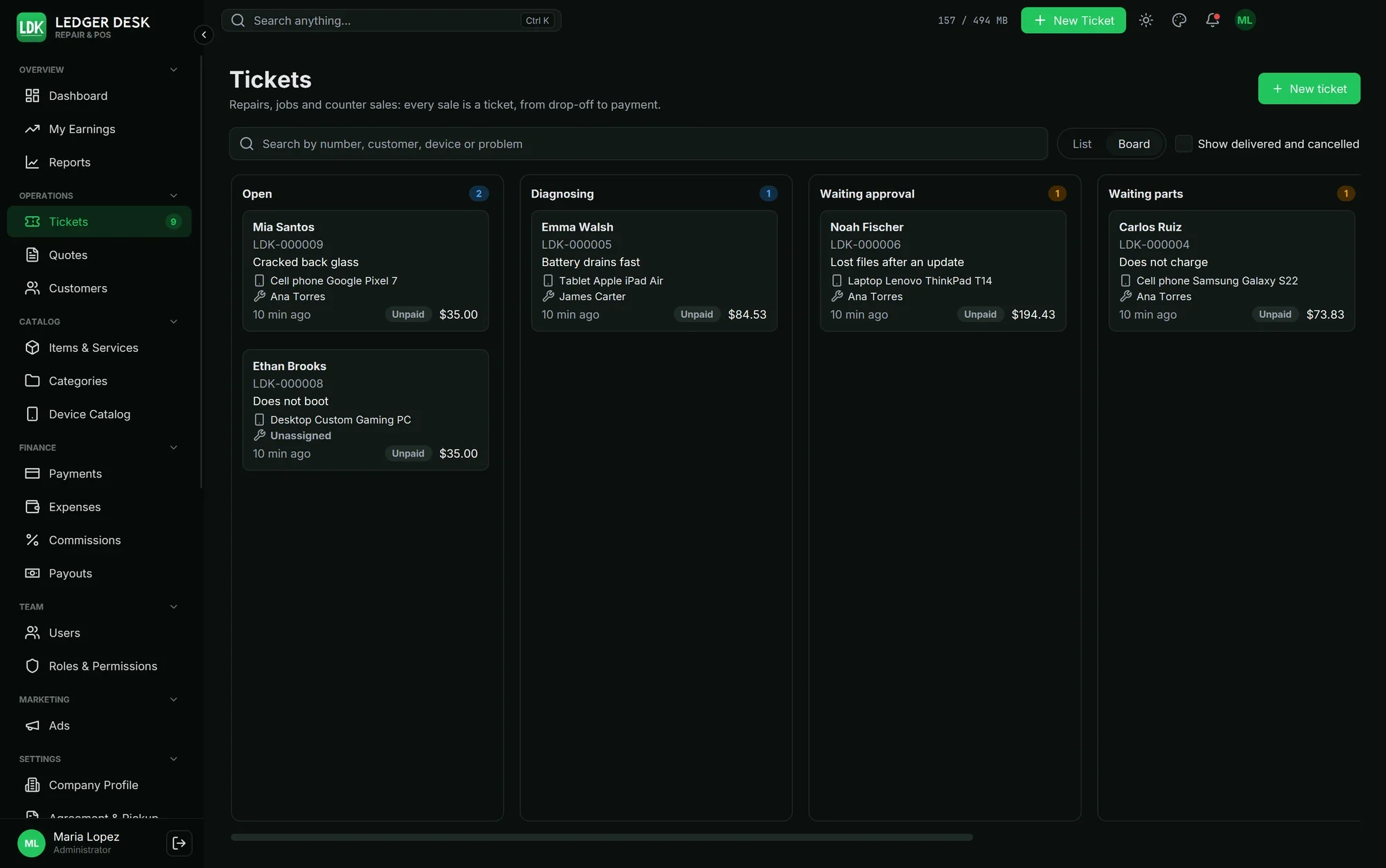
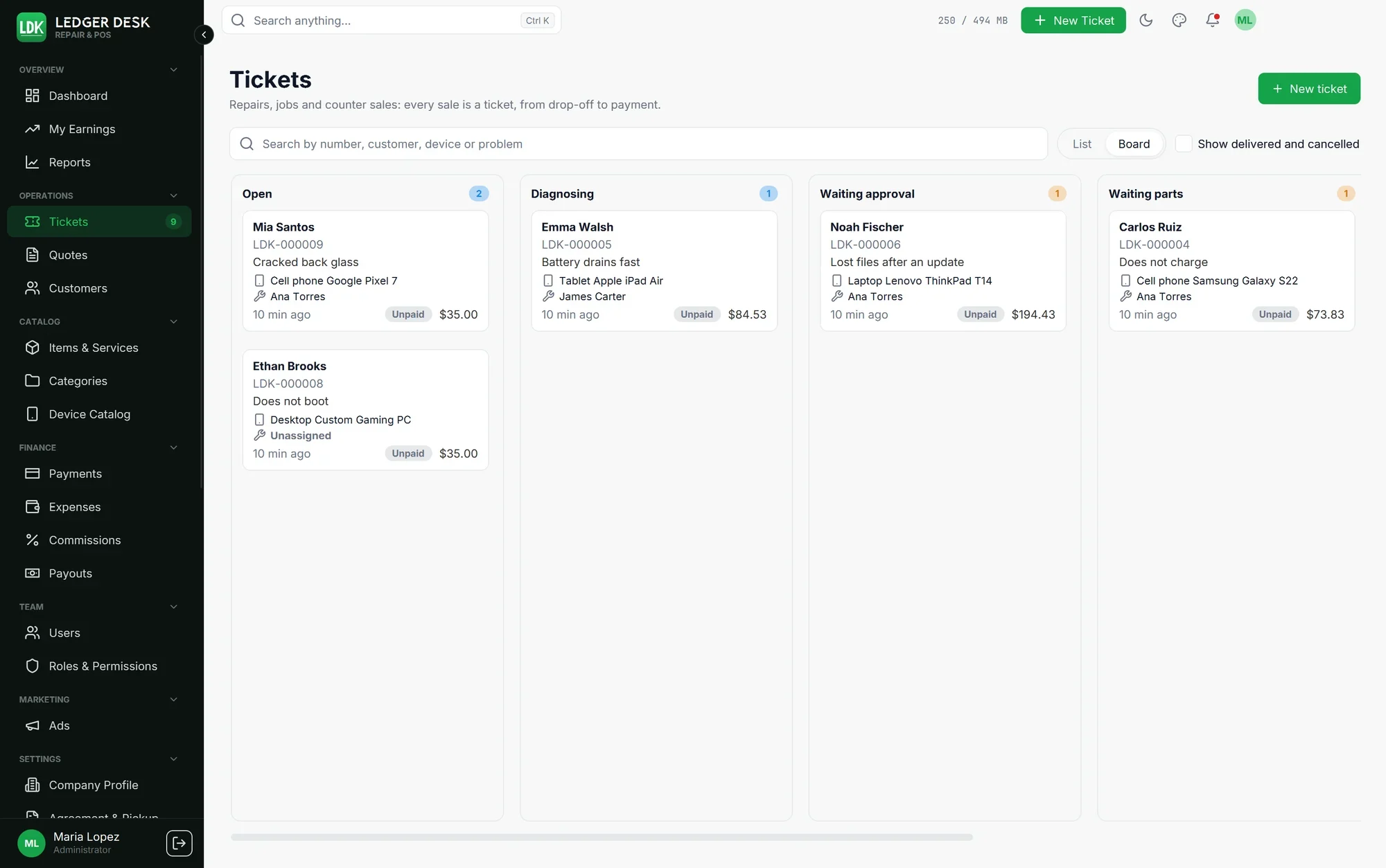
A customer walks in. You find them in a second or serve them as a walk-in, open a ticket with the services and products, and print a label for the device. When the work is done the customer pays on the same ticket and leaves with a receipt or an invoice. Technicians earn commission only on money that was actually paid, and weekly payouts never pay the same job twice.
Printing that scans every time
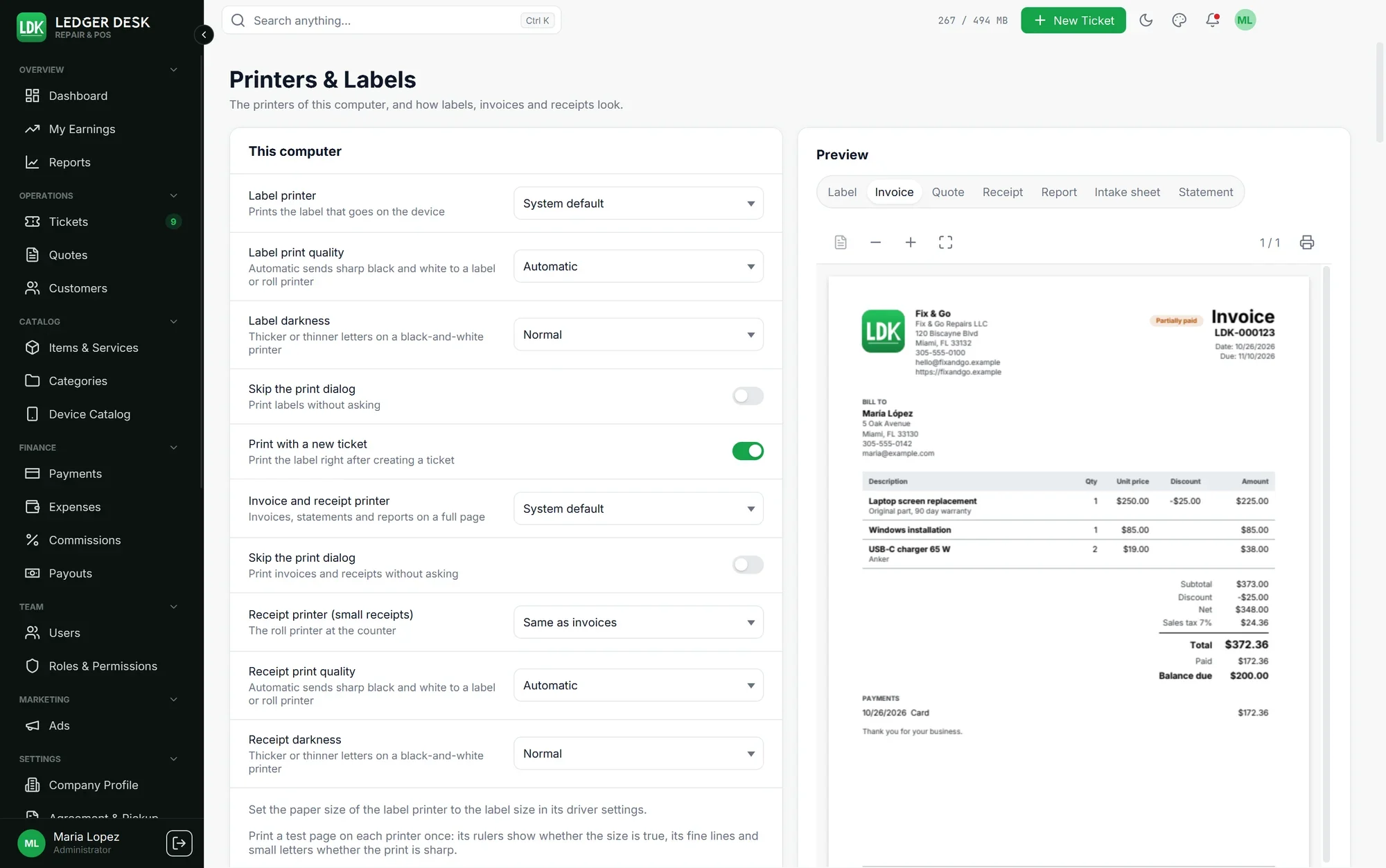
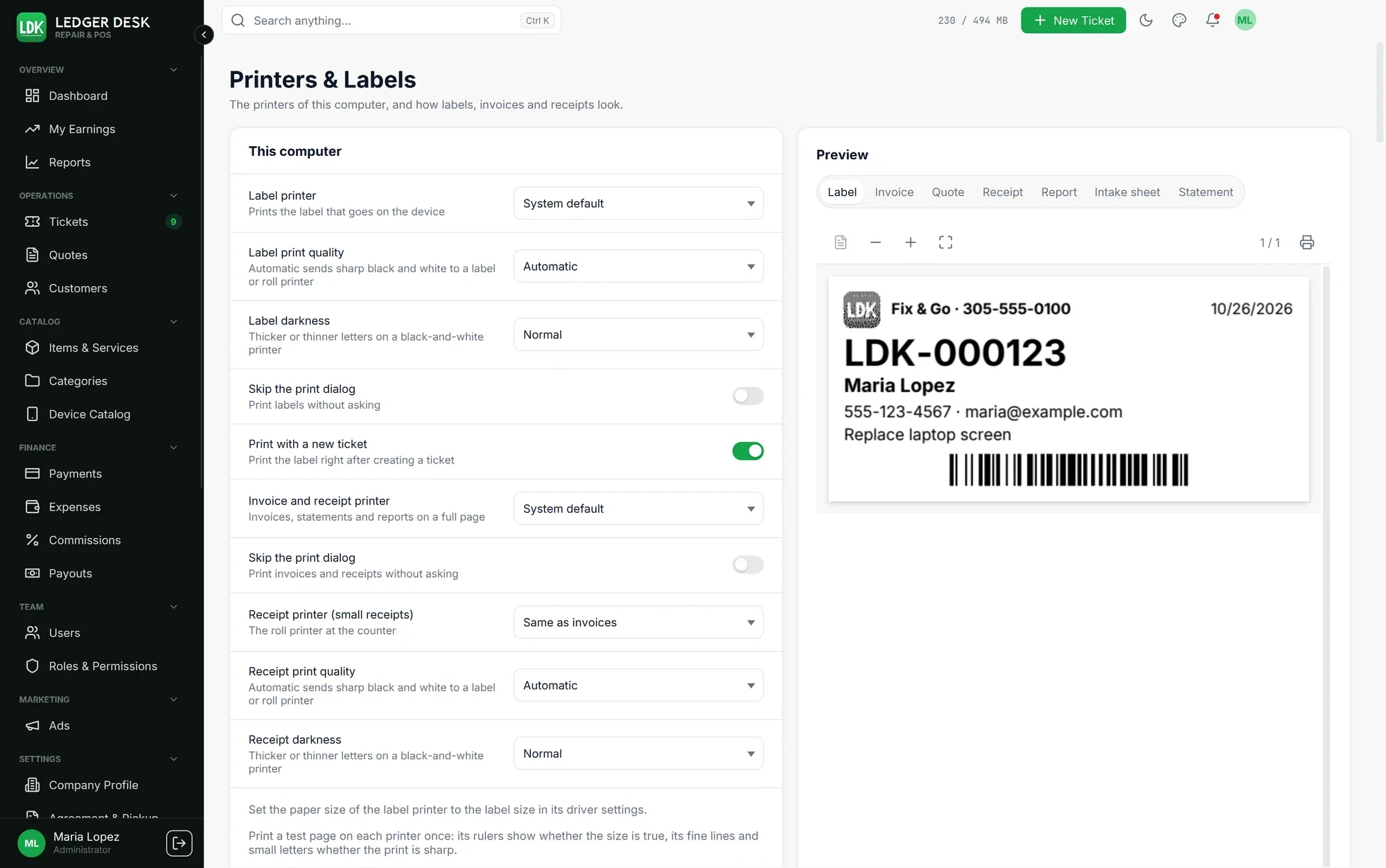
Labels and receipt rolls are drawn for the dots of your printer, so barcodes and QR codes read on the first try. Choose from 22 label layouts, 18 receipt designs and 25 invoice styles, with your logo and brand color.
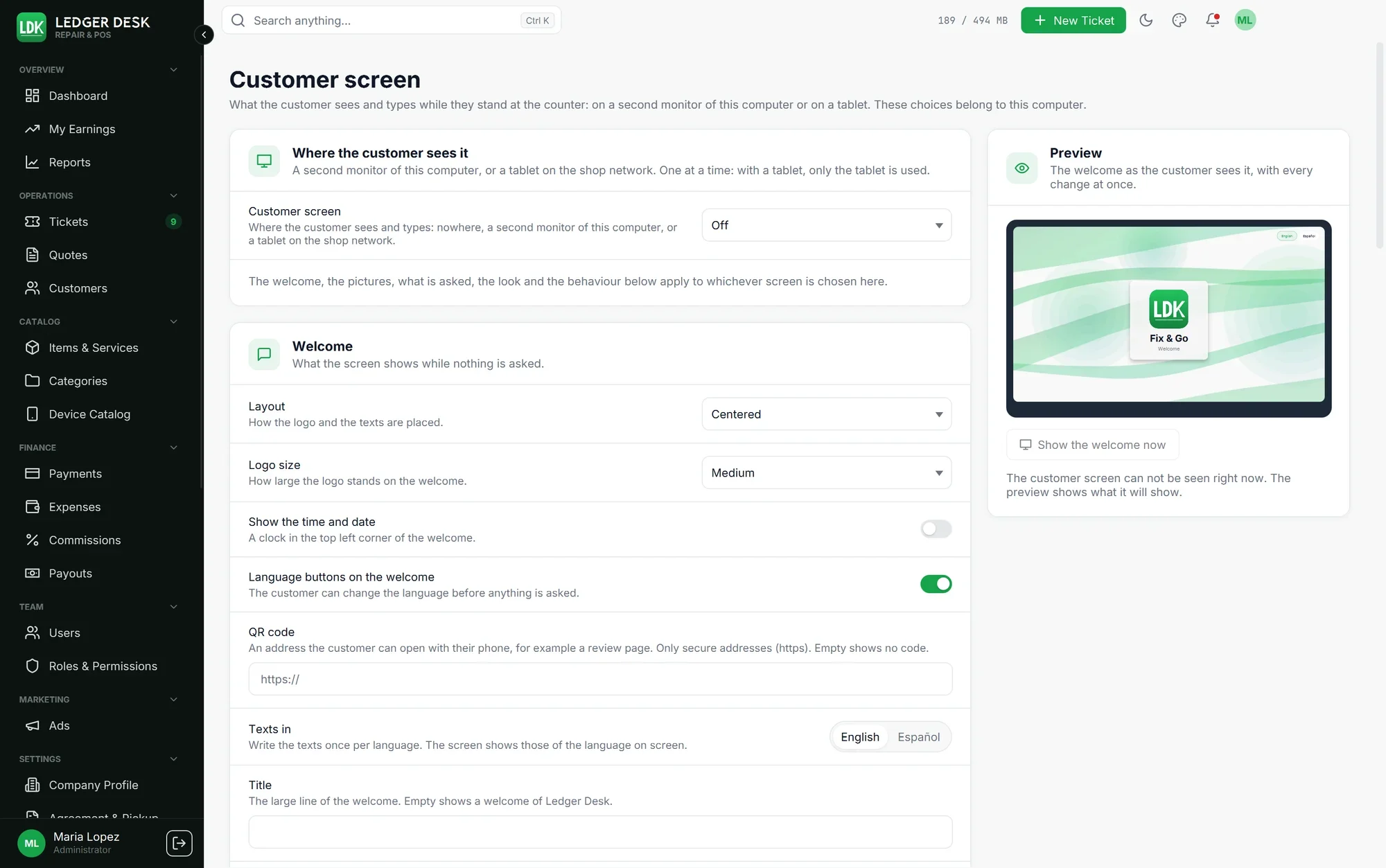
A screen that faces your customer
Put a second monitor (Premium) or an Android tablet (Premium Plus) on the counter. Customers type their own details, read and sign the repair agreement, and see their bill. Take cards on your own card terminal and record the payment in Ledger Desk Local.
Backups you control
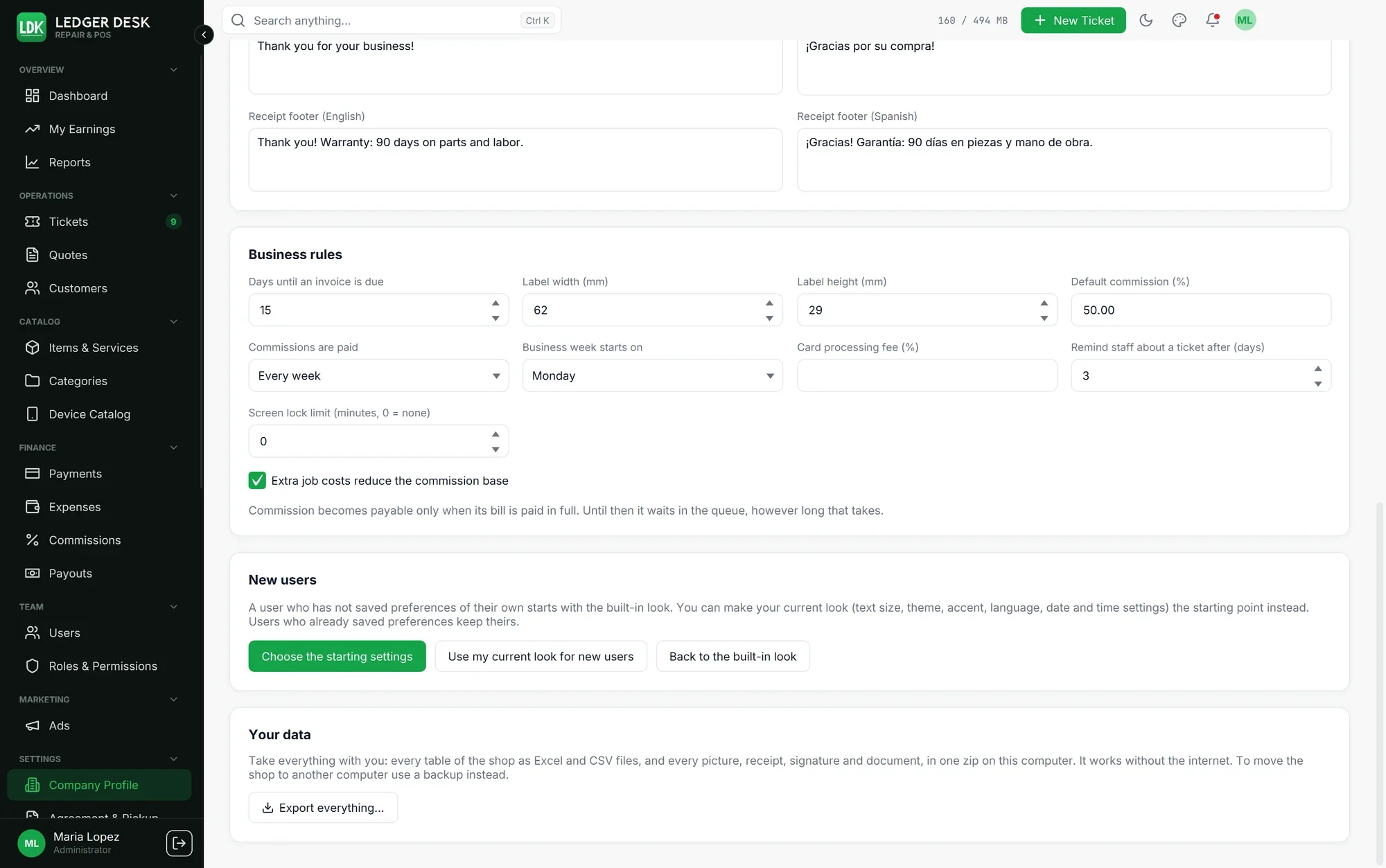
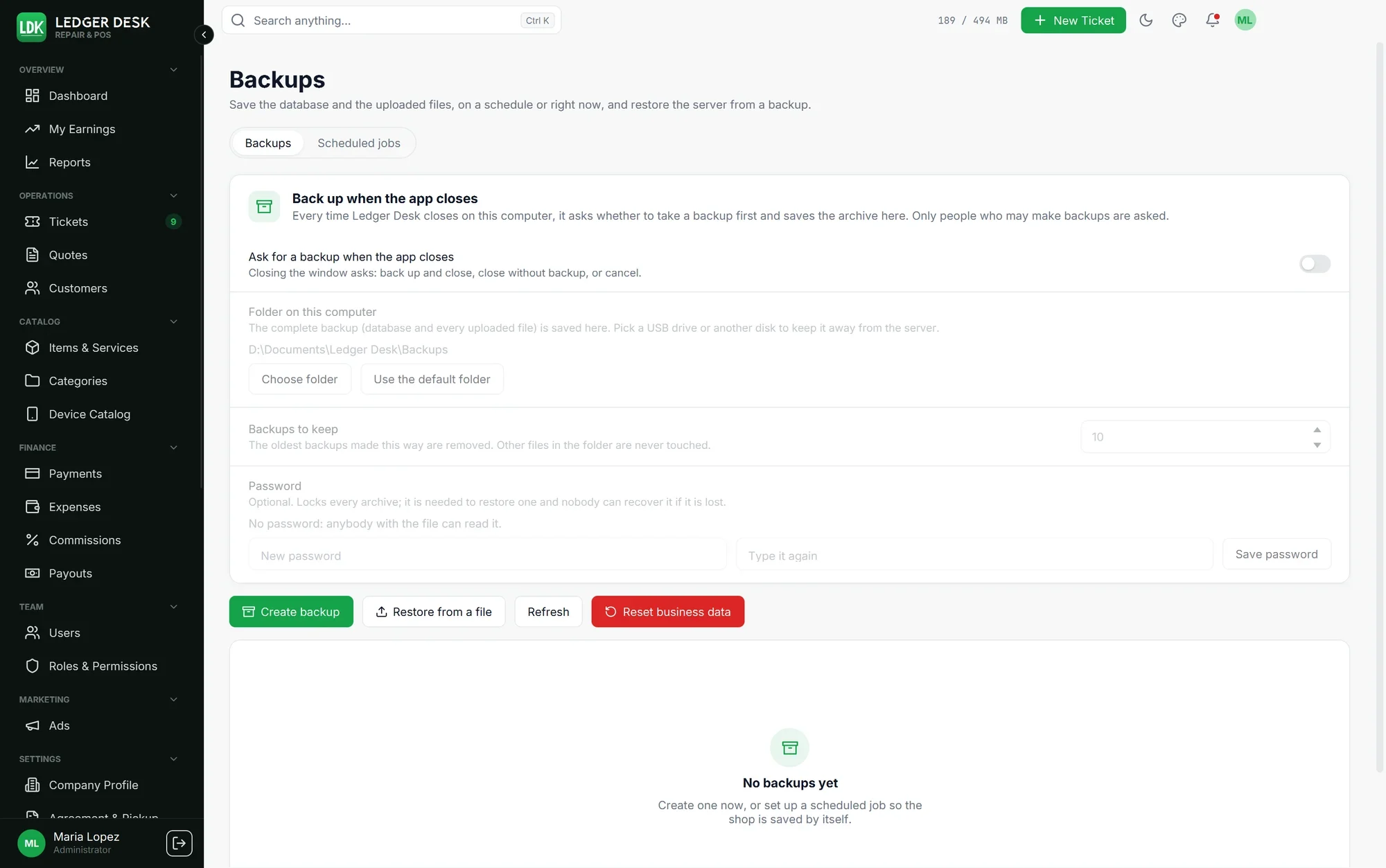
Back up to a folder or a drive you choose, and restore from inside the app. Premium adds backups on a schedule, a backup each time the app closes, and backups locked with a password. "Export everything" gives you one file with every table and every picture, readable in Excel. Keep your backups on another drive, so a broken disk or a lost computer never takes your shop with it.
Plans
Free: 1 computer, 2 users, up to 100 saved customers. Everything the counter needs.
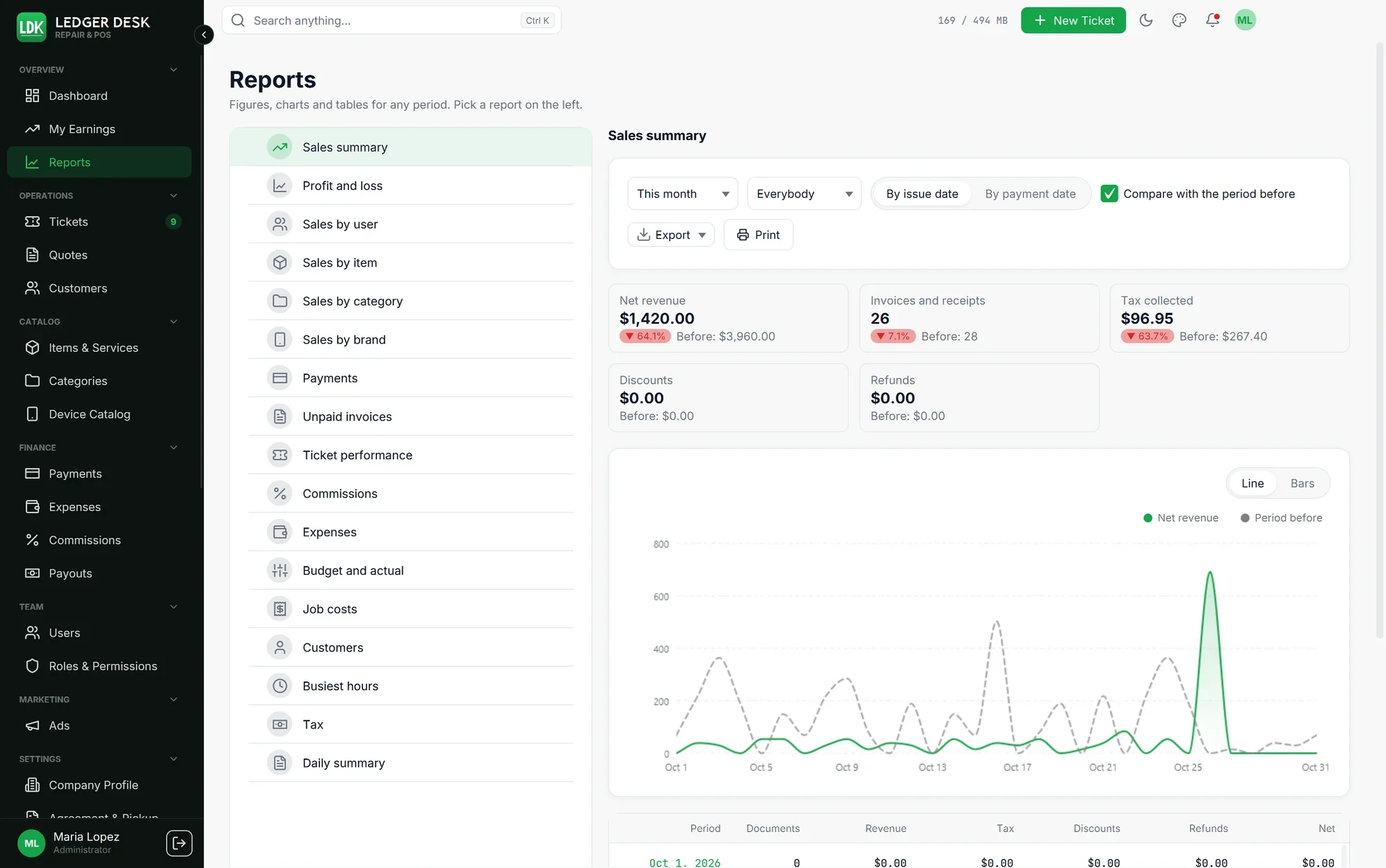
Premium: 3 computers, 10 users, unlimited customers, quotes, expenses and job costs, commissions and payouts, every report with exports, emails to customers, the customer monitor and scheduled backups.
Premium Plus: 5 computers, unlimited users, everything in Premium, plus the customer tablet and customer ads.
Premium and Premium Plus start with a free 7-day trial, monthly or yearly (the yearly plans save 30%). Both can add more computers, one at a time.
How you get it
Download the Windows installer here on xssit.com. Updates come from inside the app: it tells you when a new version is ready and installs it for you.
Not in this edition
Remote access, a web version, card payments through the app, text messages and cloud backups. These are part of Ledger Desk, the edition with its own server.