
A cycle, start to finish
This is the usual order of work for one cycle. Each step links to a page with the details.
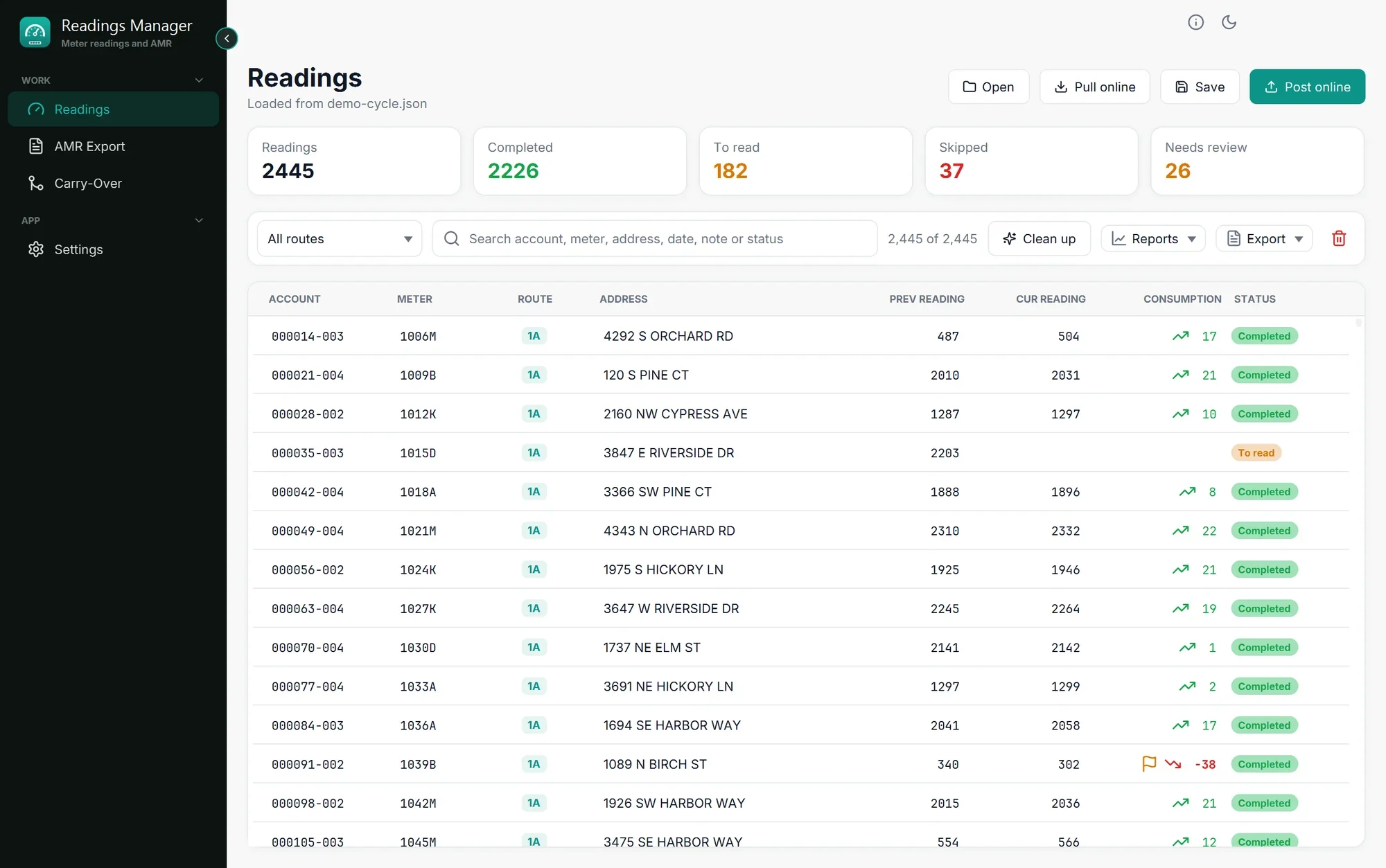
Load the readings. On the Readings page click Open (a file) or Pull online (from the server). See Load a cycle.
Remove repeated readings if the Clean up panel opens. See Clean up repeated readings.
Look at the totals at the top: how many were read, how many are still to read, how many were skipped. See The readings table.
Check the readings that need review (lower than last month). Click the Needs review box. See Reports and review.
Save a copy with Save, so you can continue later. See Export and save.
Make the AMR file on the AMR Export page. See AMR Export.
Fill next month's billing file on the Carry-Over page. See Carry-Over.
Make next month's import file: Export > Generate next import CSV. See Export and save.
Send the readings back with Post online, which always saves a backup first. See Post online.
Tip: Save often. A saved readings file can be opened again at any time, on any computer with Readings Manager.
Last updated October 28, 2026