
Compress
Make a PDF smaller, to send it by email or share it.
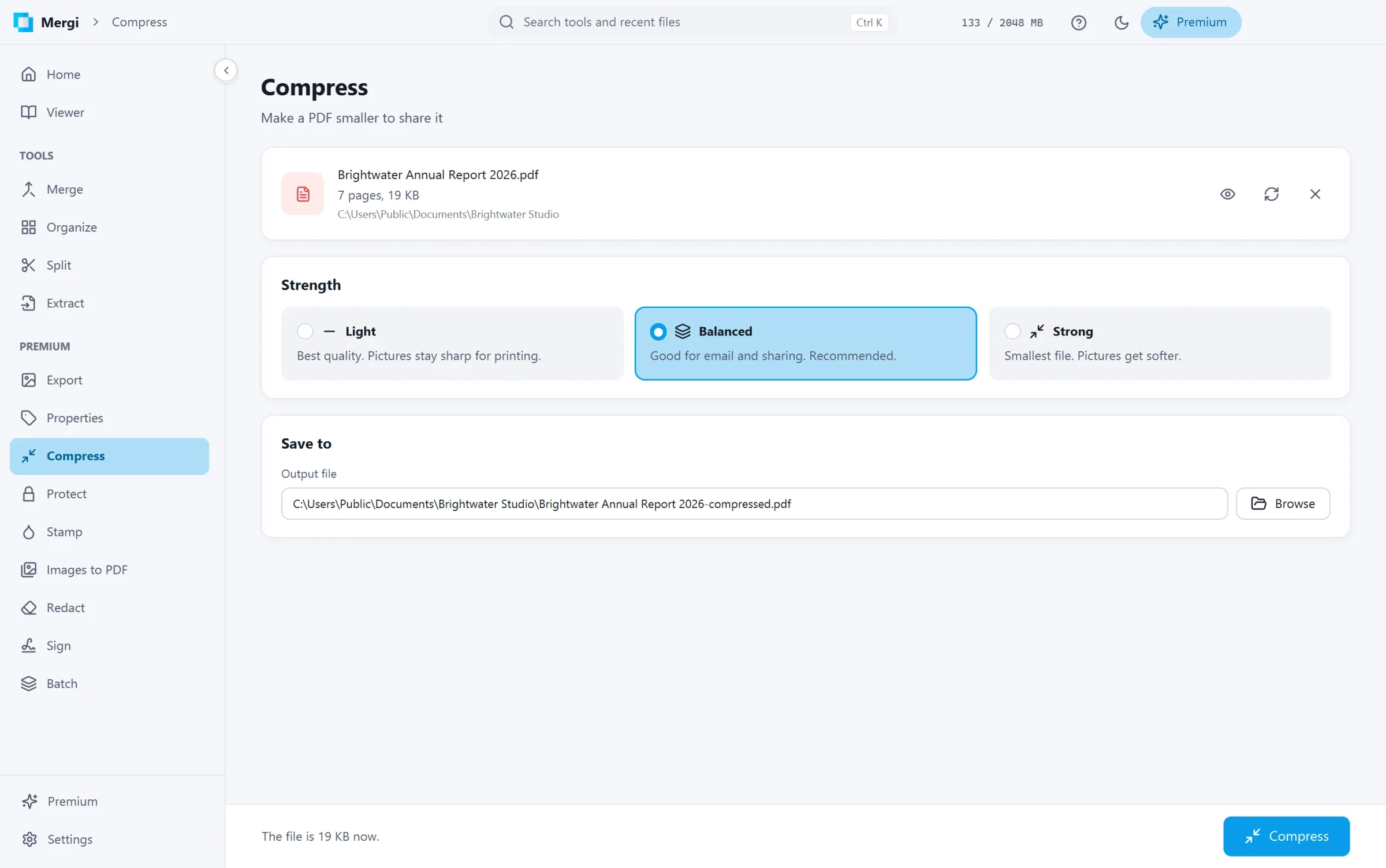
Steps
- Choose the file. The bar shows its size now.
- Pick the Strength:
- Light: best quality, pictures stay sharp for printing.
- Balanced: good for email and sharing. Recommended.
- Strong: the smallest file; pictures get softer.
- Check Save to and click Compress.
When it is done, Mergi says how much smaller the file got. A file that is already as small as it gets is kept as it was, and Mergi says so.
The text, links and bookmarks are not touched: only how the file is stored and the pictures in it change.
Last updated October 31, 2026