
Extract
Take some pages out into a new PDF, or write a copy without them.
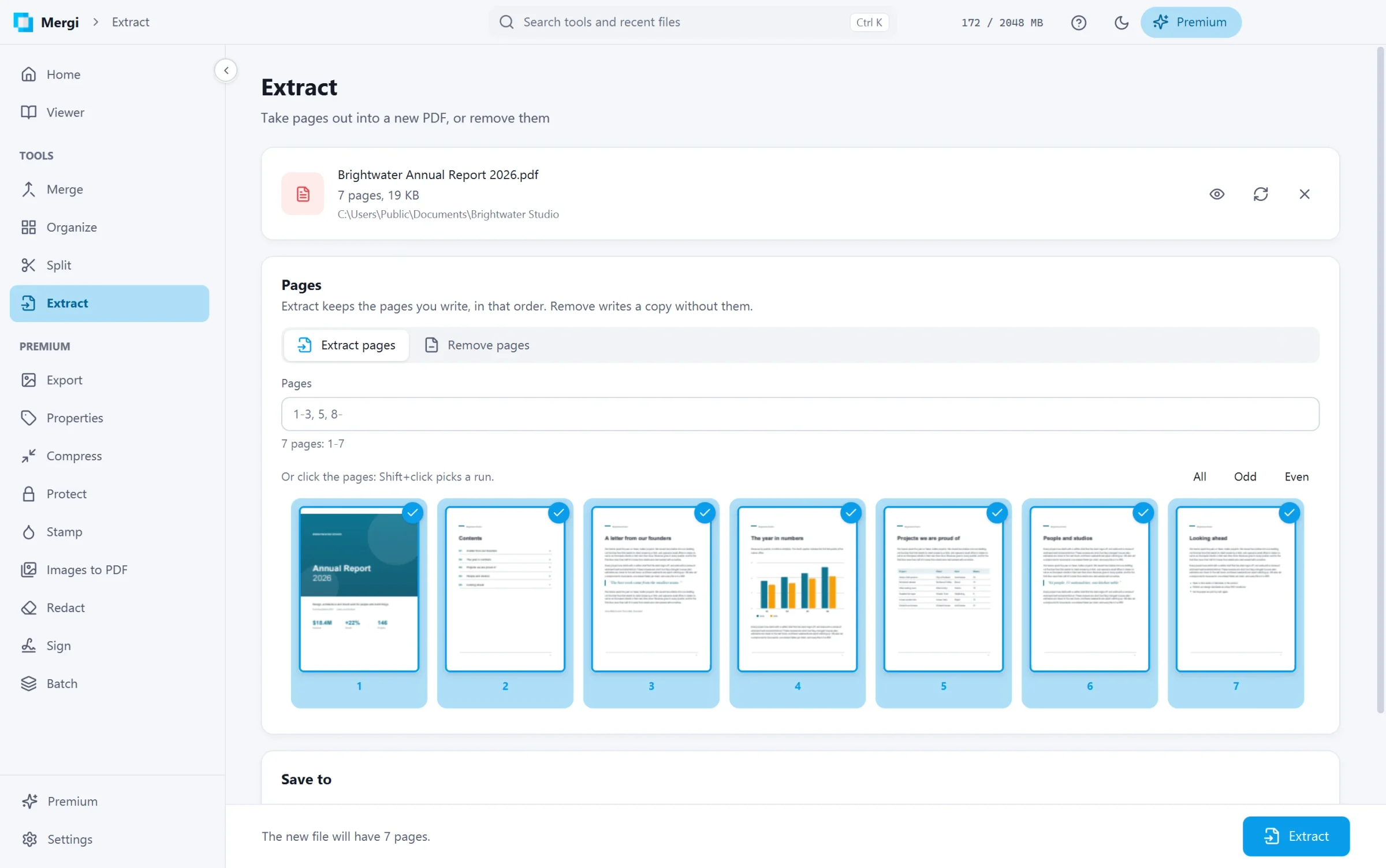
Steps
- Choose the file.
- Pick what to do:
- Extract pages keeps the pages you write, in the order you write them.
5, 1-3gives page 5 first. - Remove pages writes a copy without the pages you write.
- Extract pages keeps the pages you write, in the order you write them.
- Write the Pages, such as
1-3, 5, 8-, or click them on the thumbnails. The bar tells how many pages the new file will have. - Check Save to and click Extract (or Remove pages).
The original file is never changed.
Last updated October 31, 2026