
Export
Save pages as pictures, or the text of a PDF as a text or Markdown file.
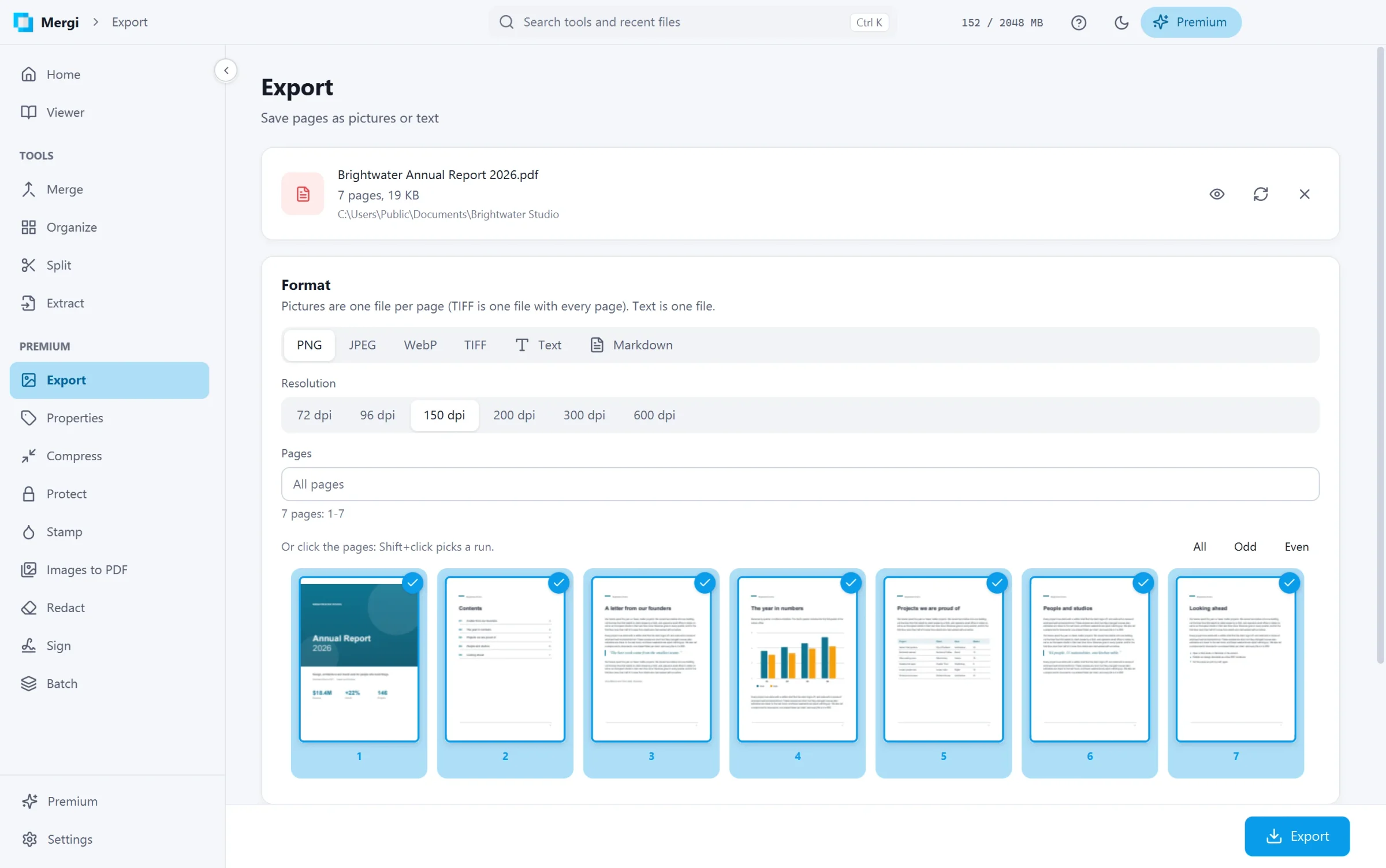
Steps
- Choose the file.
- Pick the Format:
- PNG, JPEG or WebP: one picture per page.
- TIFF: one file with every page in it.
- Text: the words of the pages, in reading order, in one
.txtfile. - Markdown: the same text as a
.mdfile, ready for notes apps and wikis.
- For pictures, choose the Resolution: from 72 dpi (screen) to 600 dpi (print). 150 dpi is a good default. JPEG and WebP also have a Quality setting.
- Write the Pages to export, or leave it empty for all.
- Choose the folder under Save to and click Export.
Pictures are named after the file and numbered by page. An existing file is never replaced.
A file whose author does not allow copying cannot be exported.
Last updated October 31, 2026