
Split
On this page
Cut one PDF into several files.
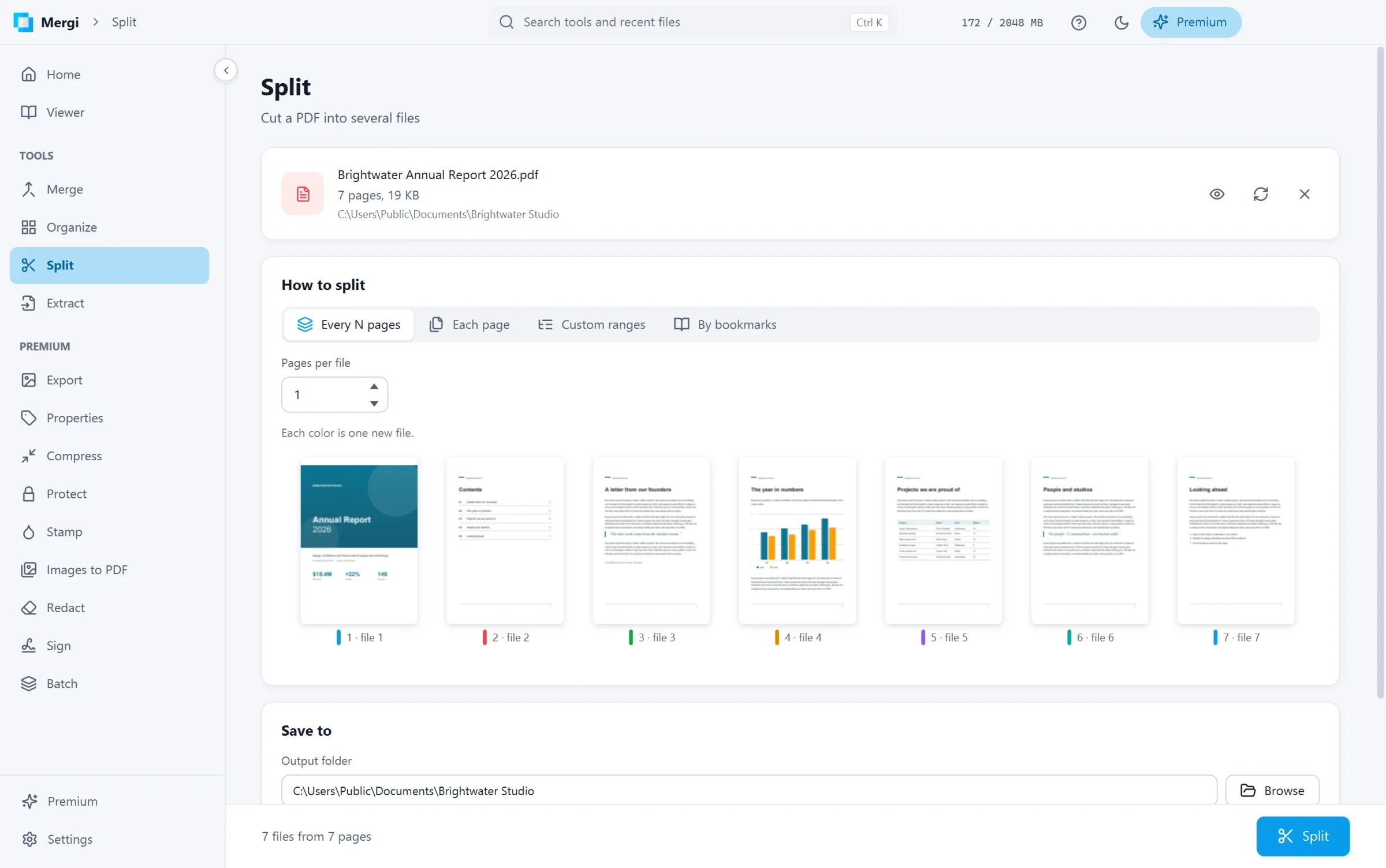
Ways to split
| How to split | What you get |
|---|---|
| Every N pages | a file every N pages: with 2, pages 1-2, 3-4 and so on. |
| Each page | one file per page. |
| Custom ranges | one file per group you write, separated by ;, such as 1-3; 4-9; 10-. |
| By bookmarks | one file per chapter: each top-level bookmark starts a file, named after the bookmark. Pages before the first bookmark (a cover) go with the first part. |
Steps
- Choose the file.
- Pick How to split and fill in what it asks.
- Under Save to, choose the folder and how the file names start (File names start with). The parts are numbered after it, such as
report-01.pdf,report-02.pdf. - Click Split. The bar shows how many files you will get.
The thumbnails under the settings show the plan: each colour is one new file, and each page carries the number of the file it goes to.
Bookmarks inside each part are kept.
Last updated October 31, 2026