
Mergi Premium and your licence
On this page
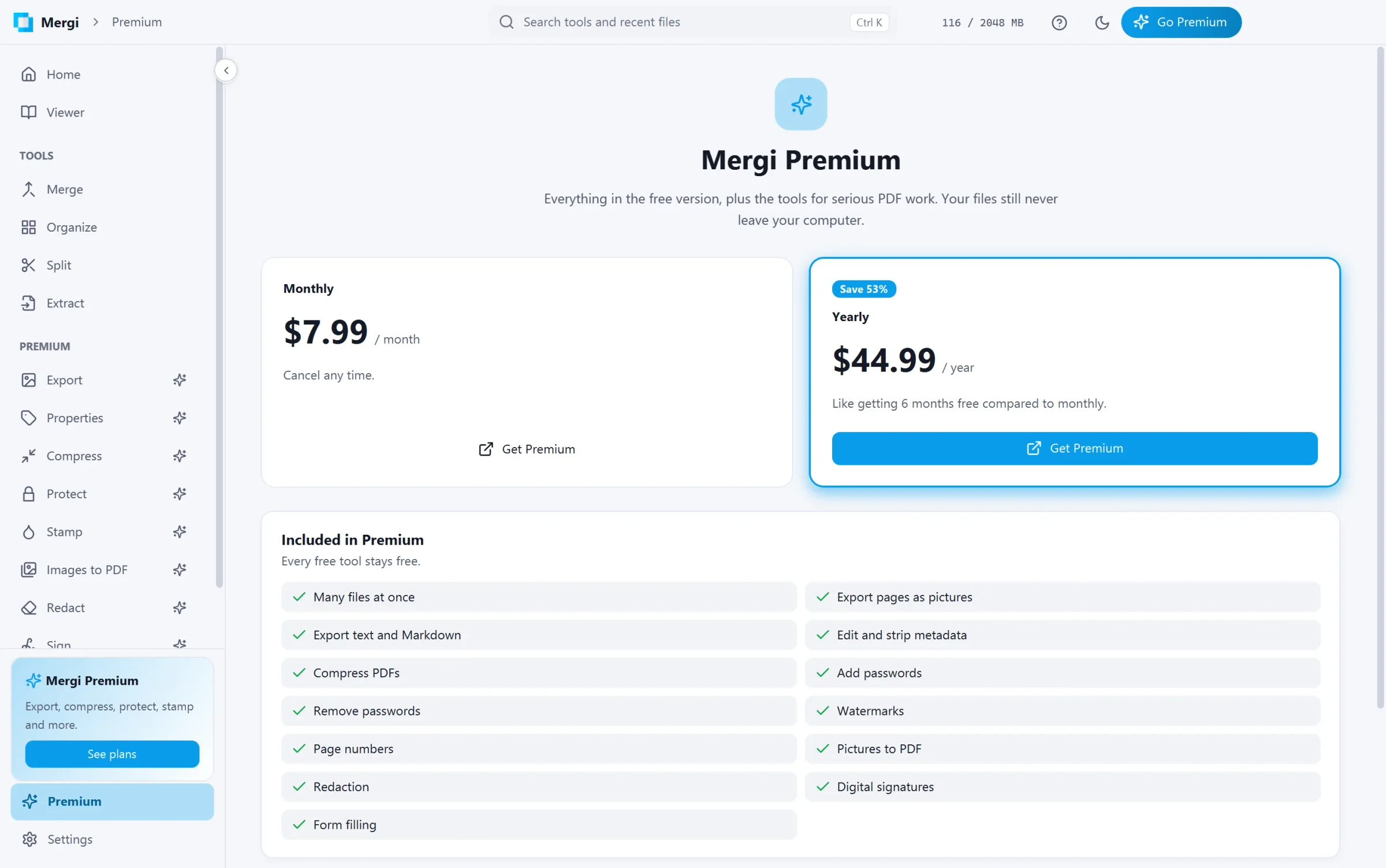
What Premium adds
Everything in the free version, plus: Export (pictures, text and Markdown), editing and stripping Properties, Compress, Protect and Unlock, Stamp (watermarks and page numbers), Images to PDF, Redact, Sign, filling forms in the viewer, and Batch.
Every Premium page opens for everybody, so you can see what it does before you buy. Pages and sidebar entries that need Premium carry a small spark. When a free user clicks the main button of a Premium tool, Mergi shows the offer instead of running it.
Plans
| Plan | Price | |
|---|---|---|
| Monthly | $7.99 a month | Cancel any time. |
| Yearly | $44.99 a year | Save 53% compared to monthly. |
Buy on xssit.com: click Get Premium on the Premium page or Help › Buy Premium, or go to the site yourself. The subscription renews until you cancel it from your account. When it ends, the Premium tools stop and the free tools keep working.
Activate your key
After buying you get a licence key by email. It is also in your account on xssit.com.
- Open Premium in the sidebar, or click Go Premium in the title bar.
- Click I have a key, type the key and click Activate.
- Premium is on at once: the sparks disappear and the title bar shows Premium.
Mergi checks the licence now and then in the background. When the computer is offline, Premium keeps working on the last answer for a while.
Move Premium to another computer
On the Premium page of the old computer click Deactivate this computer, then activate the key on the new one. If you no longer have the old computer, manage your devices from your account on xssit.com.
If the key is refused
Mergi says why: the key does not exist, it has ended or was paused, it is in use on all the computers it allows, it is for another app, or the licence site could not be reached. See Troubleshooting.
Last updated October 31, 2026